
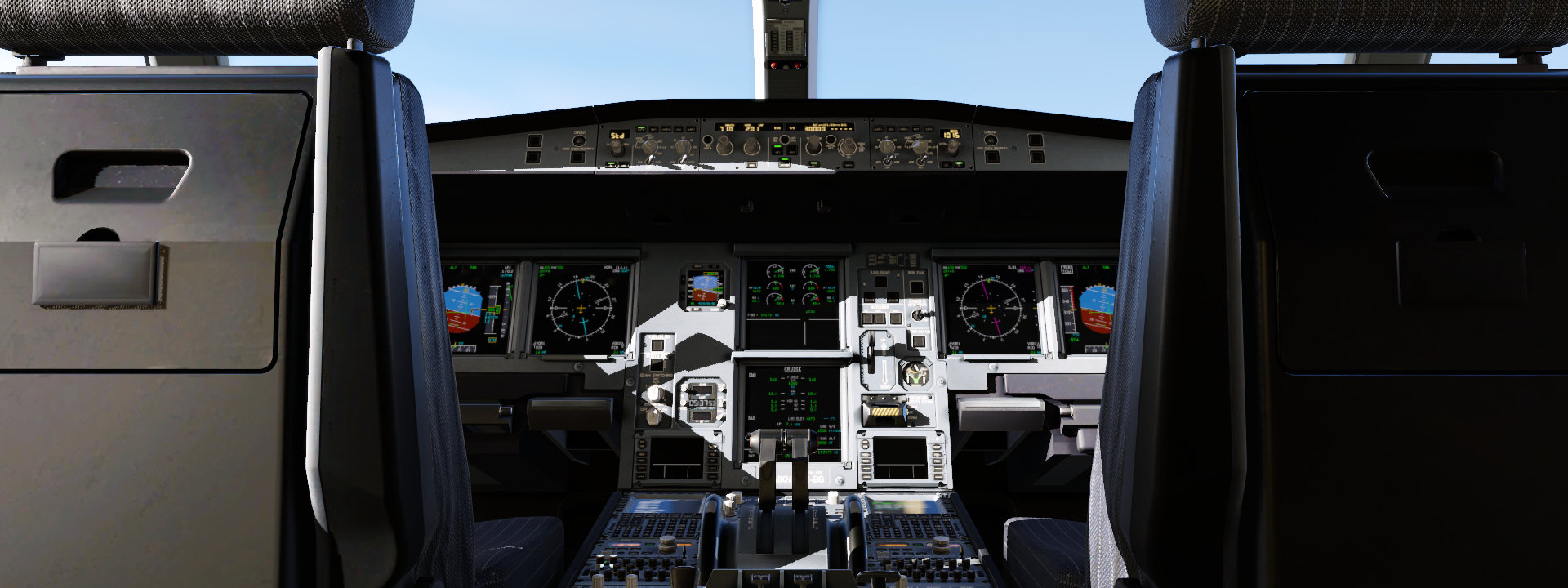

Available for Windows, macOS, and Linux
Buy X-Plane Now
Personal Edition (Click Here For X-Plane Professional)
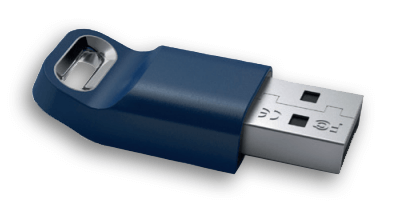
When you purchase the digital download edition, you will receive an email confirmation with instructions on how to use and/or activate X-Plane 12.
Minimum Requirements
- Disk space: 25 GB
- CPU: Intel Core i3, i5, i7, or i9 CPU with 4 or more cores, or AMD Ryzen 3, 5, 7 or 9
- Memory: 8 GB RAM
- Video Card: a Vulkan 1.3-capable video card from NVIDIA, AMD or Intel with at least 2 GB VRAM
Powerful. Accurate. Amazing. Tweak the X-Plane environment to practice specific skills and simulate conditions you’ll encounter in a real cockpit. New and experienced pilots alike love the way you can replay landings and more from any angles. There are infinite ways to test your reactions and limits of your aircraft in failure simulation scenarios. Browse our 500+ failures to create the perfect training environment. X-Plane 12 comes with amazing attention to detail in all navigational systems. Brush up on the classic fundamentals in our Cessna 172 or explore the new MCDU system in our Airbus A330. Everything that comes with X-Plane makes it the most realistic, most robust flight sim experience you can have. But the thriving X-Plane community has spawned countless third-party add-ons to explore and enjoy. Turn on our Flight Model Visualization view to see exactly how air is acting on the aircraft throughout all phases of flight. Weather, water, clouds, trees, and seasons like you’ve never seen them before. X-Plane 12 changes the (simulated) world in ways you’ve never seen before. Experience weather effects, from rain to snow to ice, that are as real as it gets.
Meet X-Plane.

Customize Your Flight

Play It Back

Detailed Failures

Learn Navigation

Experience a World of Add-Ons

Learn Physics in Real Time
Gallery
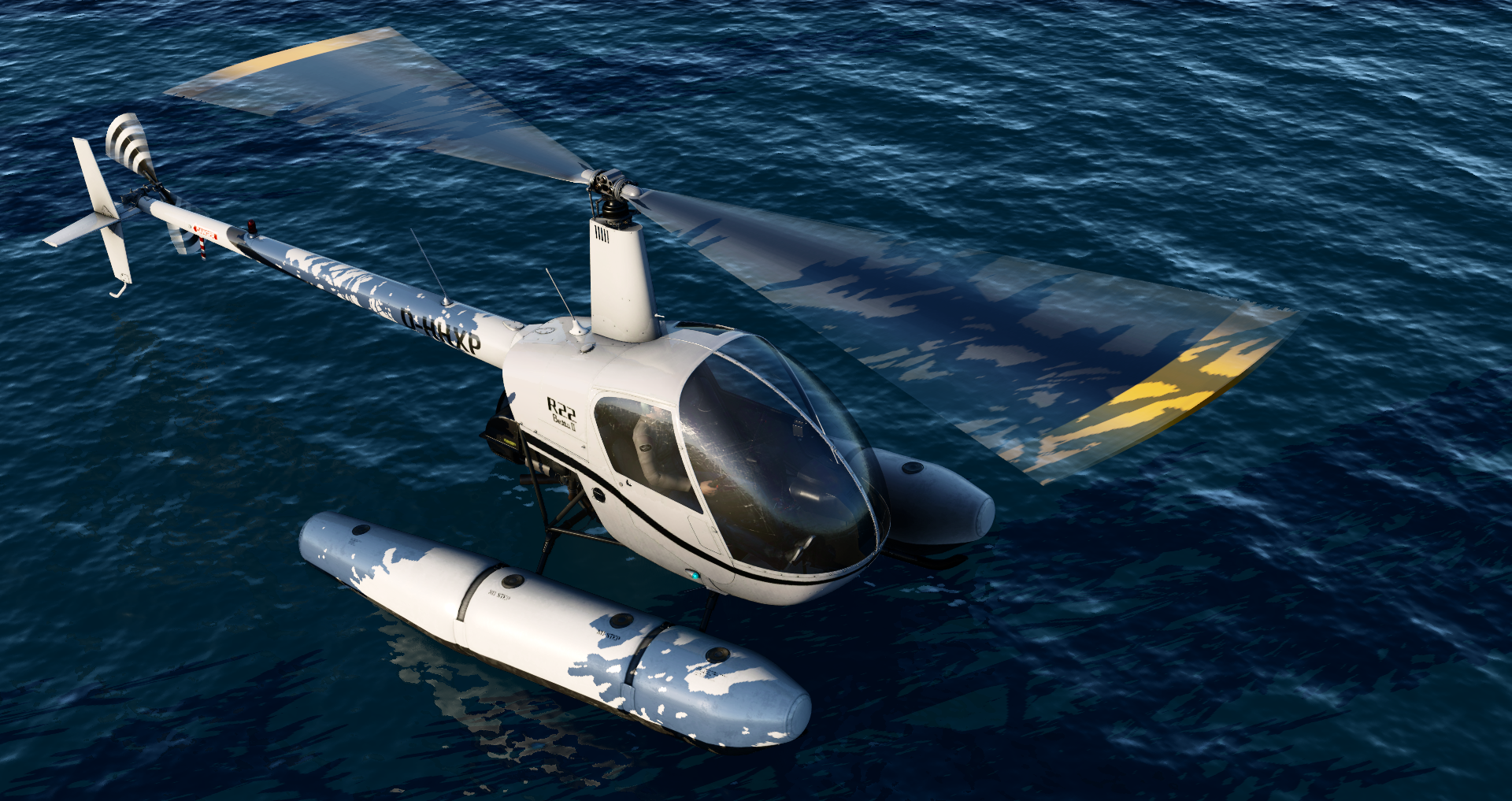
R22 on Floats in X-Plane Flight Simulator

A330 - 2023-08-30 23.21.43
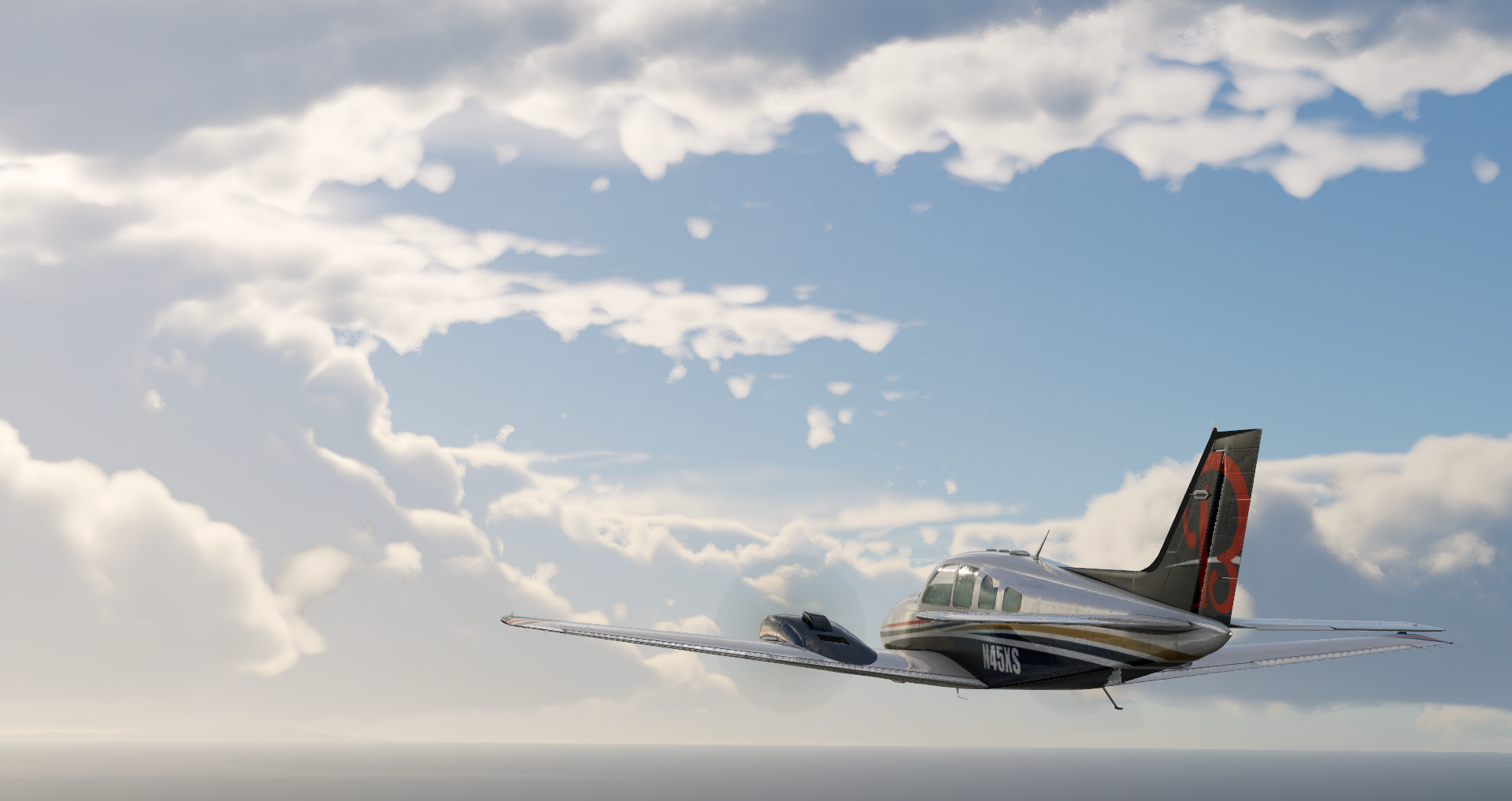
Baron_58 - 2023-08-25 16.01.00
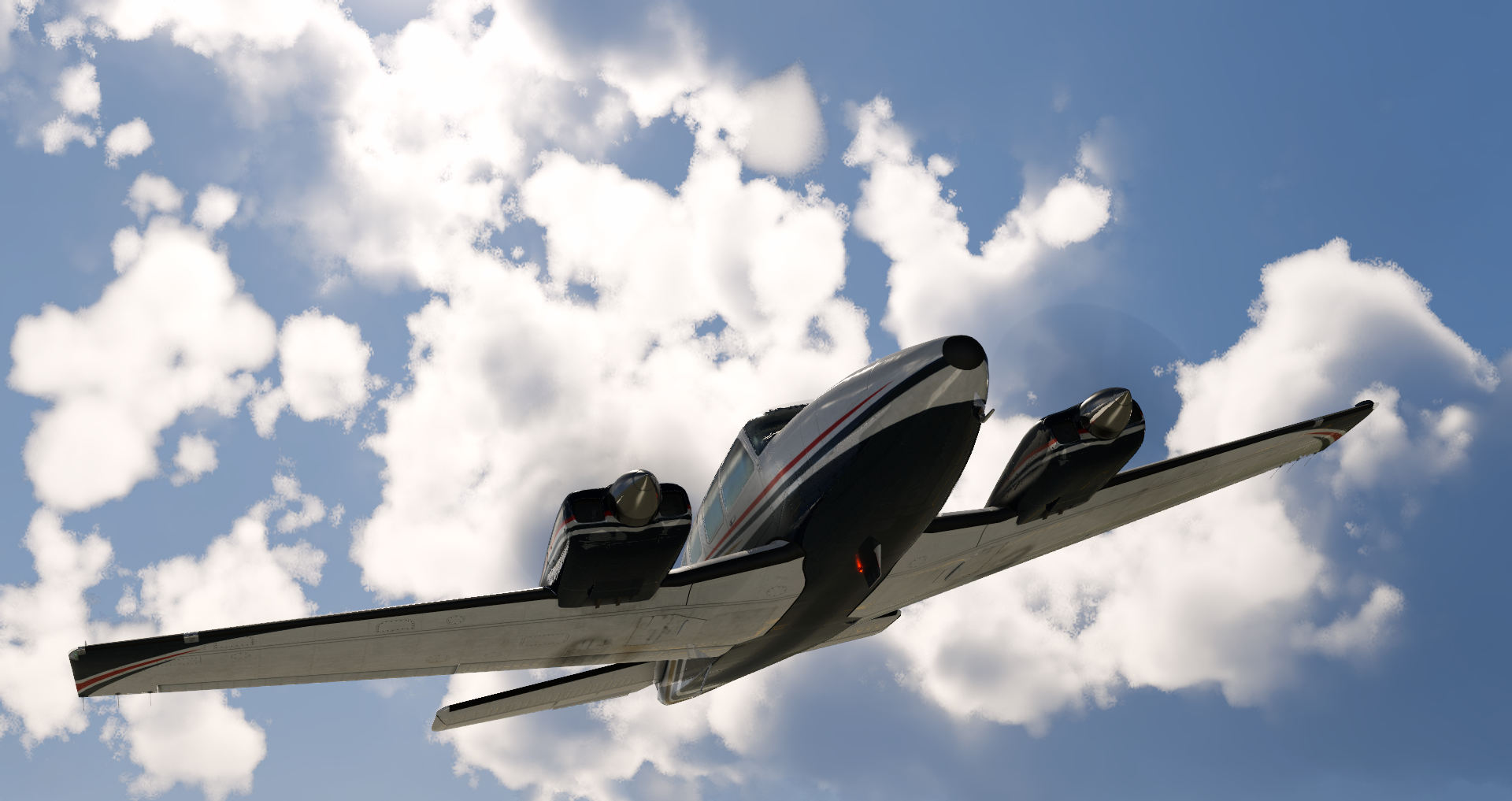
Baron_58 - 2023-08-25 15.55.38
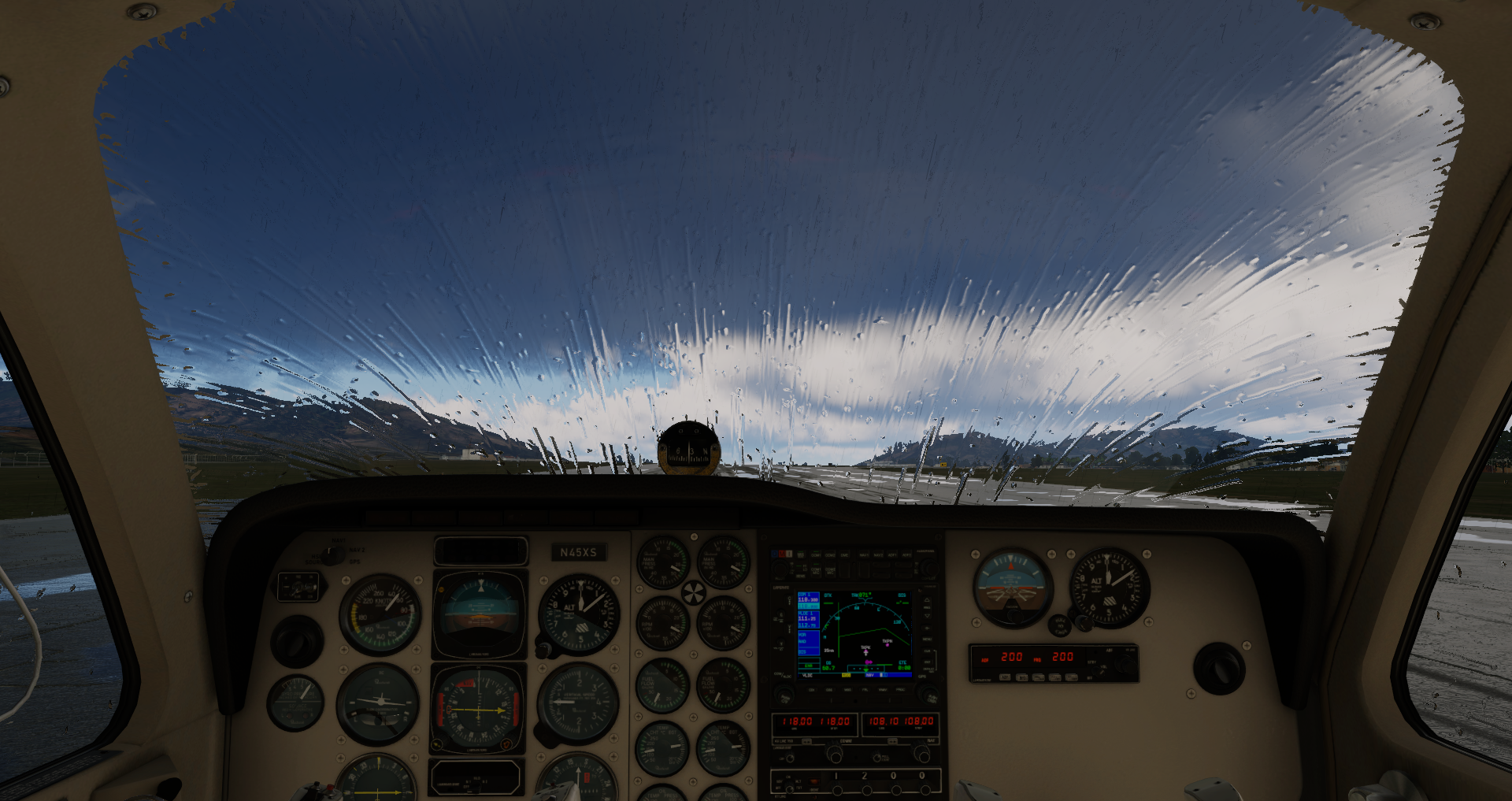
Baron_58 - 2023-08-25 15.25.43
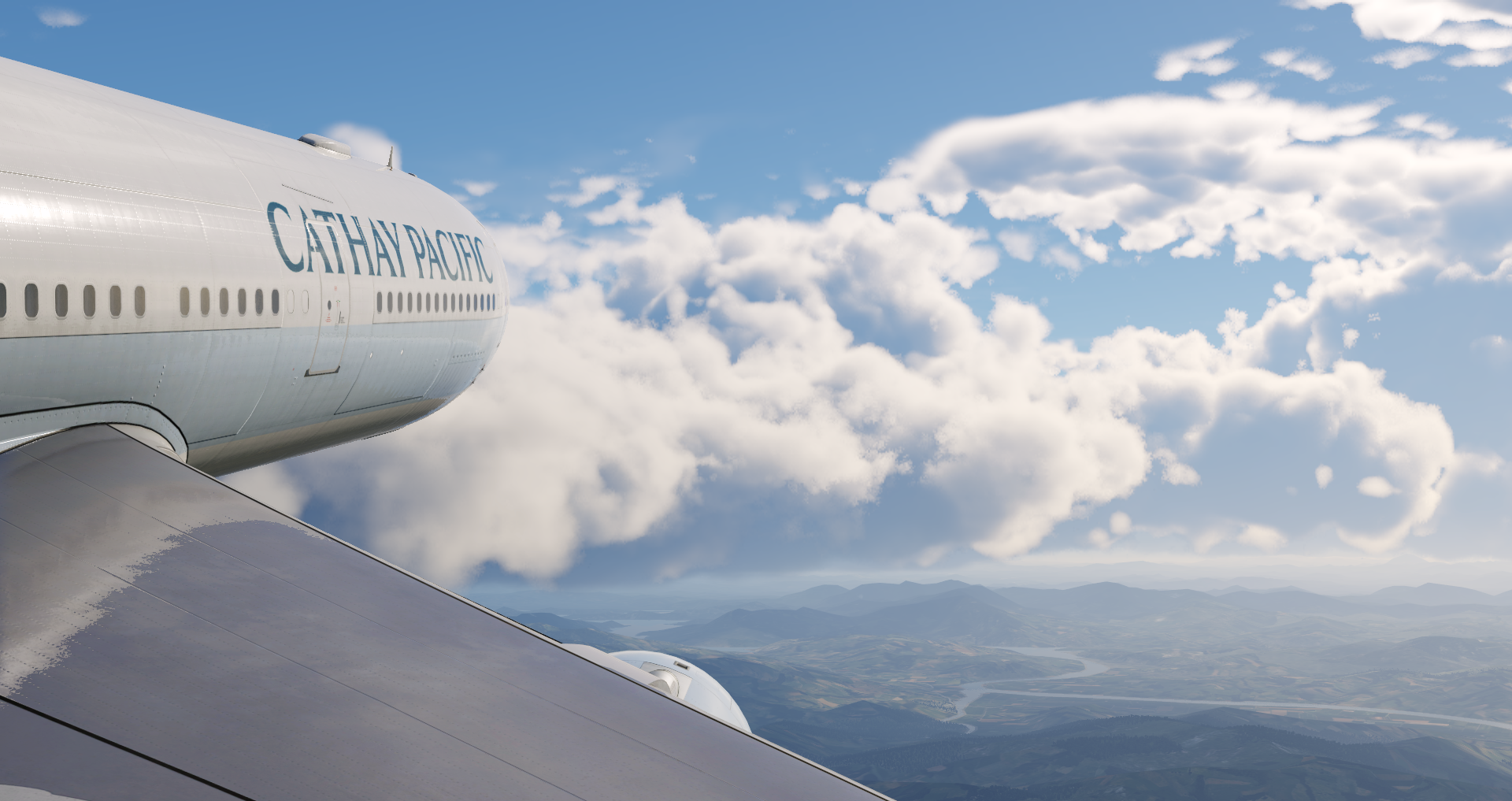
A330 - 2023-08-25 17.19.27

x-plane12_splash
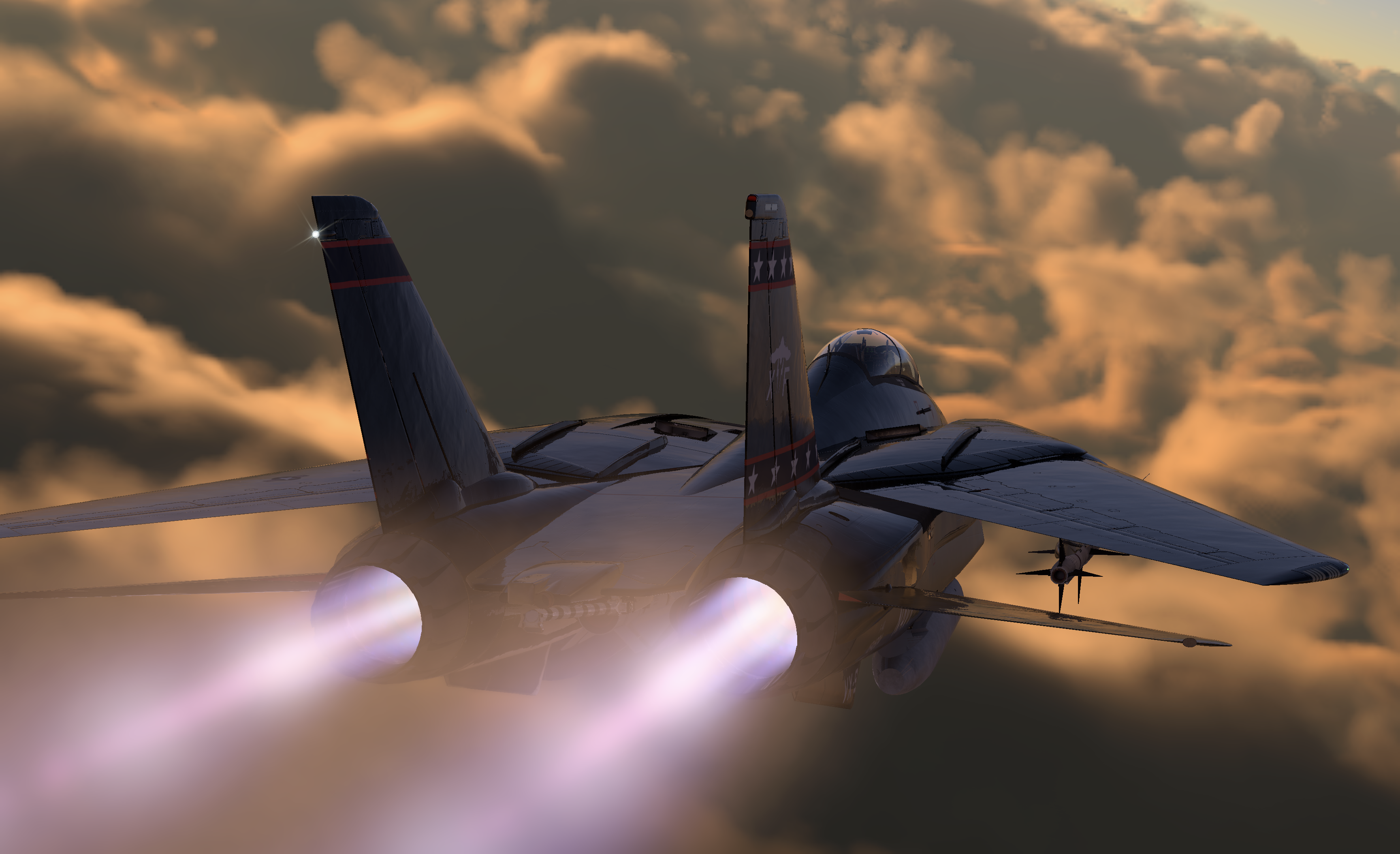
F-14 over sunset clouds
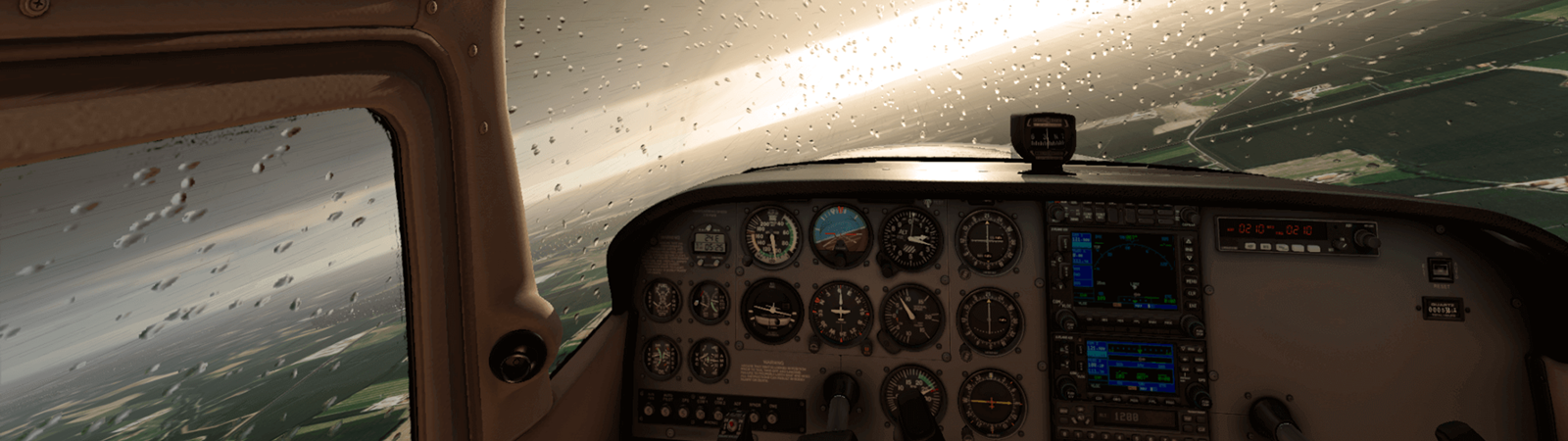
image18



Never miss an update.
More X-Plane news comes every month. Sign up below to never miss an announcement.