


 Watch Trailer
The Best Flight Simulator for PC, Mac, and Linux
Since its first release in 1995, pilots, gamers, and aviation enthusiasts around the globe in the X-Plane community have prized our first-principles physics, realistic aircraft systems, and the experience that only decades of real-world flying provides.
Realism You Can Feel
Everything in X-Plane operates from real world physics. Aircraft handling, ground effect, wind gusts, and more will give you the most accurate flight sim experience possible. Try it today!

Detailed World and Atmosphere
As you explore the X-Plane world, the weather, water, light, 3-D forests, and everything around you add to the immersion.

Analyze and Refine Your Flying
There’s no end to the customization you can make to your flight simulator experience. Adjust your approach scenarios, get real-time feedback, and use tools like X-Plane’s replays to study and improve your skills and confidence over time.
Our Fleet of Aircraft
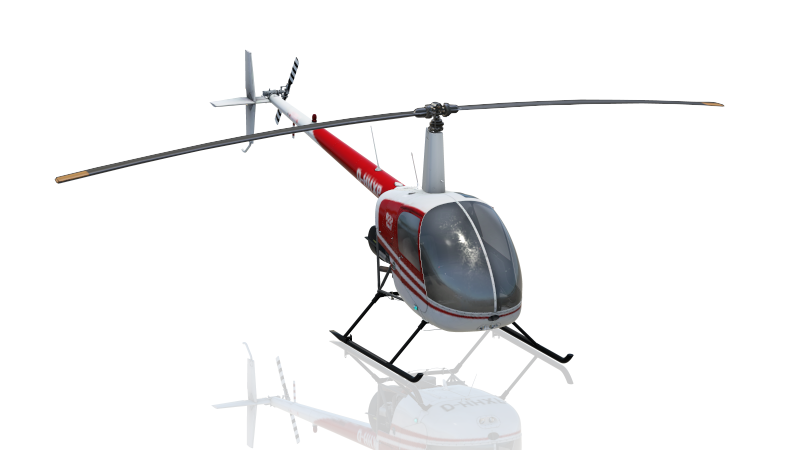
The Robinson R22 Beta II is a two-seat, two-bladed, single-engine light utility helicopter that has been in production since 1979. It has a cruise speed of 96 kn and a range of 209 nmi. It has been popular as a primary rotorcraft trainer, a livestock management tool, and for radio broadcasting.
Our Fleet of Aircraft
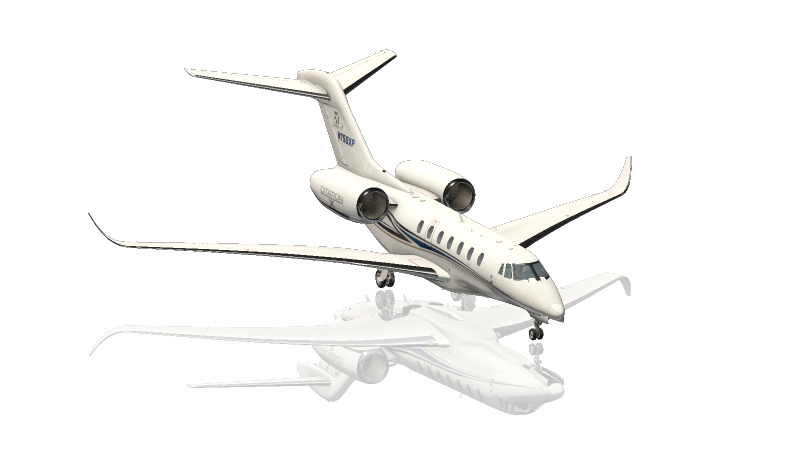
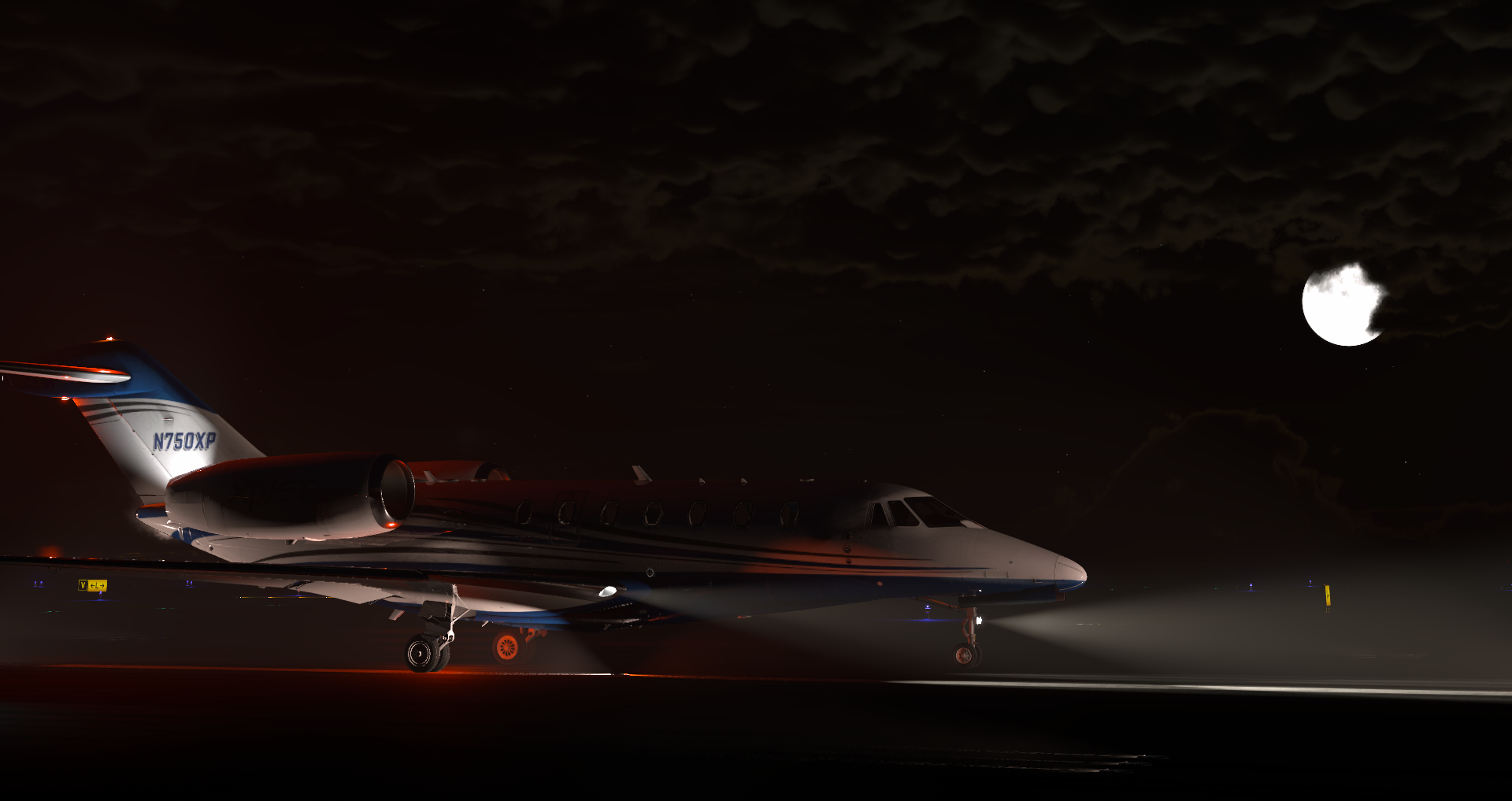
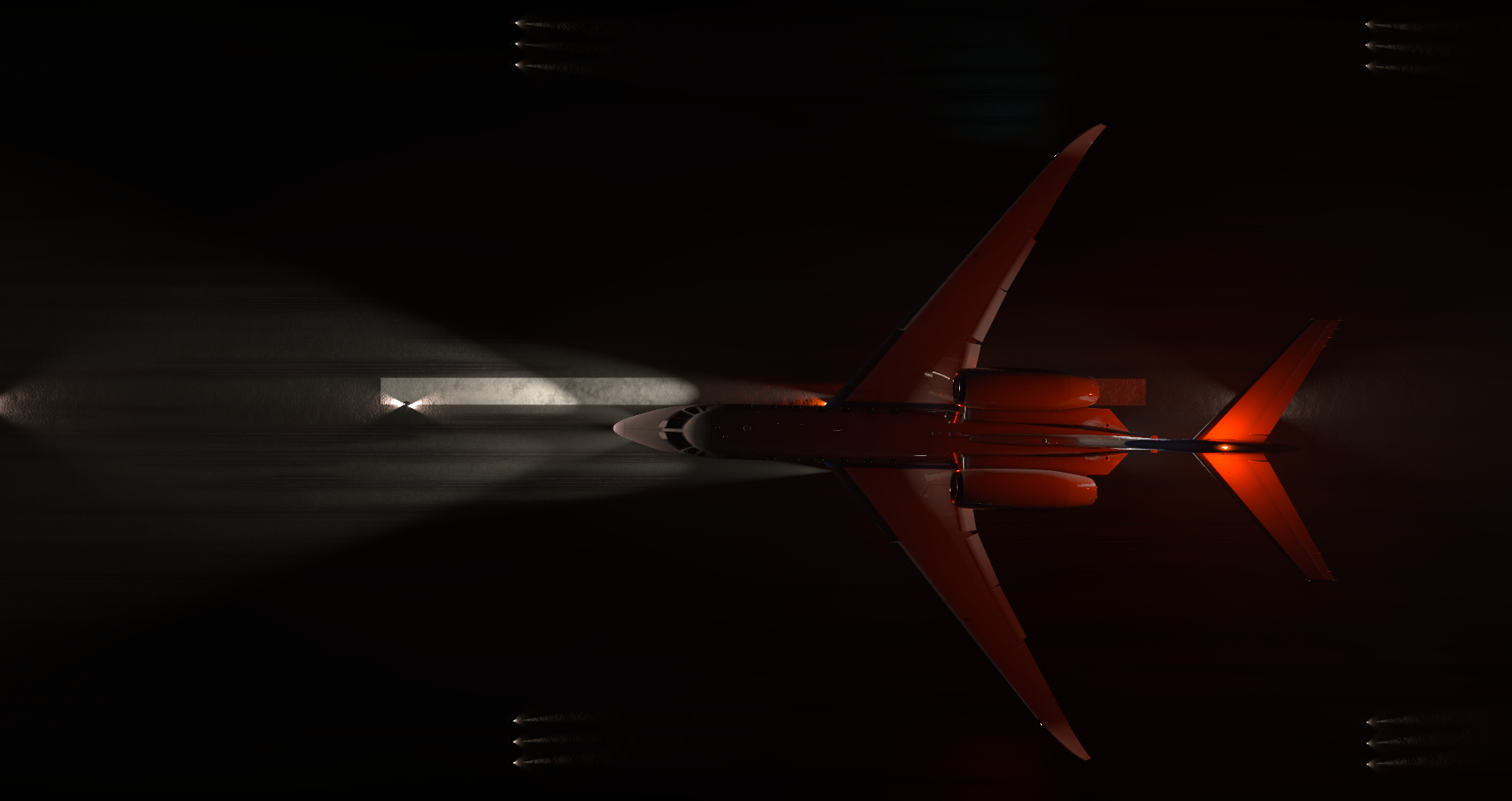
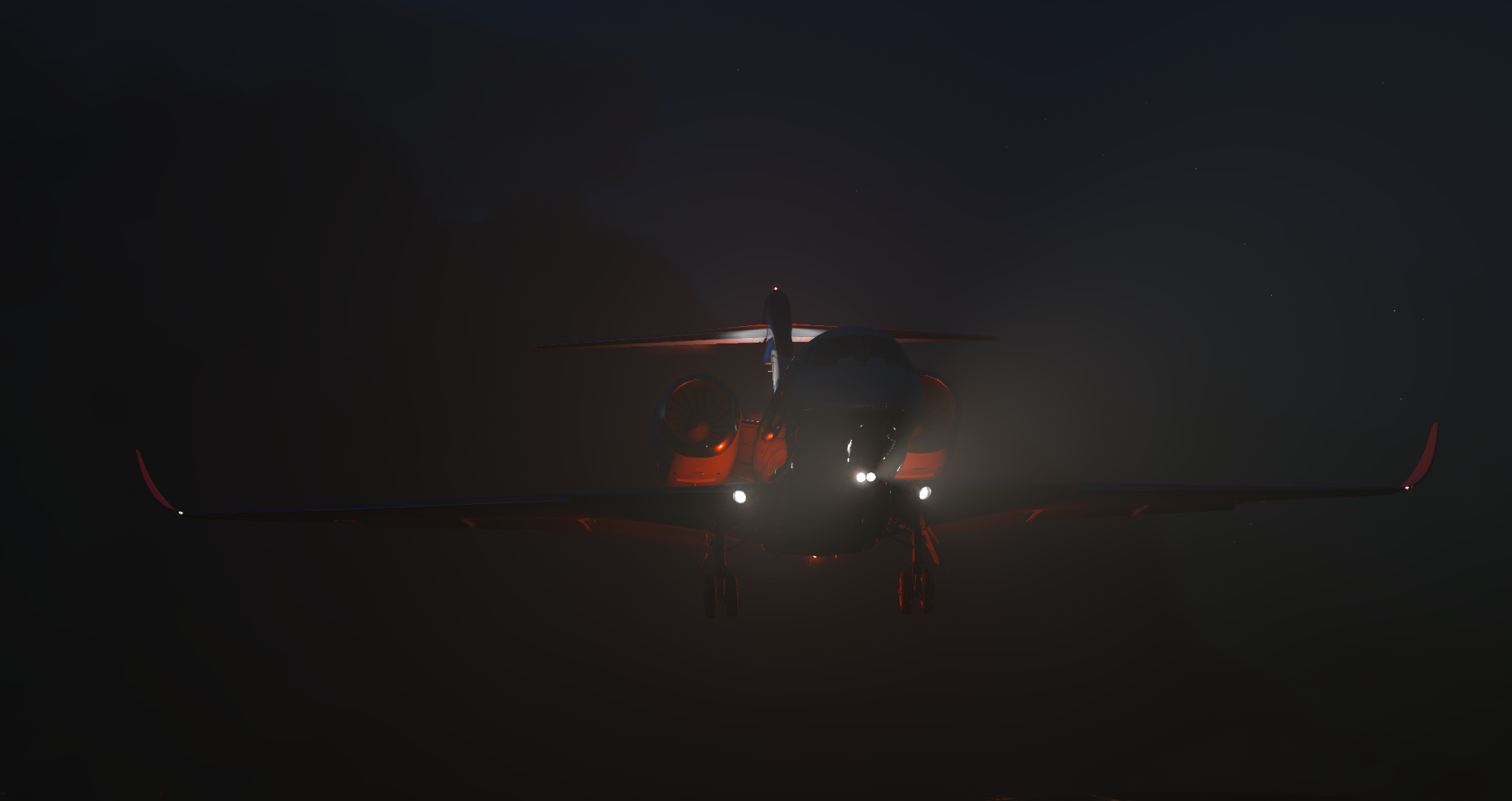
The Cessna Citation X is an American business jet produced by Cessna that made its maiden flight in 1993. The Citation X was the first aircraft from Cessna to use a Rolls-Royce engine and fully integrated avionics.
Our Fleet of Aircraft
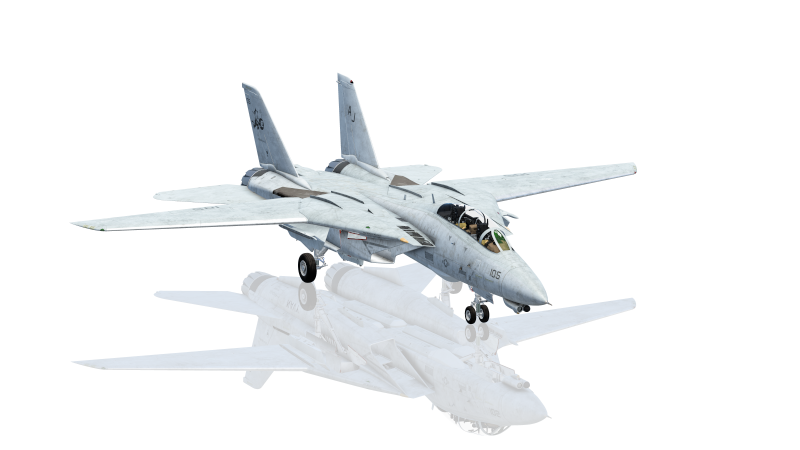
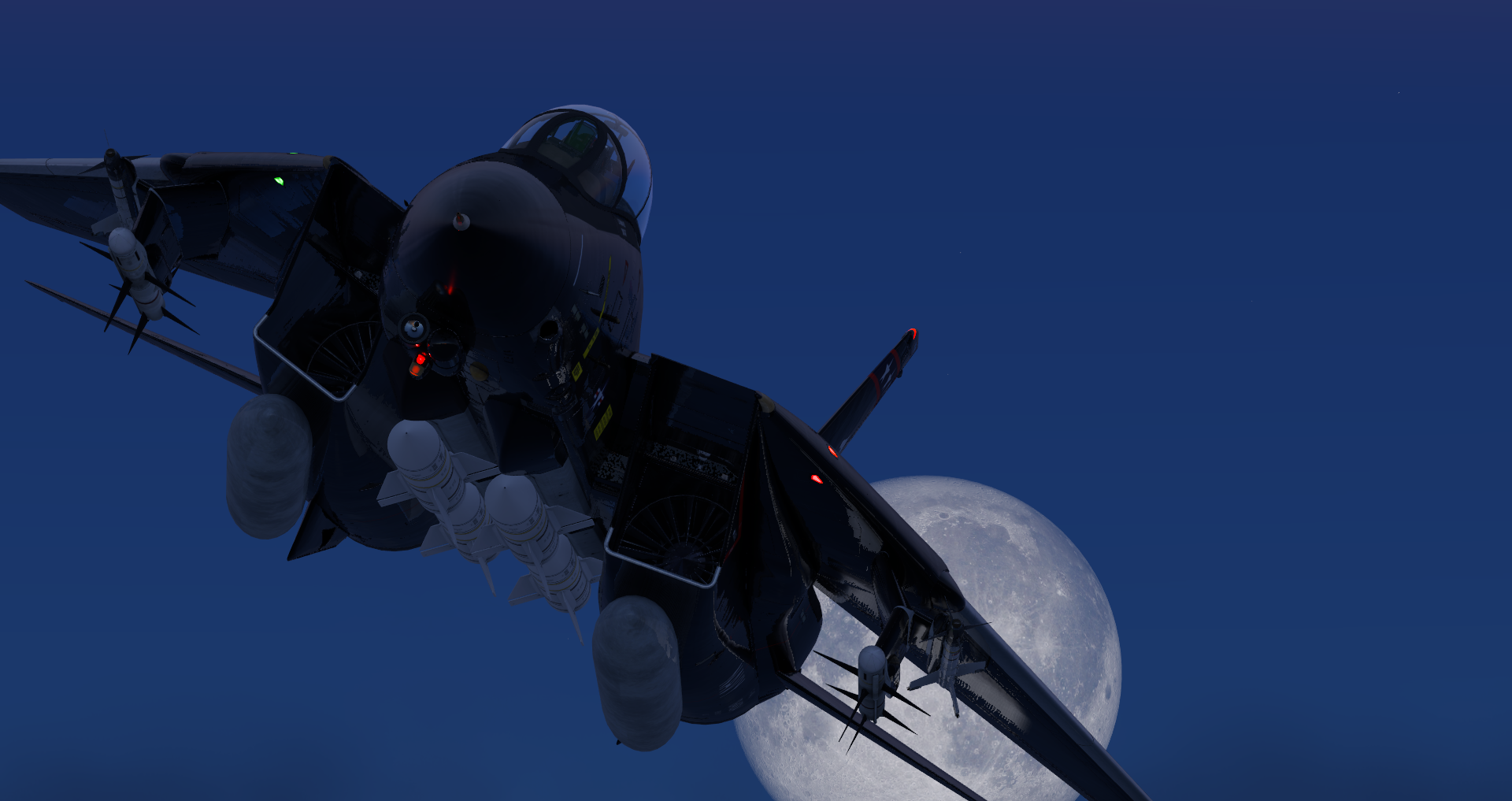
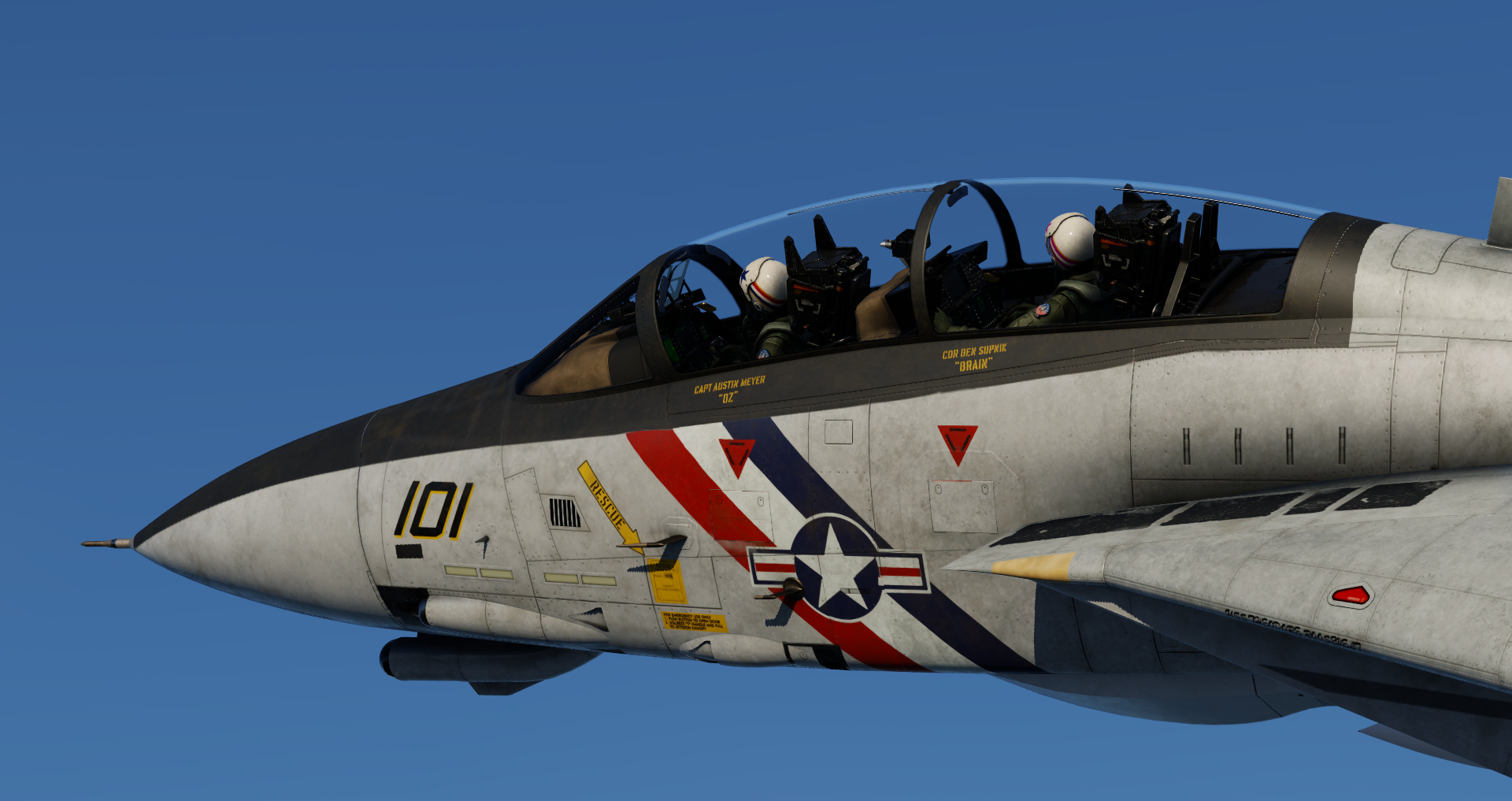
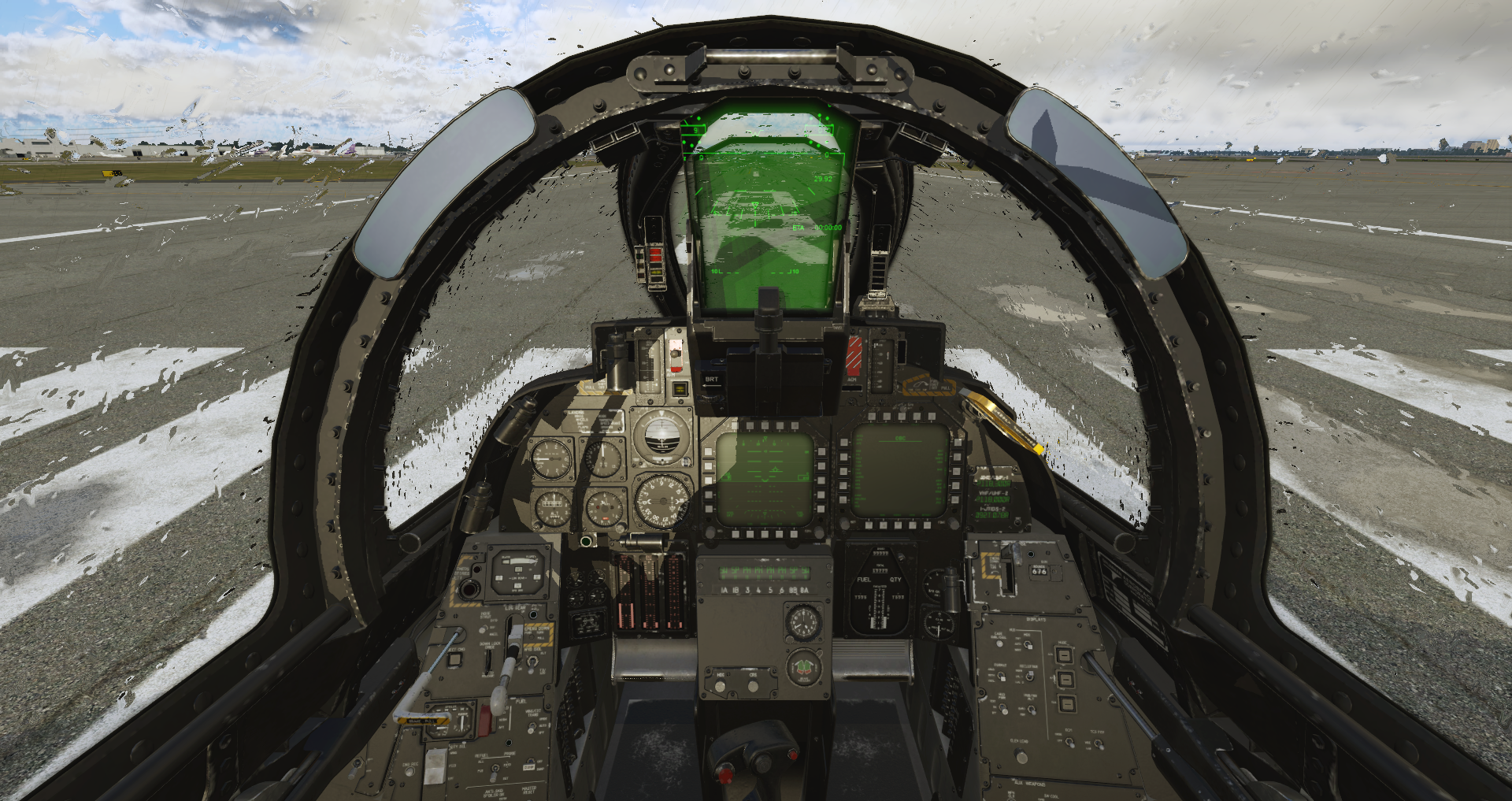
The Grumman F-14 Tomcat is an American supersonic, twin-engine, two-seat, twin-tail, variable-sweep wing fighter aircraft. It made its first deployment in 1974 with the U.S. Navy, and was retired in 2006. It has a max speed of Mach 2.34, a range of 1,600 nmi, and a ceiling of 53,000 ft.
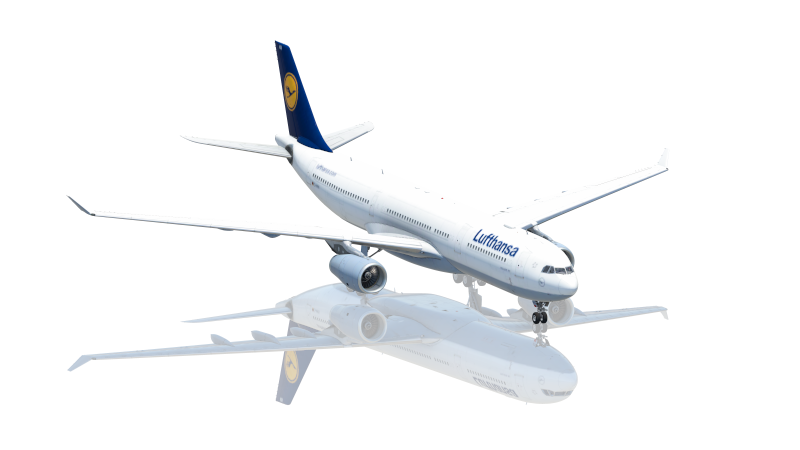
Our Fleet of Aircraft
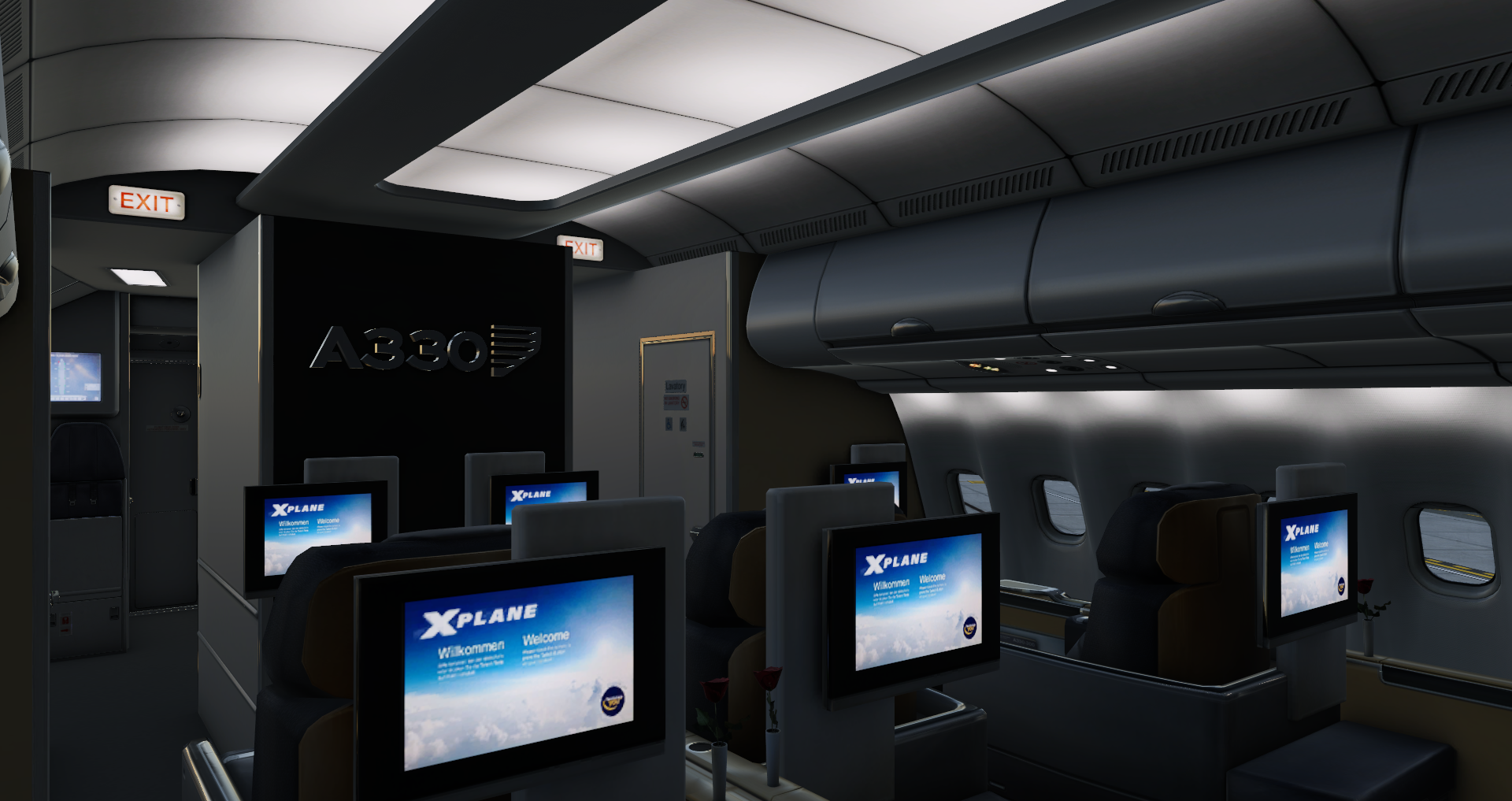
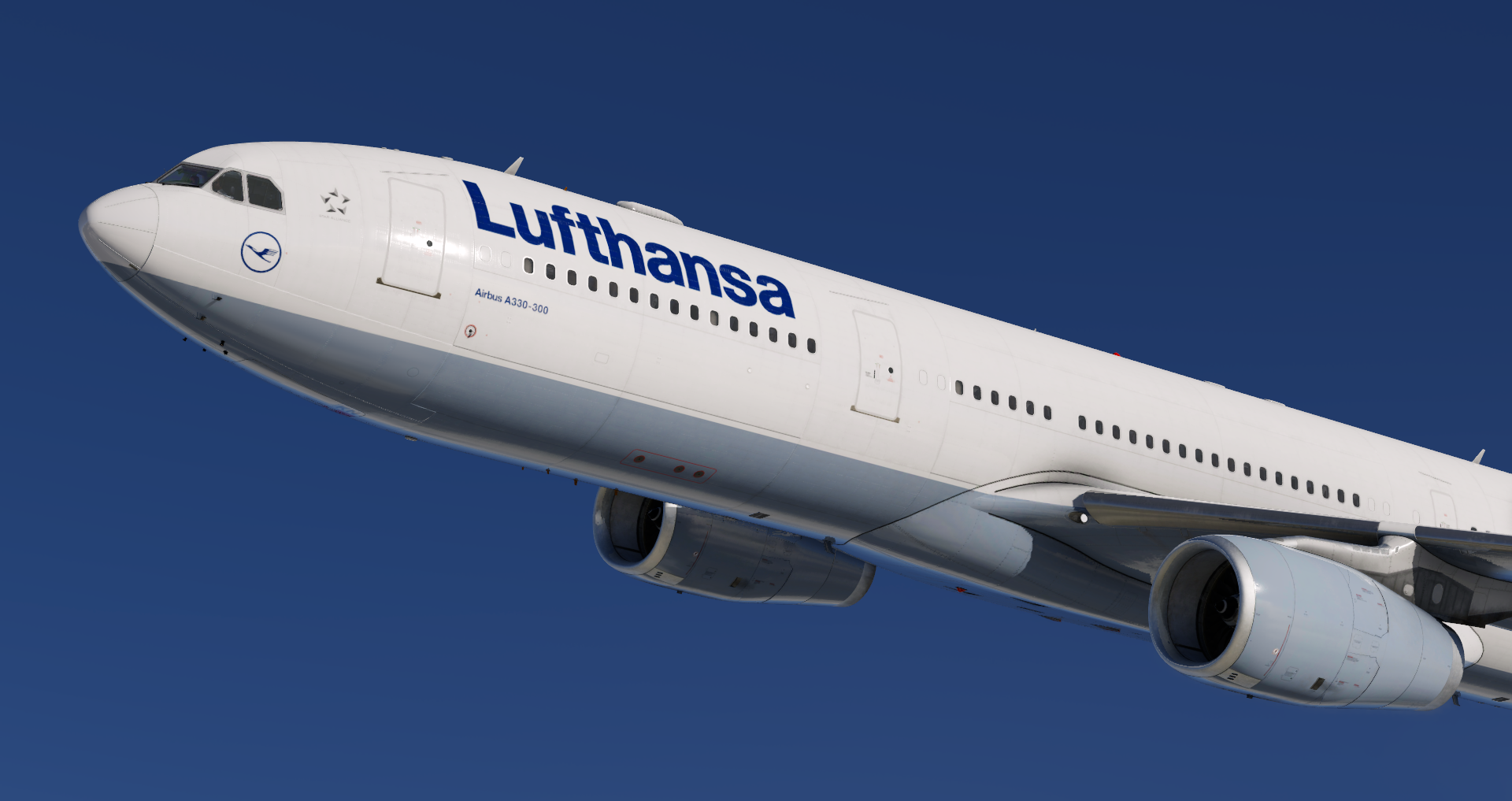
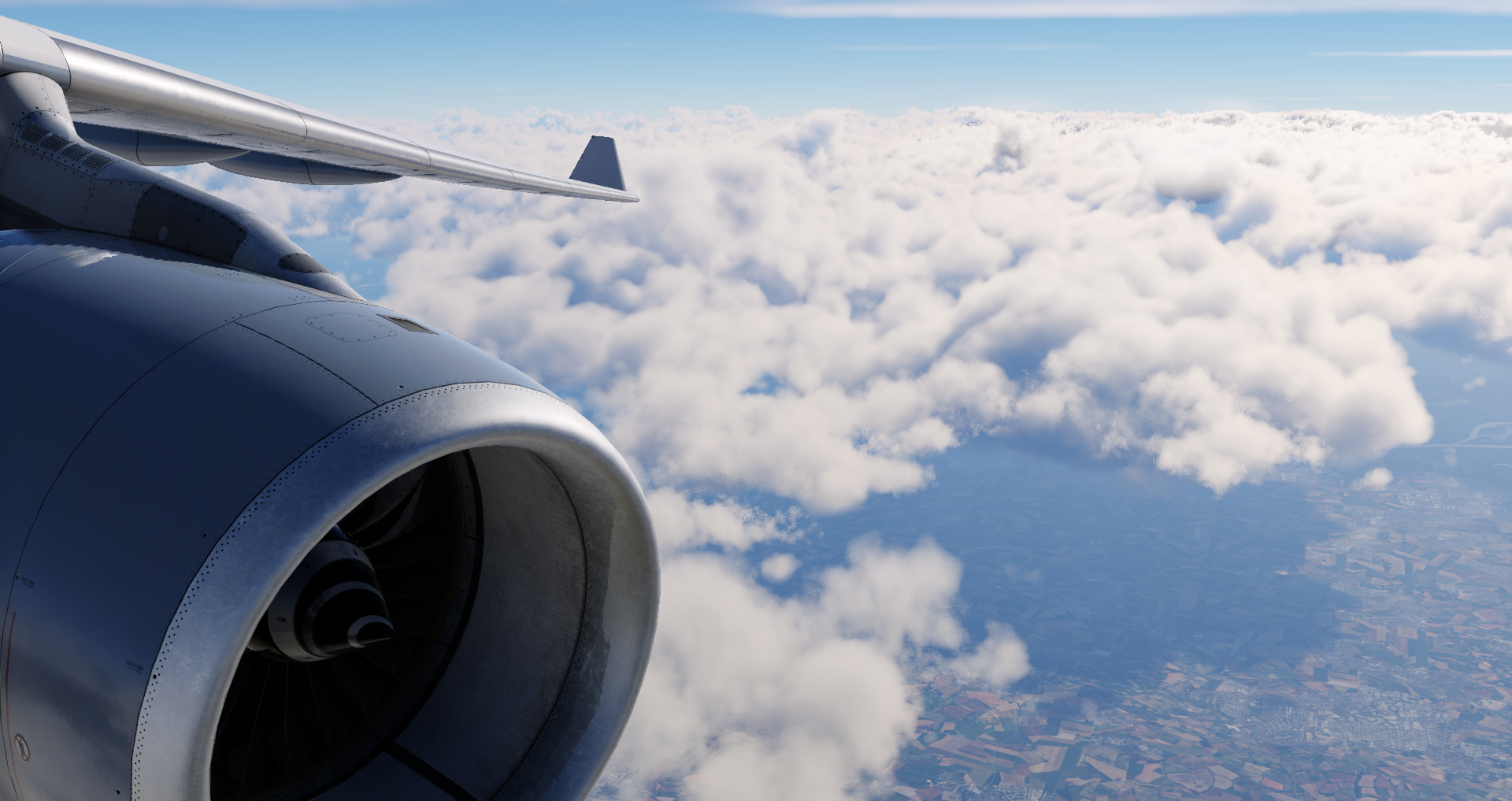
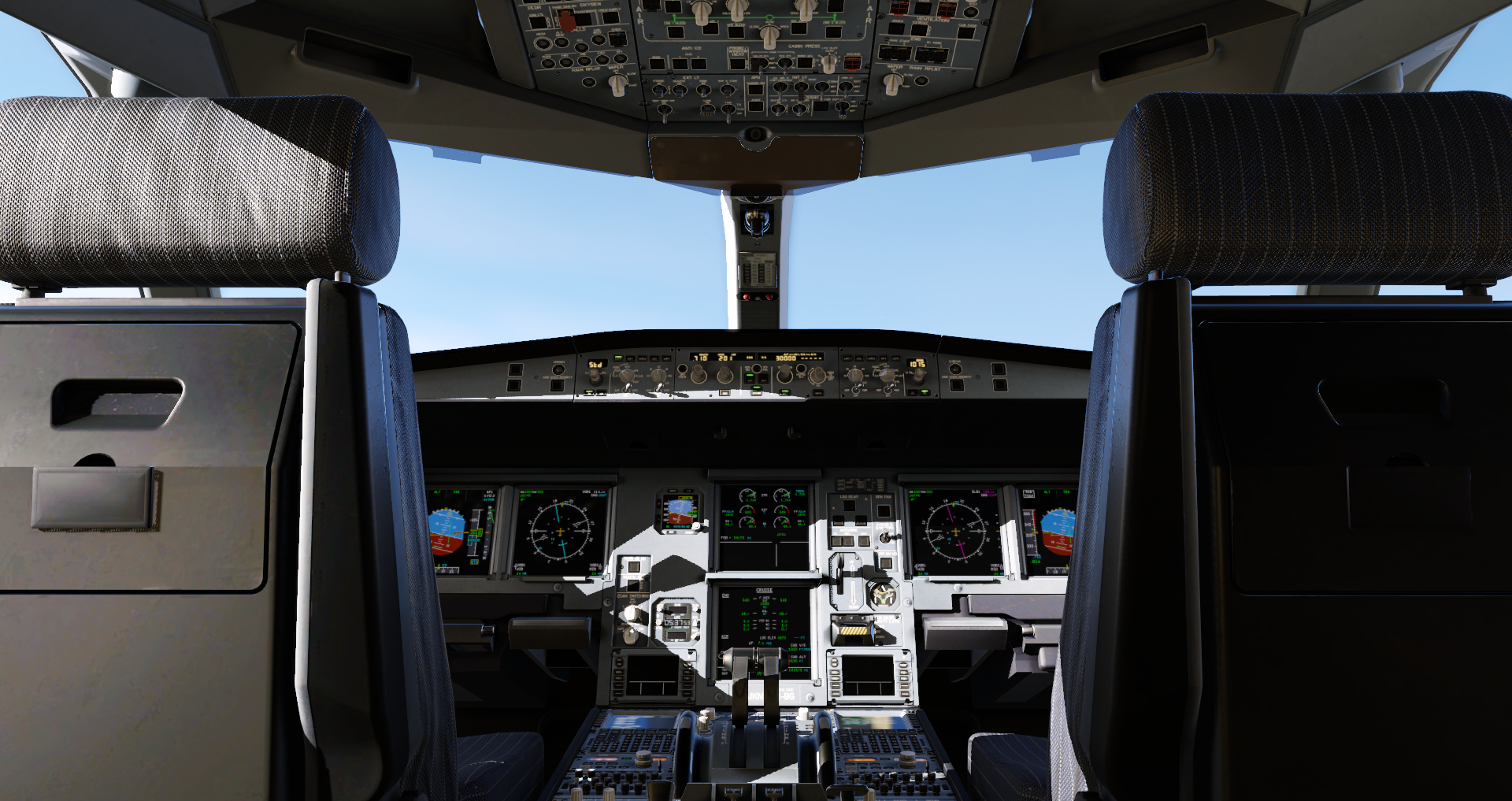
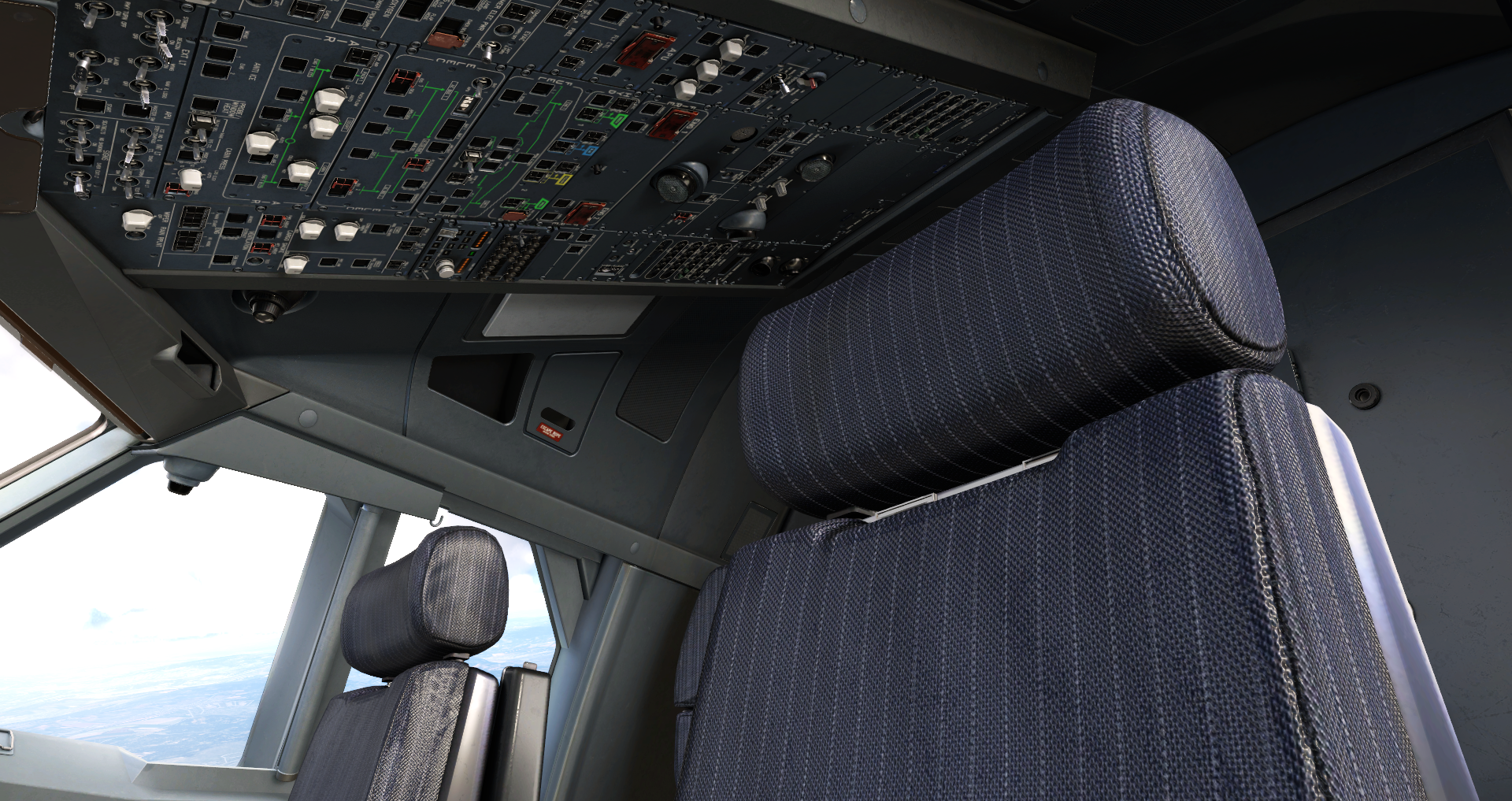
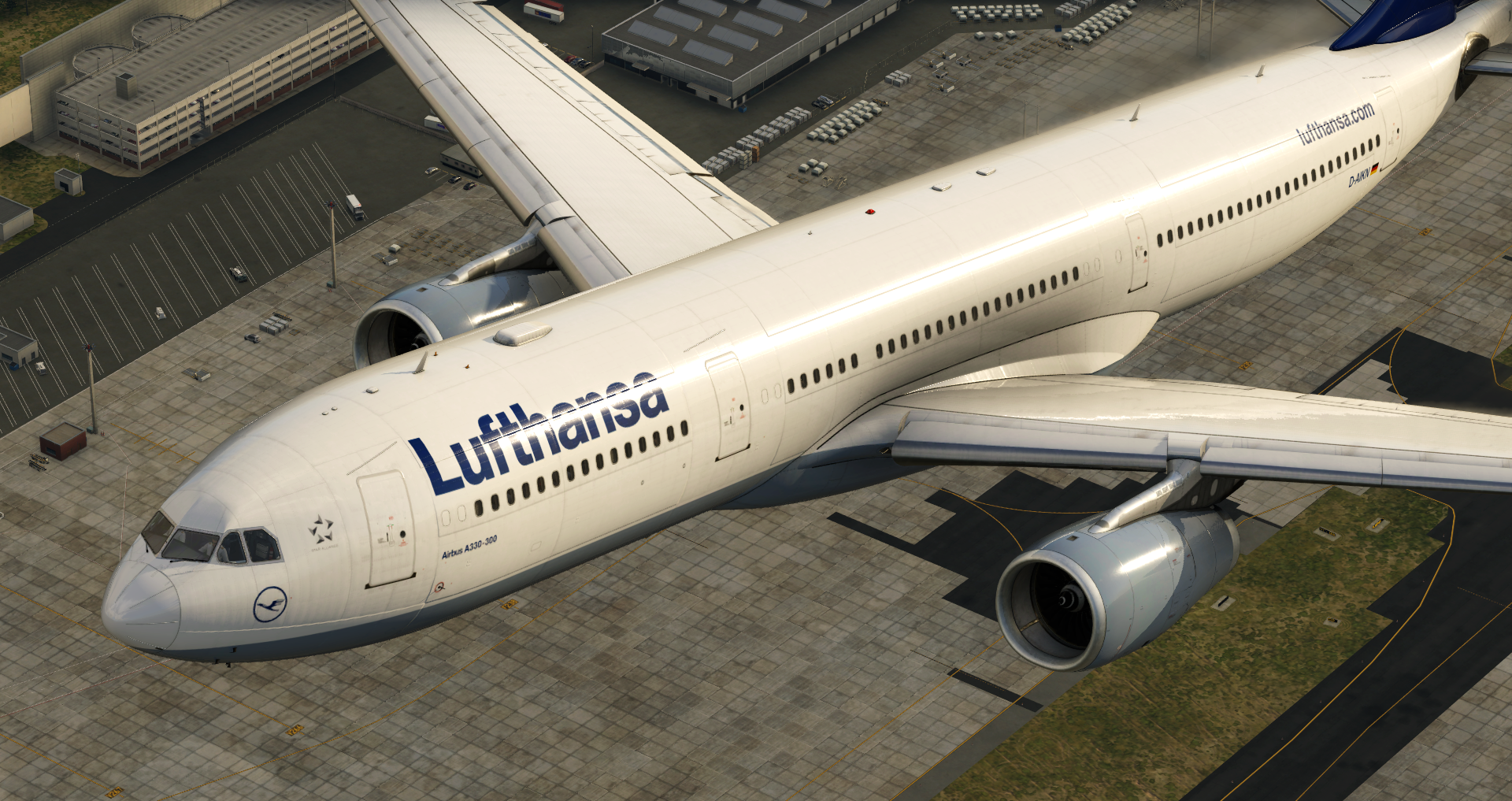
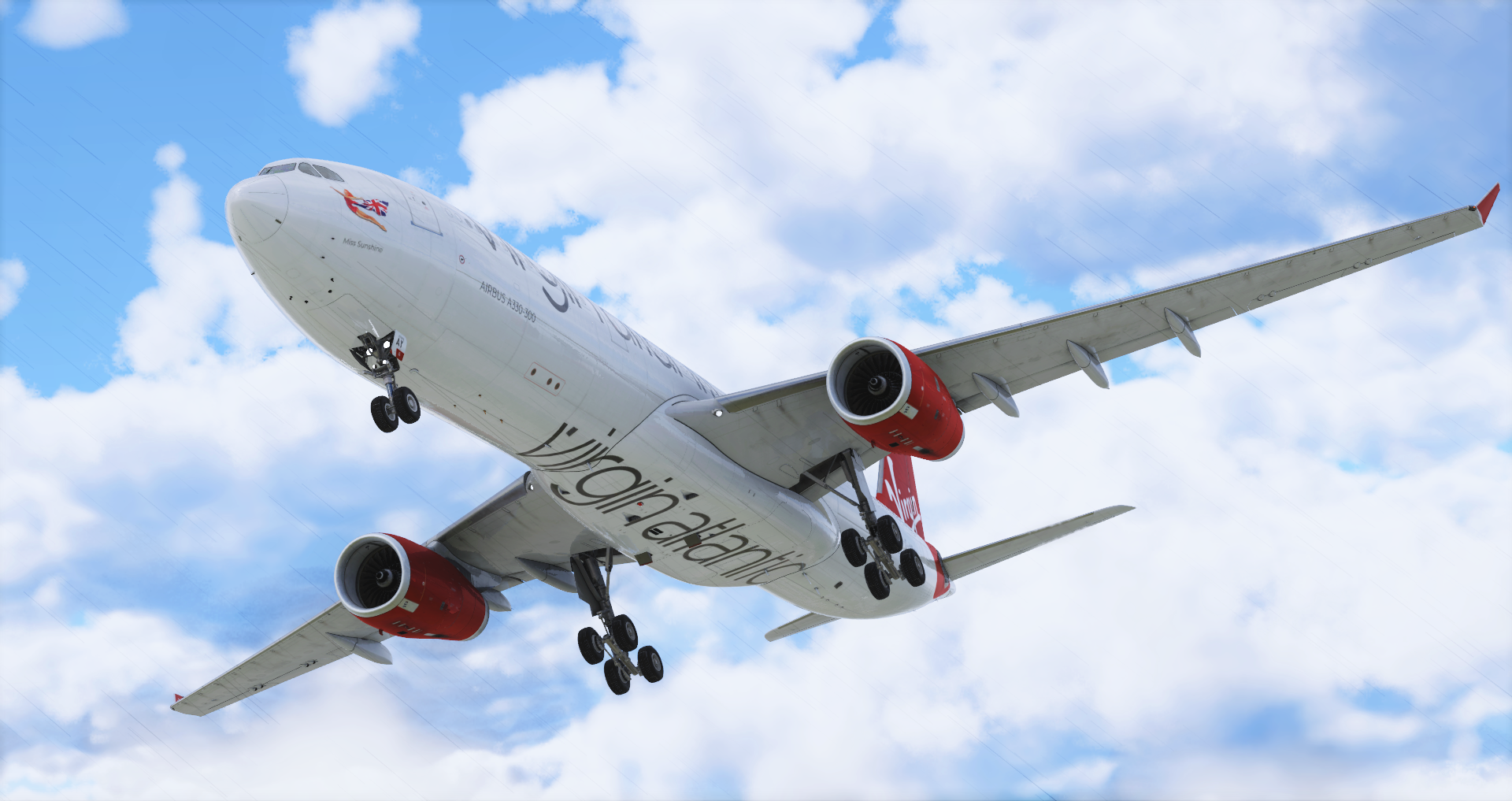
The Airbus A330 is a medium-size, wide-body aircraft, with two engines that was introduced in 1987. The A330-300 variant has a cruise speed of Mach 0.82, a range of 11,750 km / 6,350 nmi, and typically carries 277 passengers.
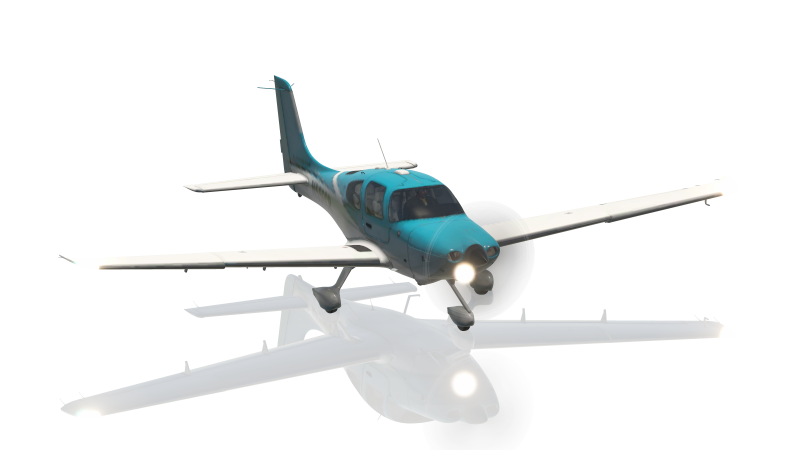
Our Fleet of Aircraft
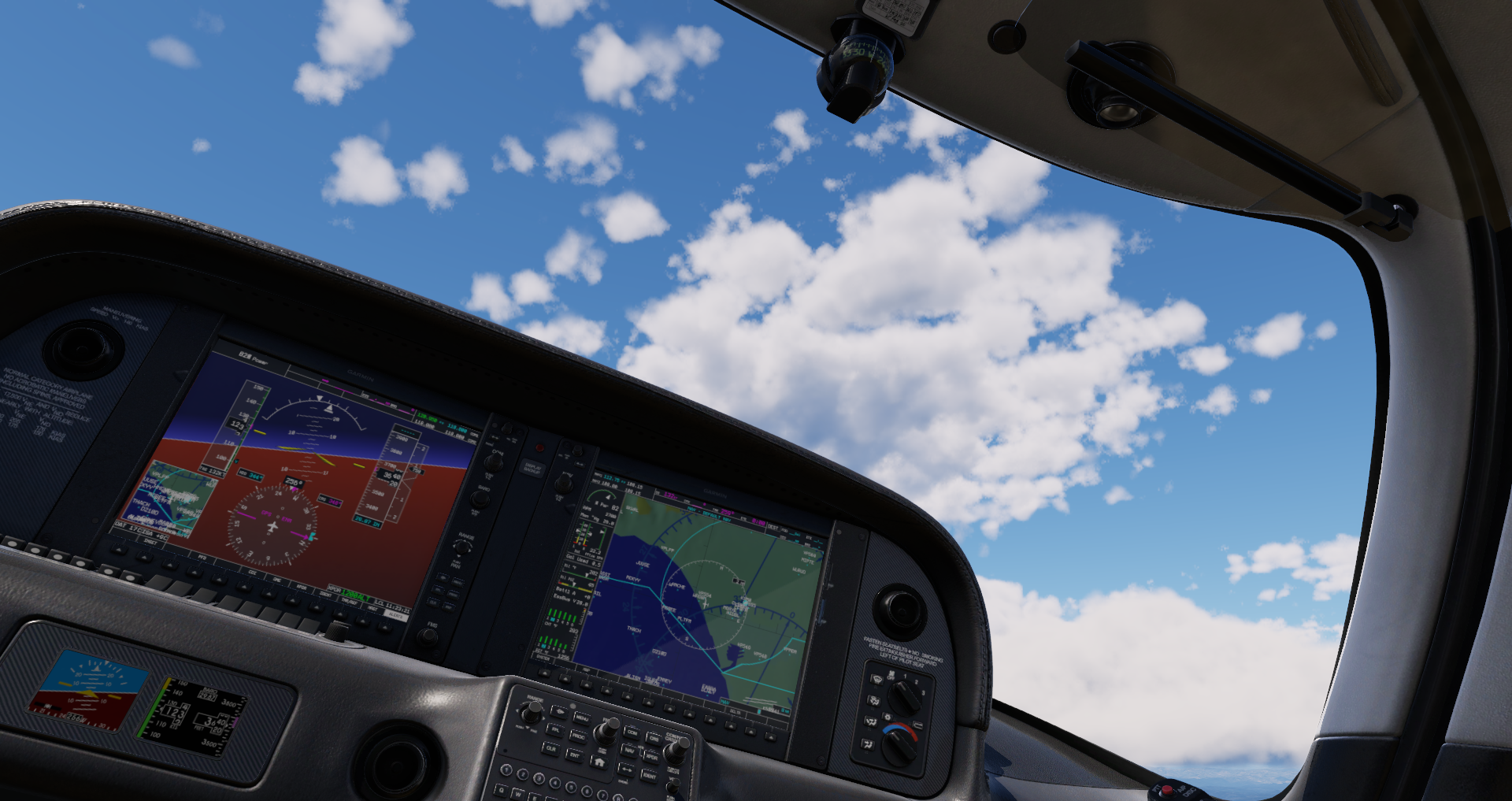
The Cirrus SR22 is a single-engine four- or five-seat composite aircraft built by Cirrus Aircraft. The SR22 series is the most-produced GA aircraft of the 21st century and makes up over 30% of the entire piston aircraft market.
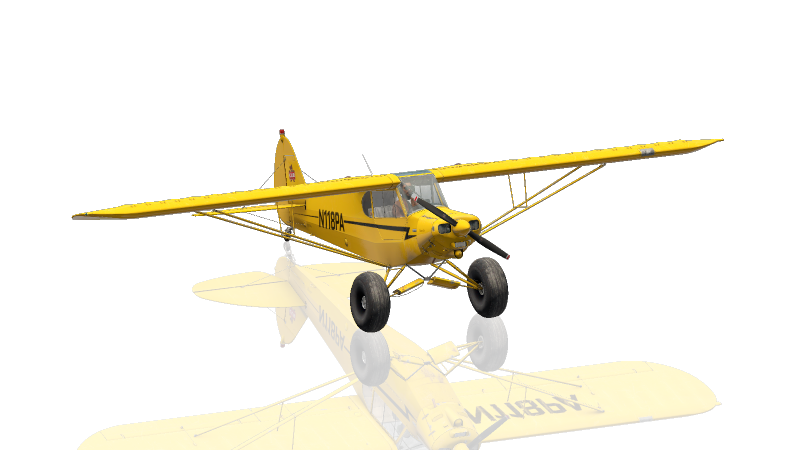
Our Fleet of Aircraft
The Piper PA-18 Super Cub is a two-seat, single-engine monoplane introduced in 1949. It’s known for its ability to takeoff & land in very short distances, as well as its unmatched ability to handle harsh environments. It has a cruise speed of 100 kn and a range of 460 mi/740 km. Bush pilots love the Super Cub for STOL and off-airport operations.
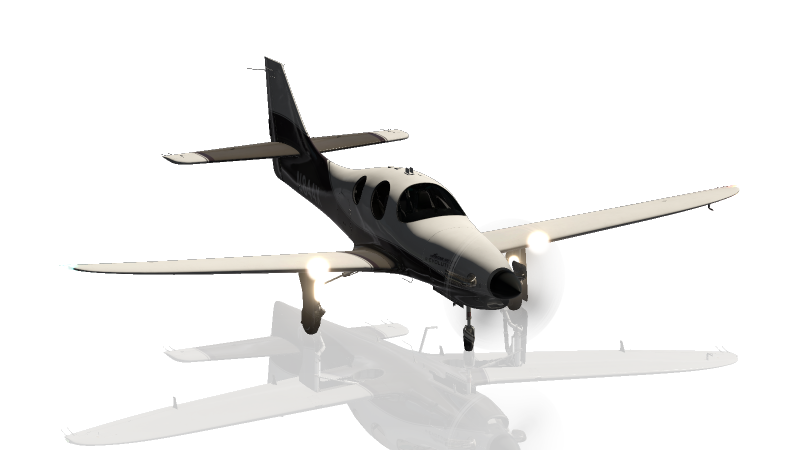
Our Fleet of Aircraft
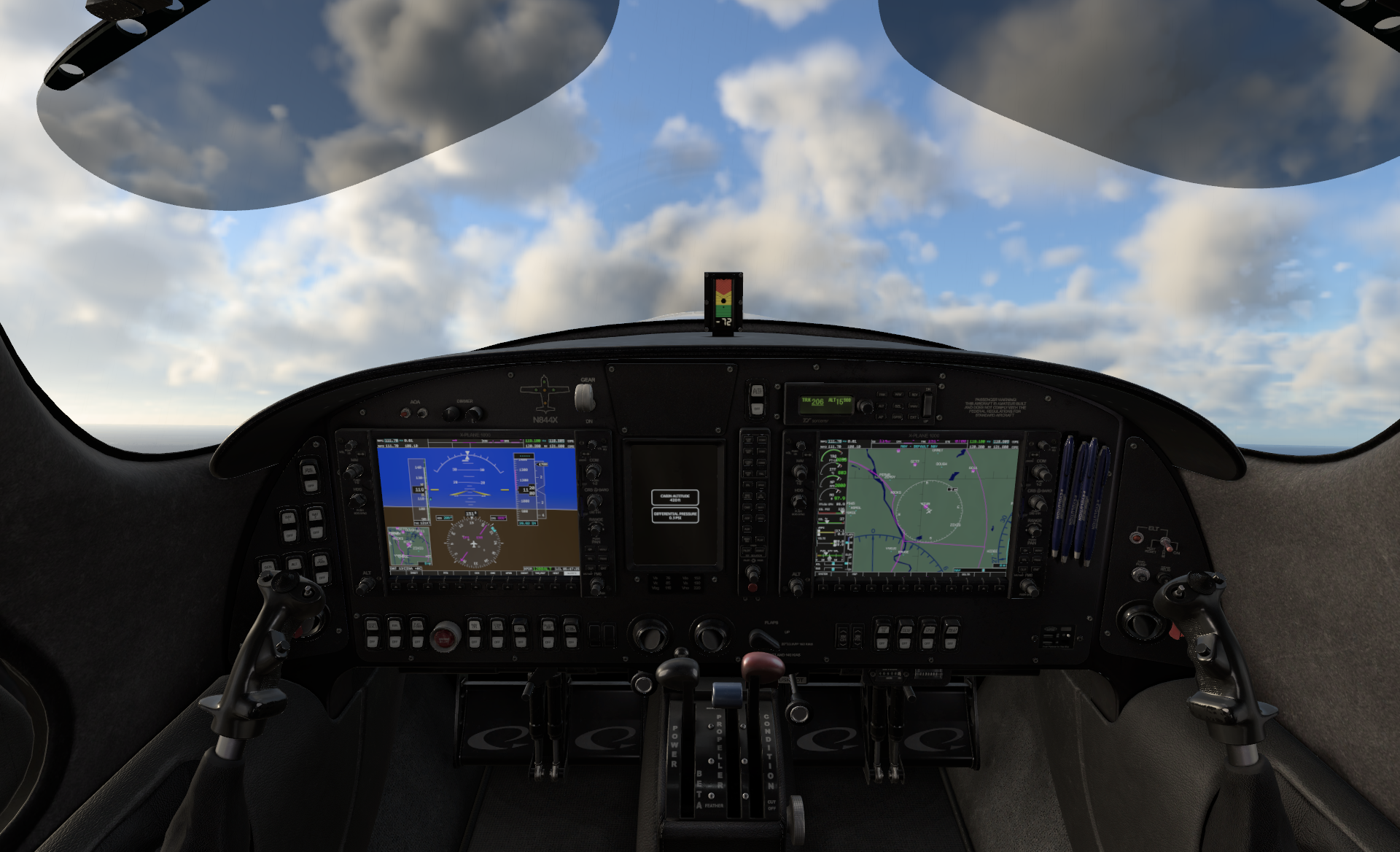
The Lancair Evolution is an American pressurized, low wing, four-place, single engine light aircraft supplied as an amateur-built kit, first delivered in 2008. It can carry 3 passengers 1,027 nm with a maximum speed of 300.0 kn. Our Evolution was modeled directly after the aircraft of our Founder, Austin Meyer – N844X.
Our Fleet of Aircraft
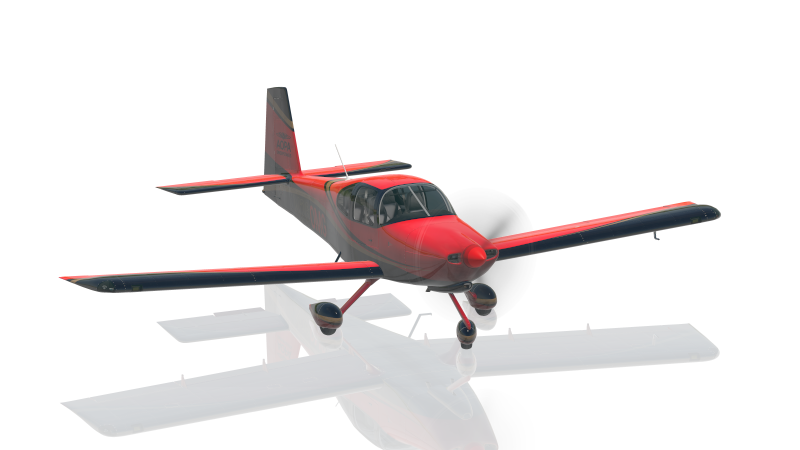
The Van’s Aircraft RV-10 is a four-seat, single-engine, low-wing airplane, first delivered in 2003. It can carry 3 passengers 825 mi/1,328 km with a cruise speed of 171 kn. In real life, the RV-10 is sold as an assembly kit to homebuilders.
Our Fleet of Aircraft
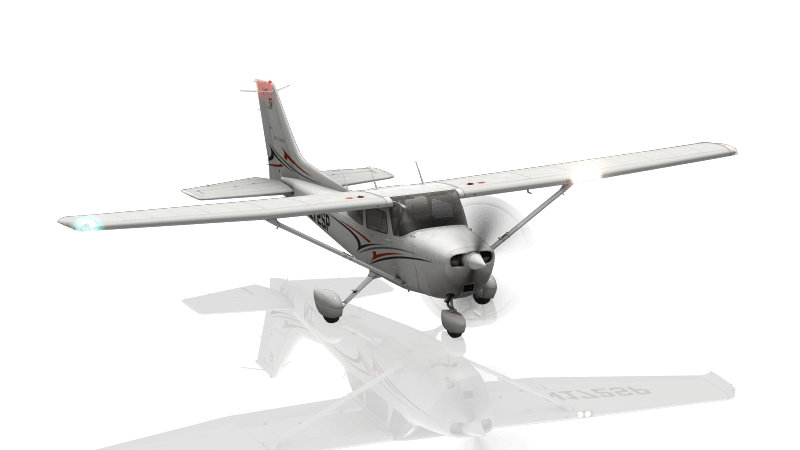
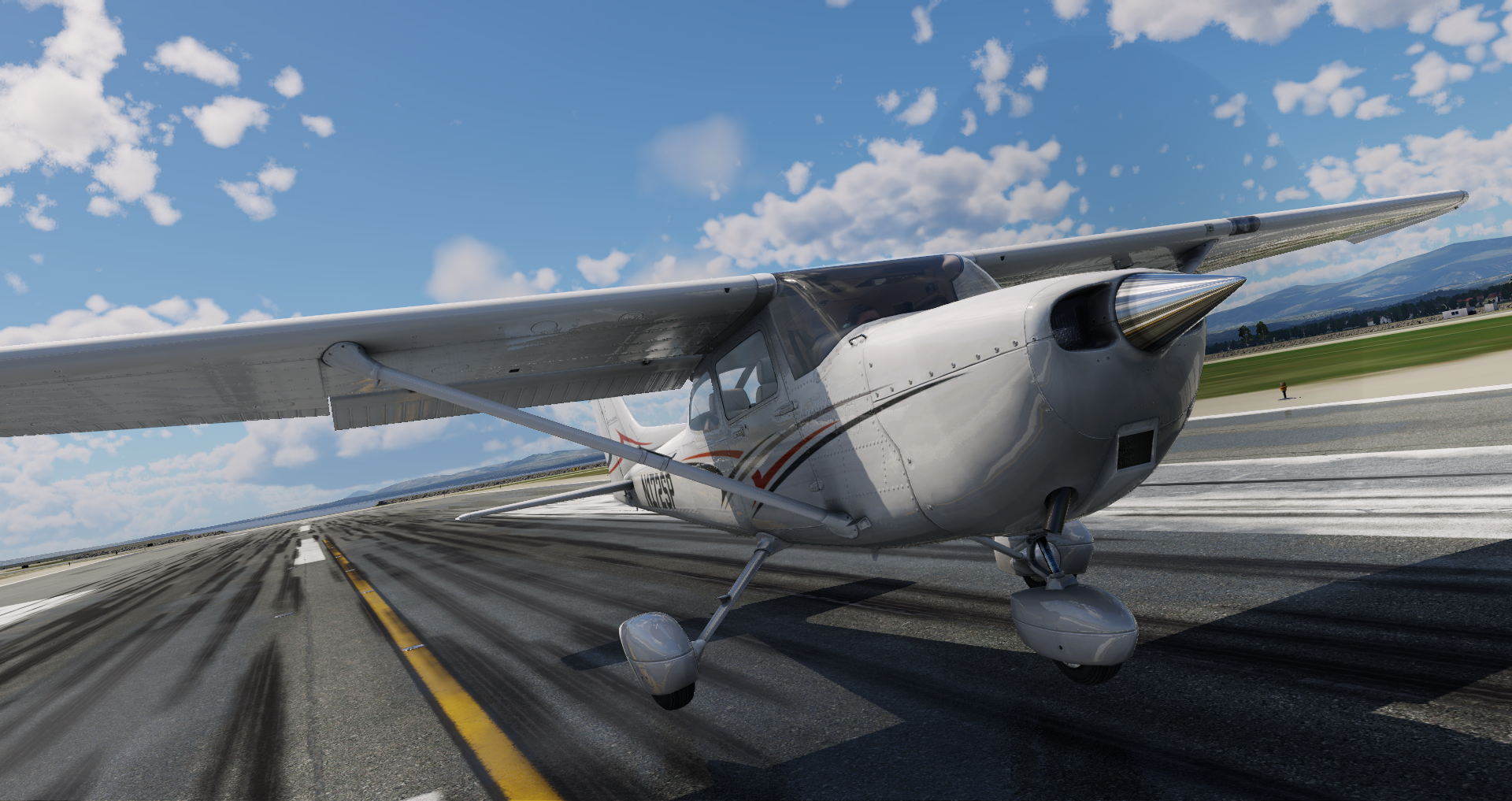
The Cessna 172SP is a single-engine, fixed-wing aircraft with a tricycle landing gear. It has a cruise speed of 122 knots and a range of 696 nautical miles. More C172s have been built than any other aircraft, making it the most successful plane in history.
Our Fleet of Aircraft
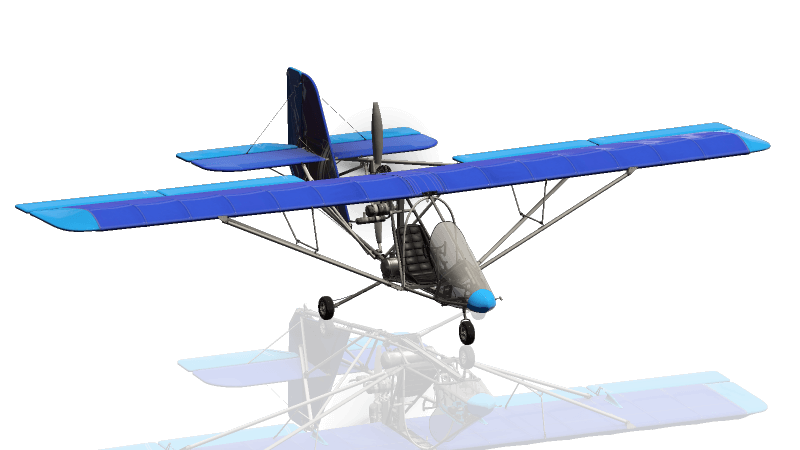
The Aerolite 103 is a single seat, high-wing, pusher configuration ultralight aircraft that was introduced in 1997. It is sold as an assembly kit aircraft that can take between 60-80 hours to complete the airframe.
Our Fleet of Aircraft
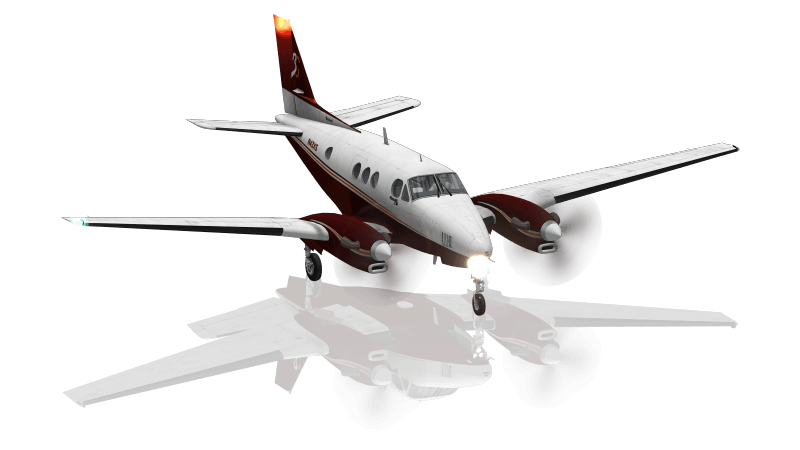
The King Air is a twin turboprop plane produced by Beechcraft. It was the first turboprop and has outsold all its competitors. The King Air can seat up to 7 passengers, has a cruise speed of 226 knots and a range of 1,321 nm.
Our Fleet of Aircraft
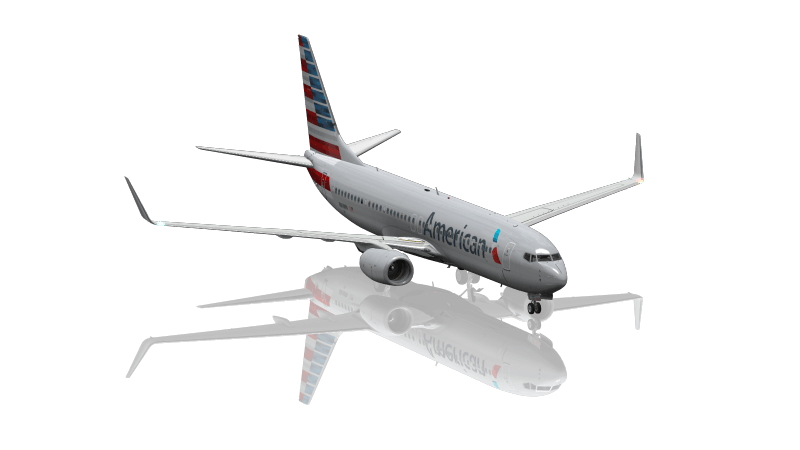
The Boeing 737 is a narrow-bodied, short- to medium-range airliner. It has 10 variants that can carry 85 to 215 passengers. It is the best-selling commercial jet airliner and has been in continuous production since 1967.
Our Fleet of Aircraft
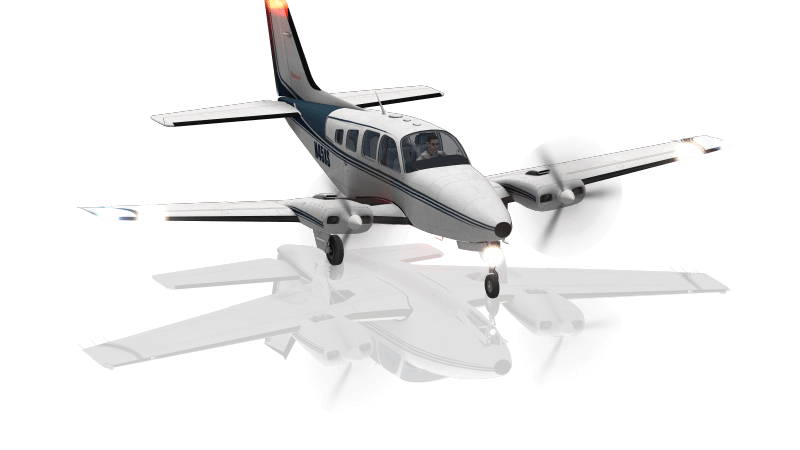
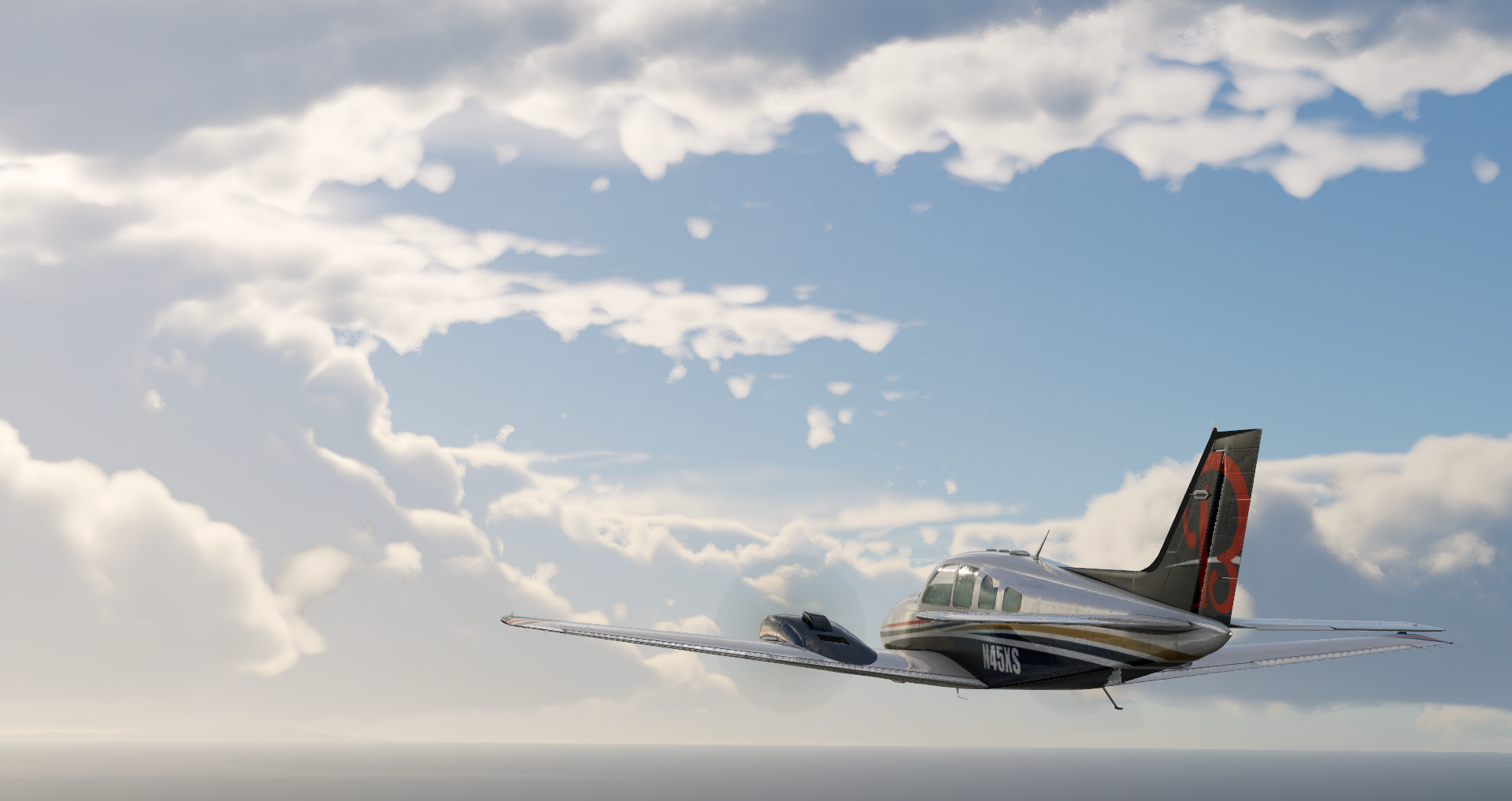
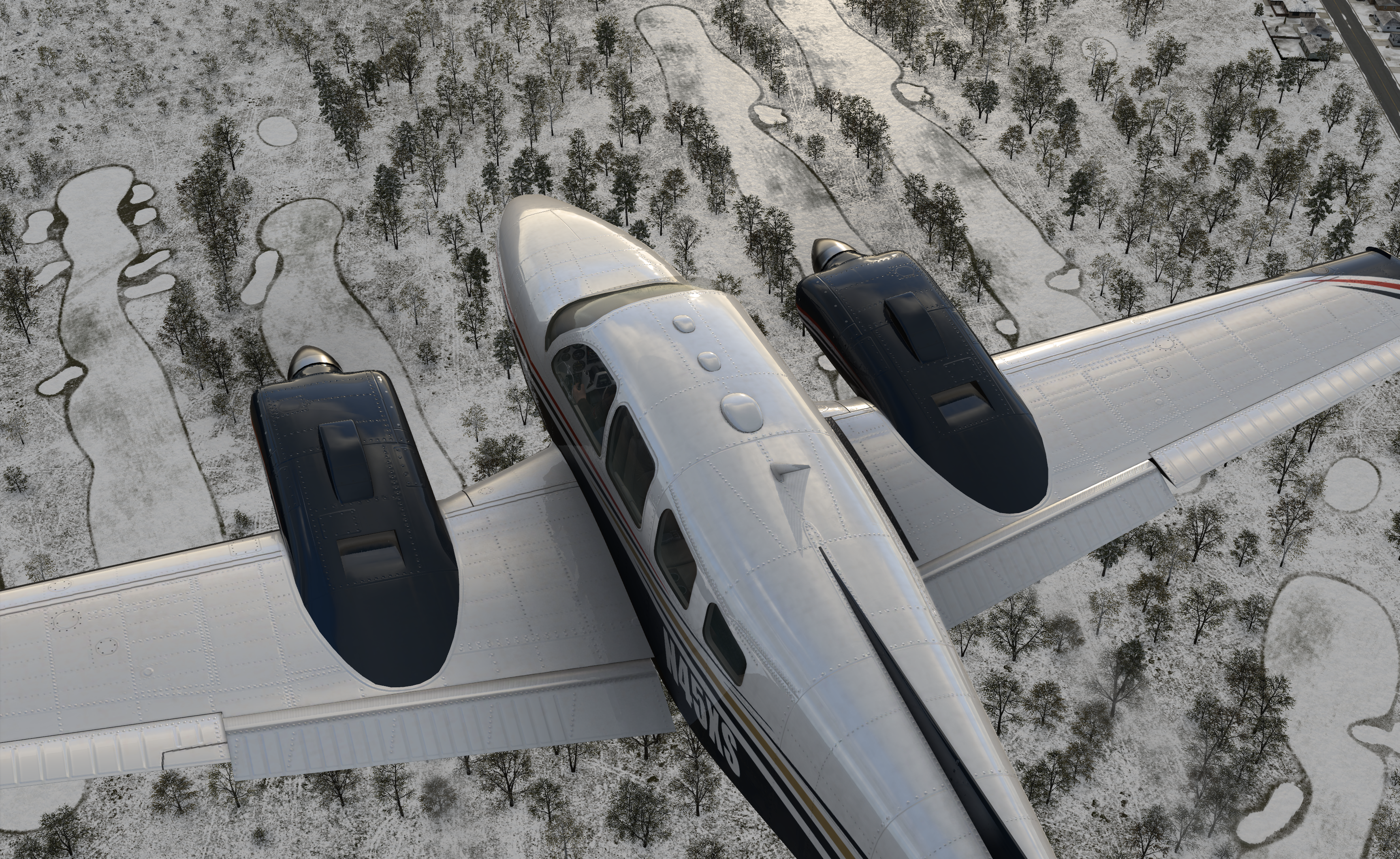
The Beechcraft Baron 58 is light, long-body, twin-engine piston aircraft that sits at the top of the light aircraft hierarchy. It cruises at 200 knots with a range of 942 nautical miles.
Our Fleet of Aircraft
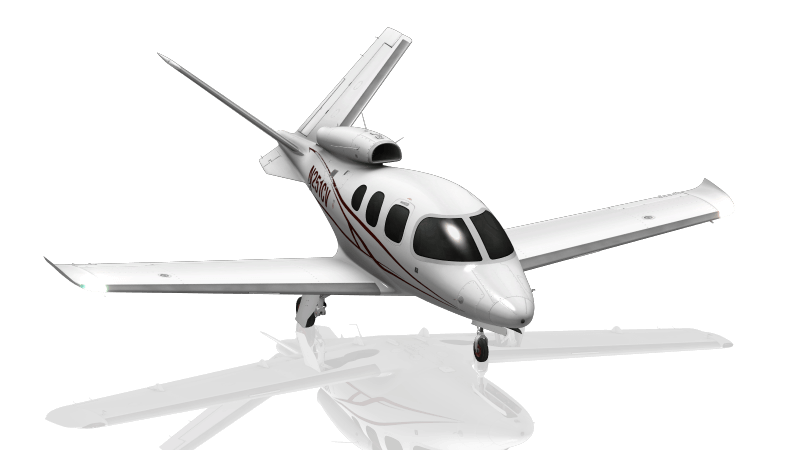
The Vision SF50 is a single-engine, very light jet aircraft manufactured by Cirrus Aircraft. The first prototype was shown in 2008 and the first flight occurred later that same year. The Vision can seat 6 passengers and has a cruise speed of 300 knots.
Our Fleet of Aircraft
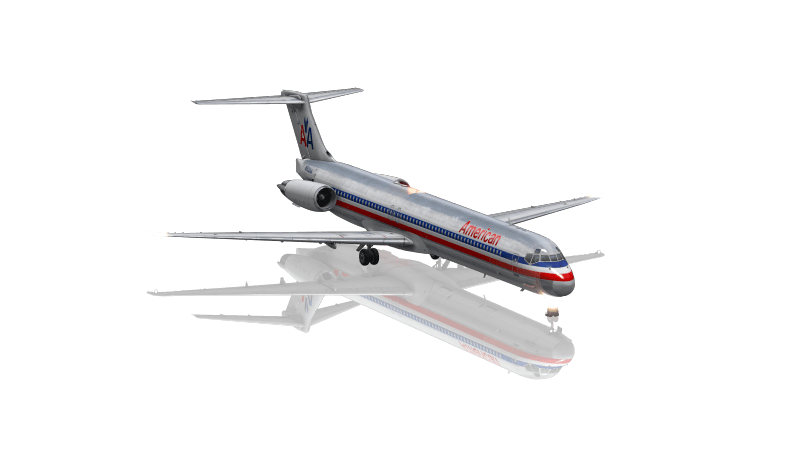
The MD-80 is a twin-engine, short- to medium-range commercial jet airliner that was introduced in 1980. It is primarily used for frequent, short-haul flights and can accommodate between 130 to 172 passengers with a cruise speed of 504 miles per hour.
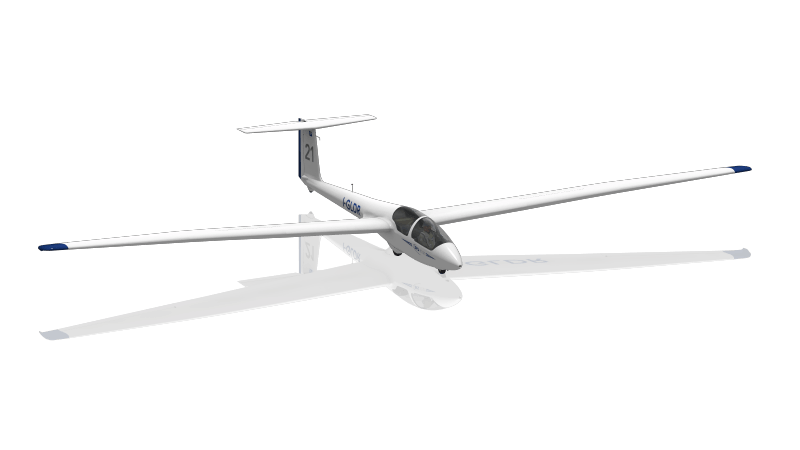
Our Fleet of Aircraft
The ASK 21 is a mid-wing glider aircraft that seats two in a tandem arrangement, with a T-tail and a body made of glass-reinforced plastic. This glider has been in production since 1979 and makes a great training glider.
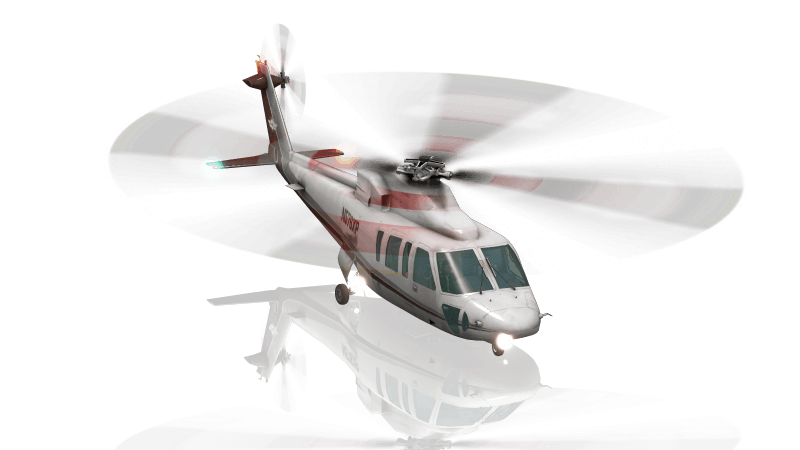
Our Fleet of Aircraft
The Sikorsky S-76 is a commercial utility helicopter with twin turboshaft engines, four-bladed main and tail rotors and retractable landing gear. The S-76 was the first Sikorsky helicopter designed for commercial, rather than military, use and can seat 12 passengers. It cruises at 155 knots and has a range of over 400 nautical miles.
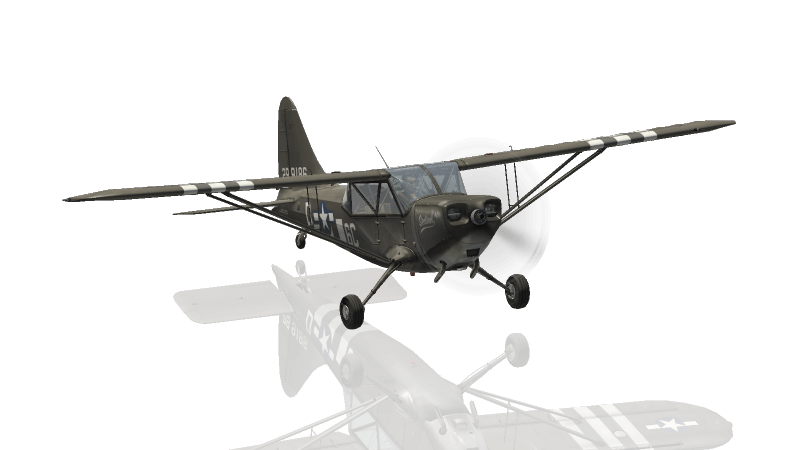
Our Fleet of Aircraft
The Stinson L-5 is a World War II-era tail-dragger aircraft that was typically used for observation. It can carry a pilot and observer in a tandem-seating configuration with a range of 375 statue miles.

Train Like the Pros
A flight simulator packed with unique features built for you

Customize Your Flight
Tweak the X-Plane environment to practice specific skills and simulate conditions you’ll encounter in a real cockpit.

Play It Back
New and experienced pilots alike love the way you can replay landings and more from any angles.

Detailed Failures
There are infinite ways to test your reactions and limits of your aircraft in failure simulation scenarios. Browse our 500+ failures to create the perfect training environment.

Learn Navigation
X-Plane 12 comes with amazing attention to detail in all navigational systems. Brush up on the classic fundamentals in our Cessna 172 or explore the new MCDU system in our Airbus A330.

Experience a World of Add-Ons
Everything that comes with X-Plane makes it the most realistic, most robust flight sim experience you can have. But the thriving X-Plane community has spawned countless third-party add-ons to explore and enjoy.
Learn Physics in Real Time
Turn on our Flight Model Visualization view to see exactly how air is acting on the aircraft throughout all phases of flight.
Climb Inside X-Plane
This is what 30 years of flight simulator development and refinement from a small, passionate team of aviation and software experts looks like.
Want to feel the thrills and endless possibilities of real-world flight rewards and challenges? With X-Plane 12, you get completely reimagined weather, immersive, volumetric 3D clouds, wake turbulence, microbursts, thermals, snow, rain, and ice accumulation and so much more. It’s as real as it gets without burning a drop of av gas.
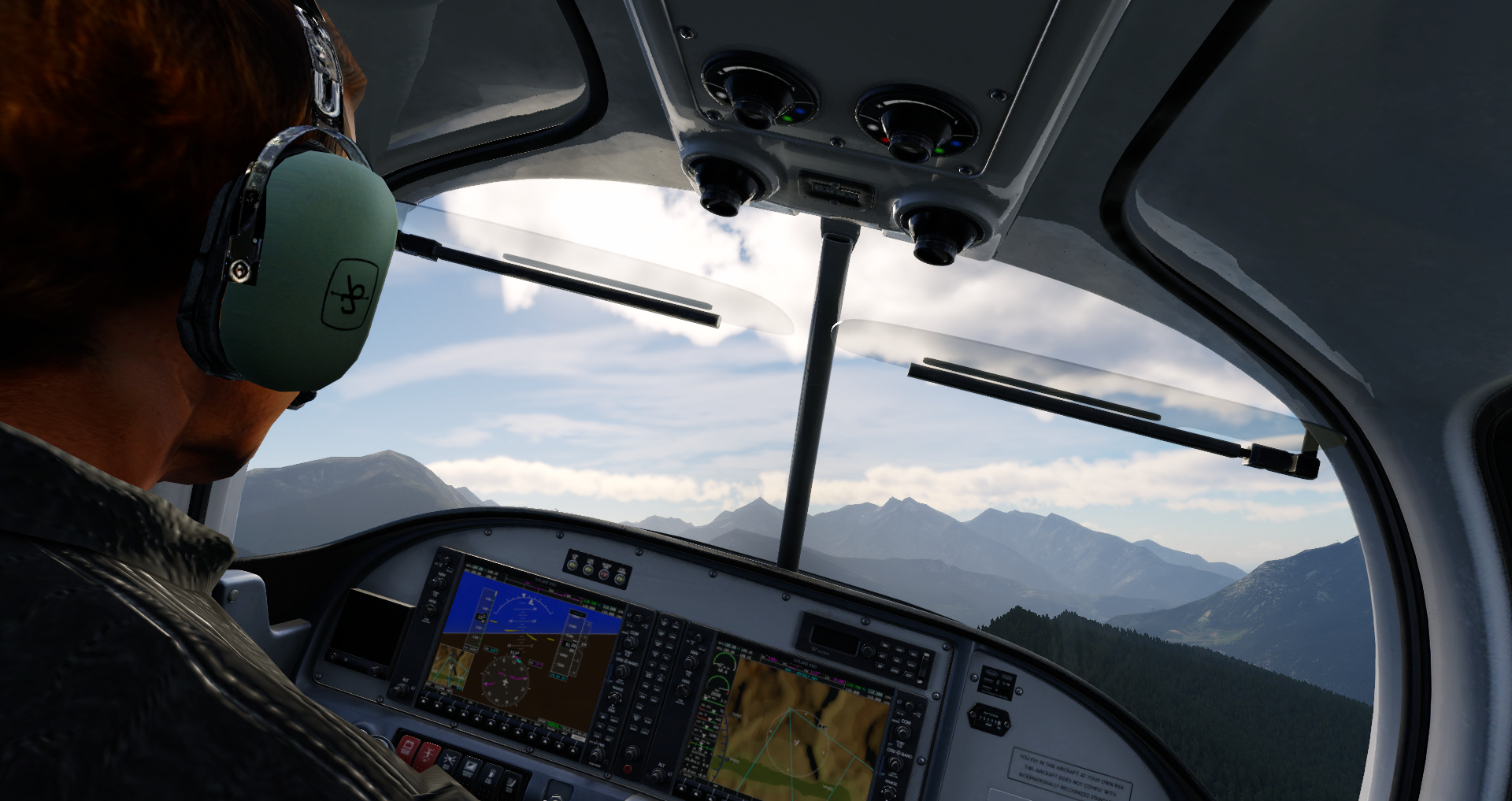
RV-10 - 2023-08-24 20.08.00
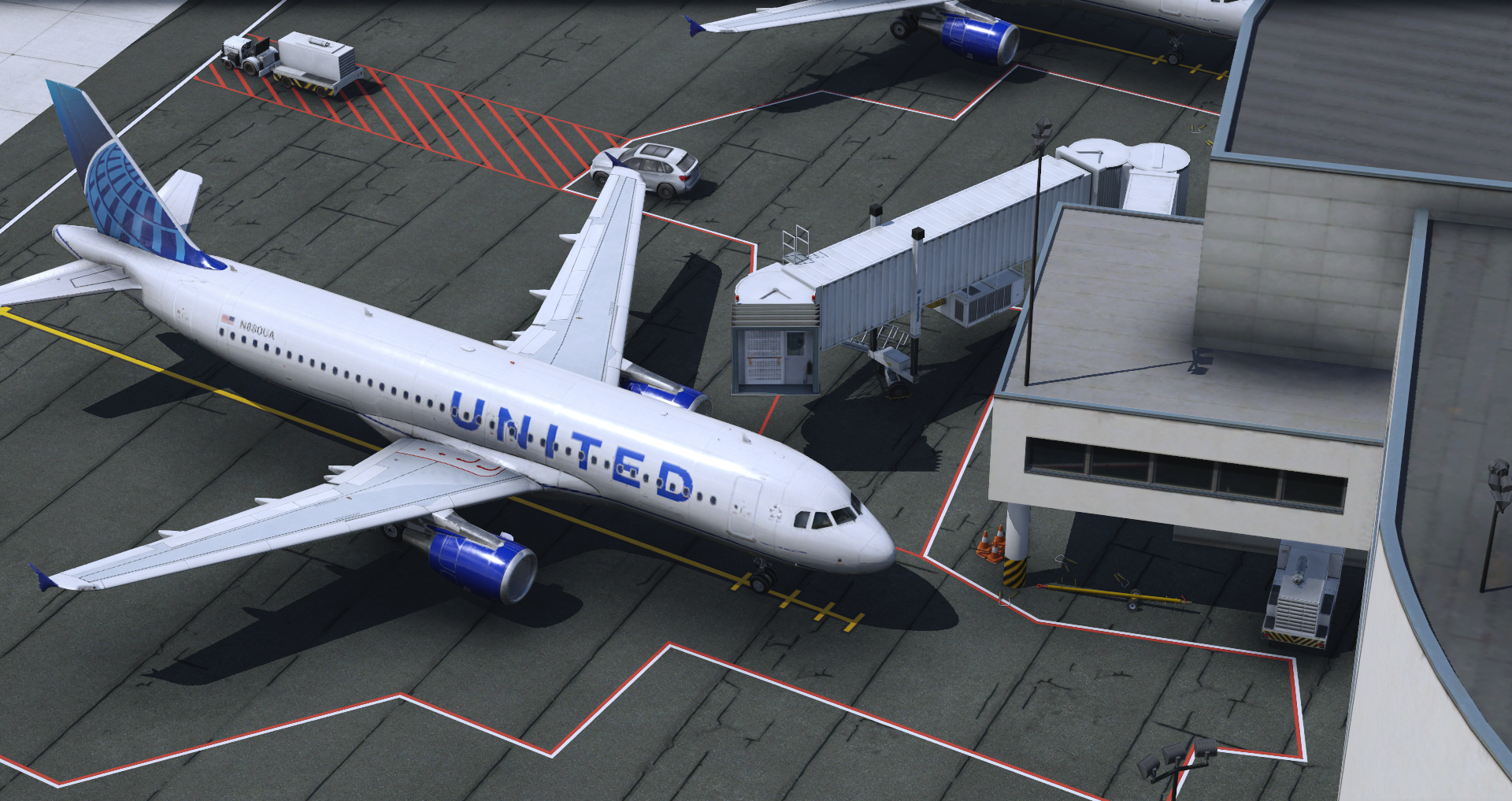
A320 at the Gate
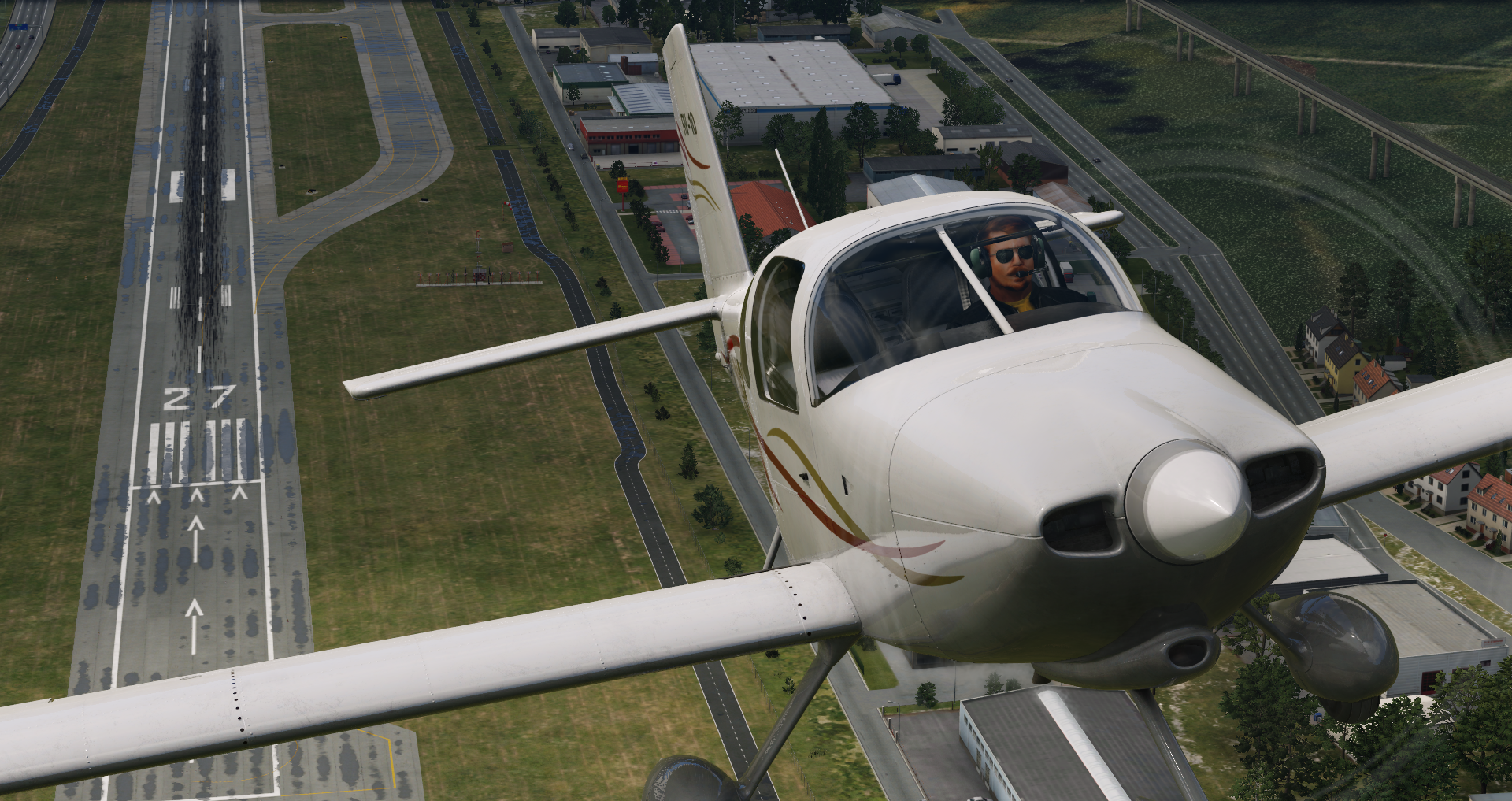
RV-10 - 2023-08-24 19.58.17
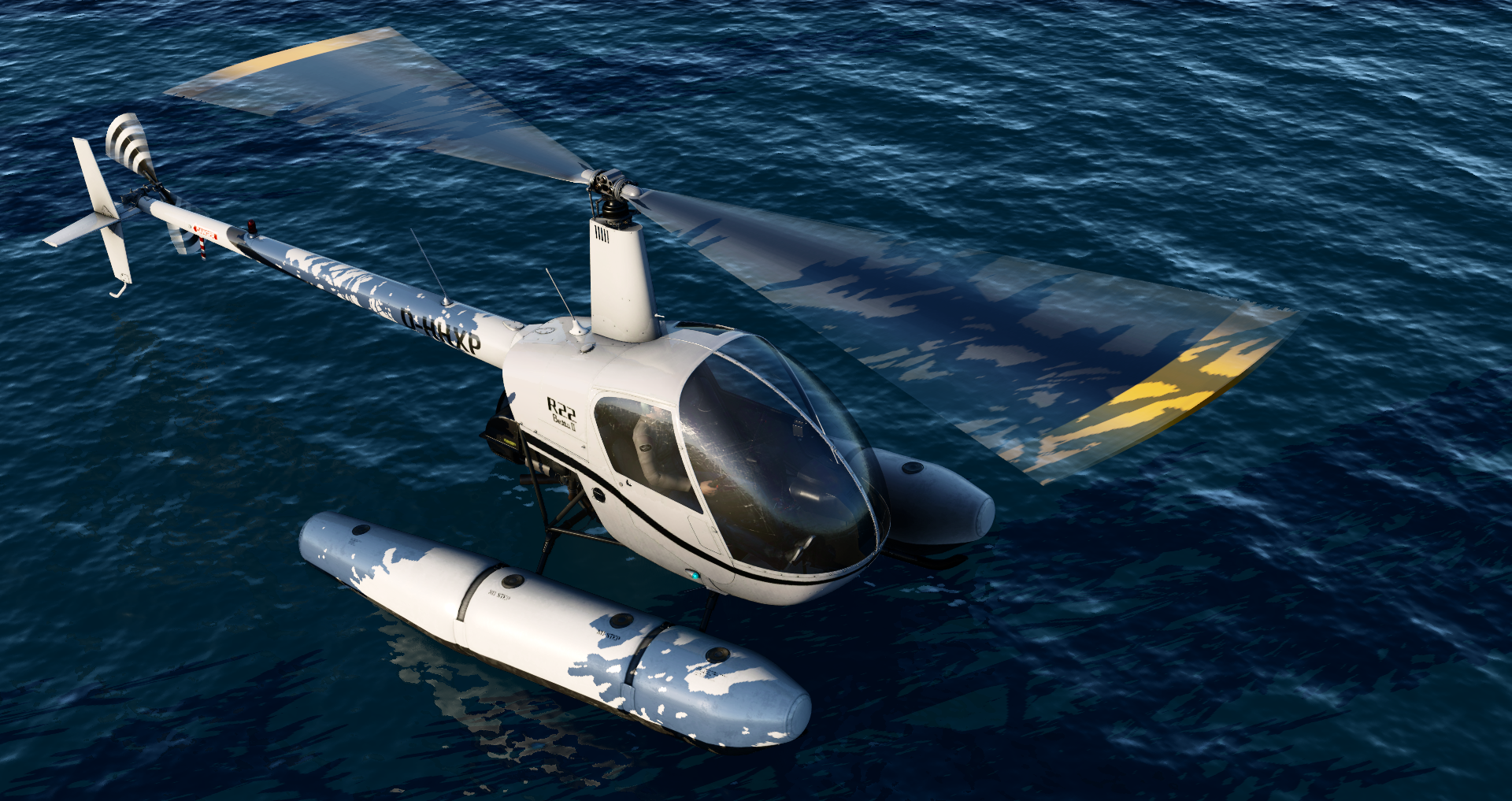
R22 on Floats in X-Plane Flight Simulator
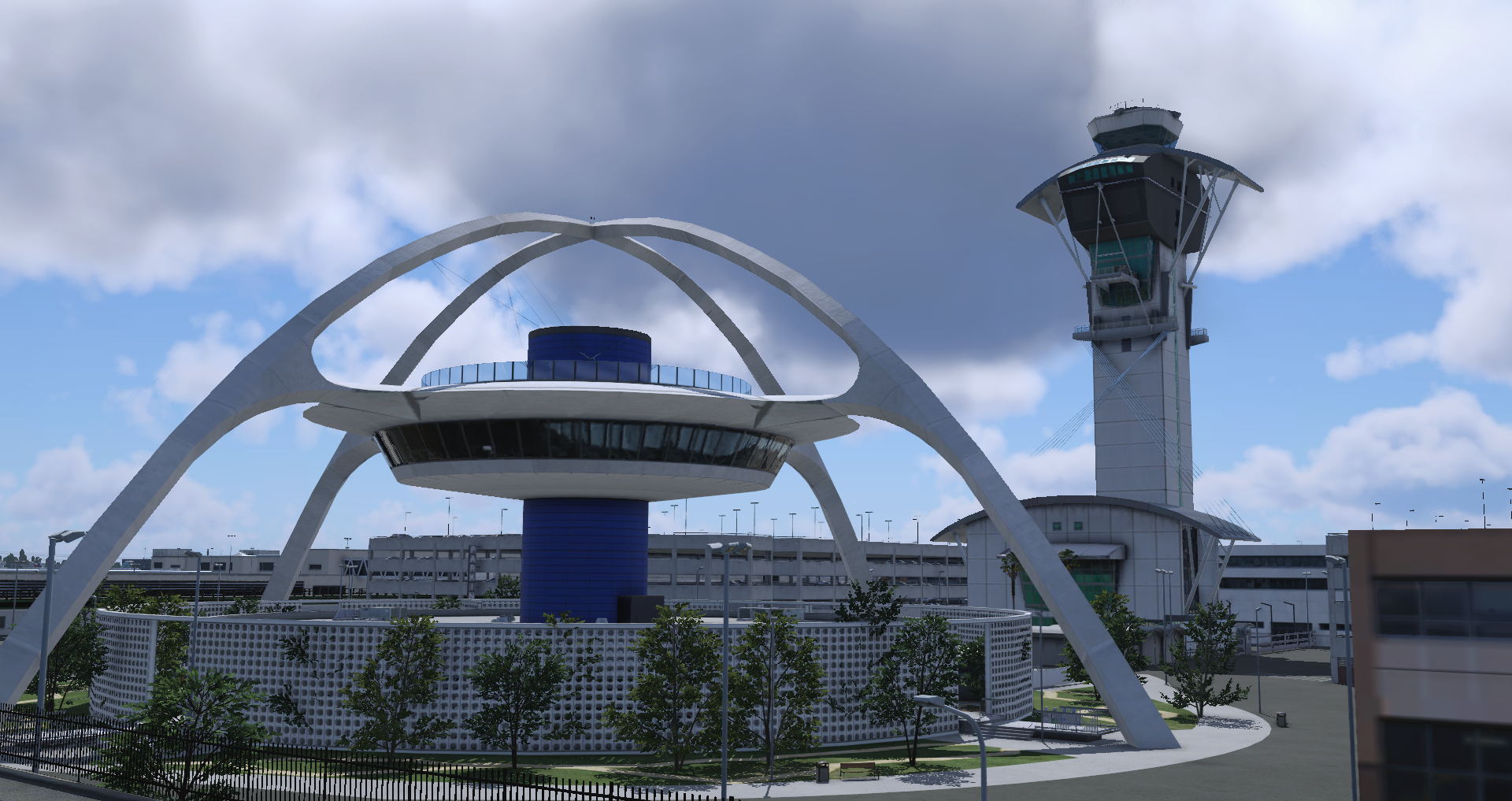
FJS_732_TwinJet - 2023-08-30 22.51.19
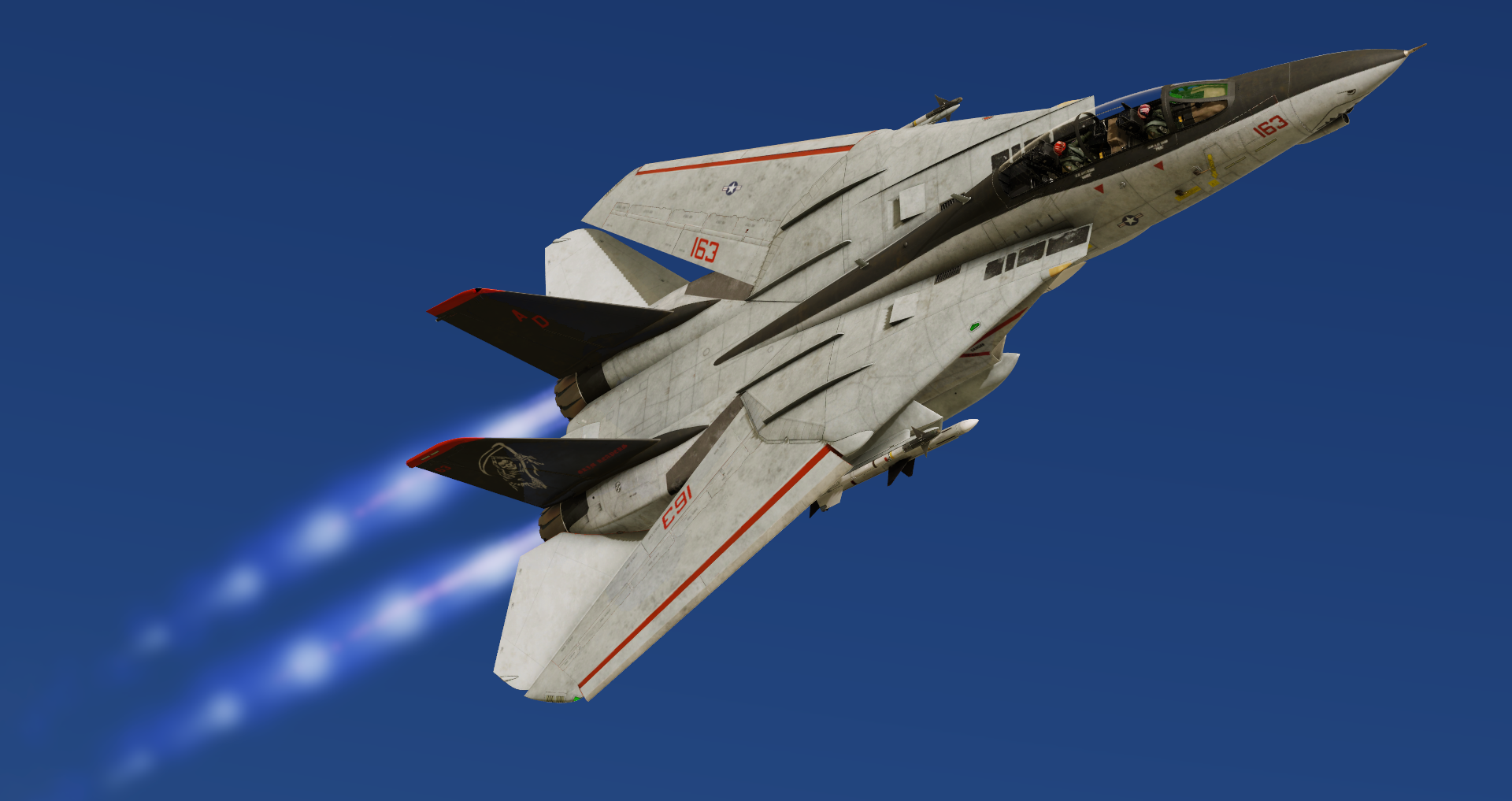
F-14 in Flight Simulator
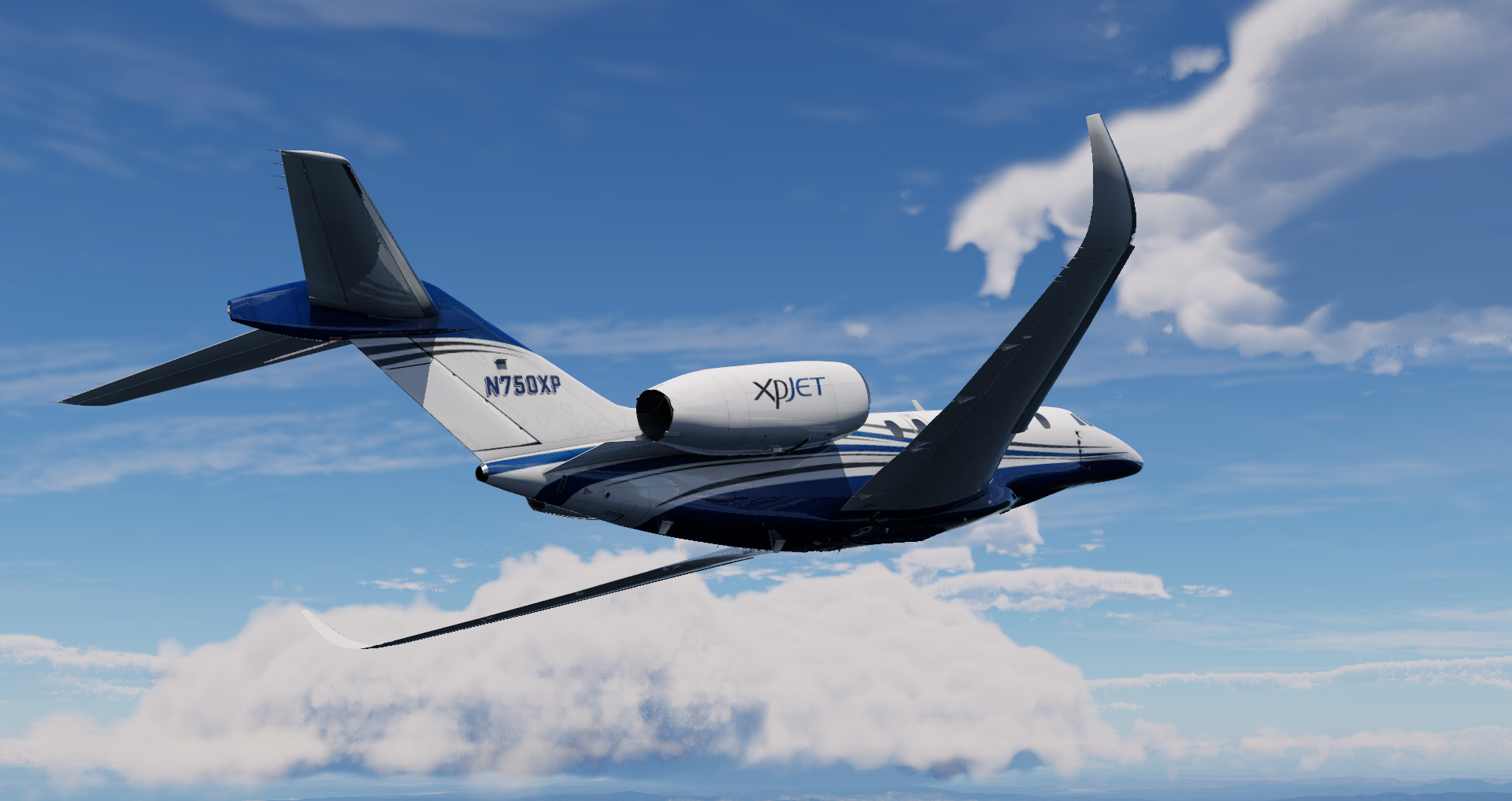
Citation X Business Jet
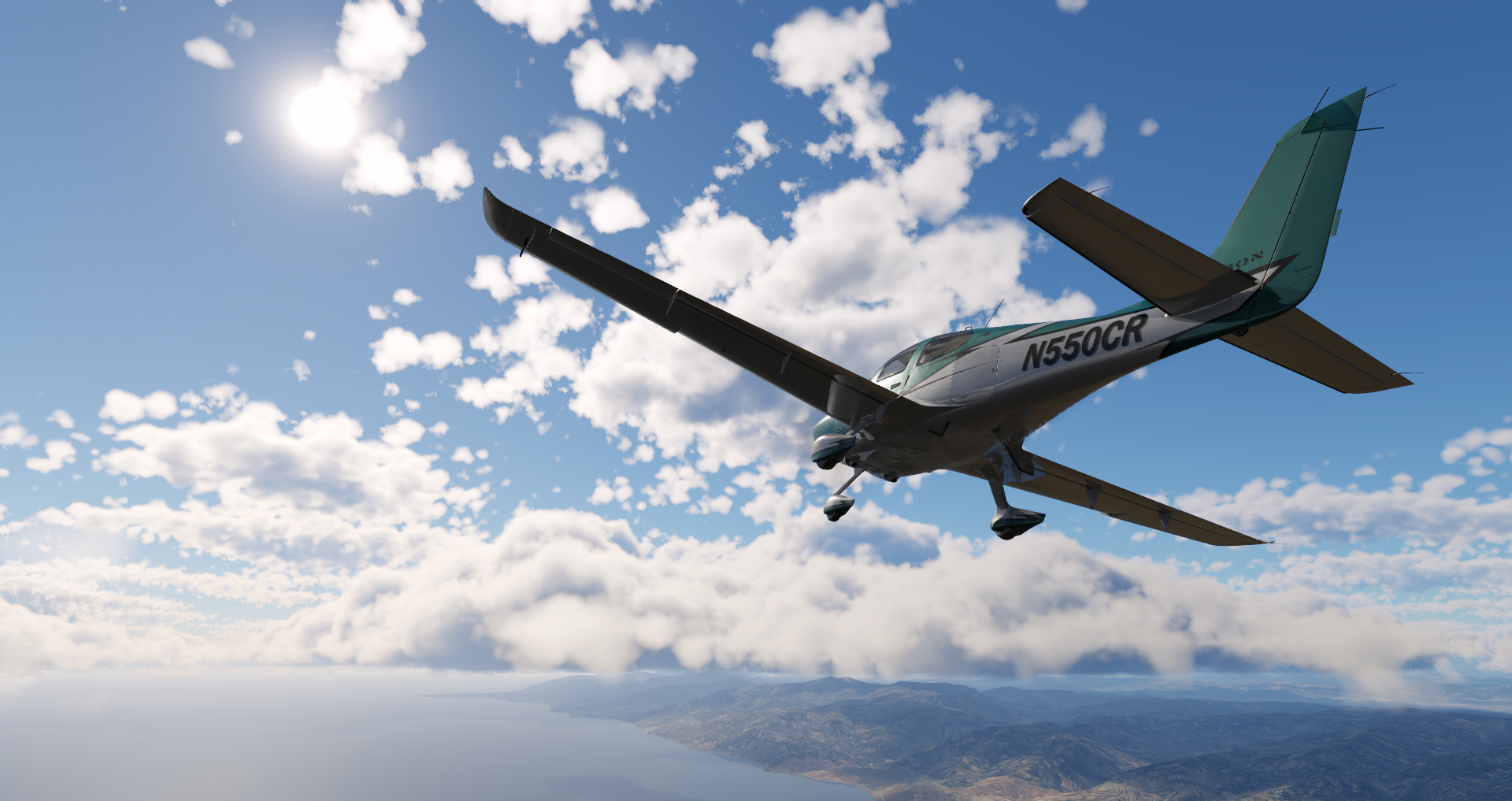
Cirrus SR22 in flight
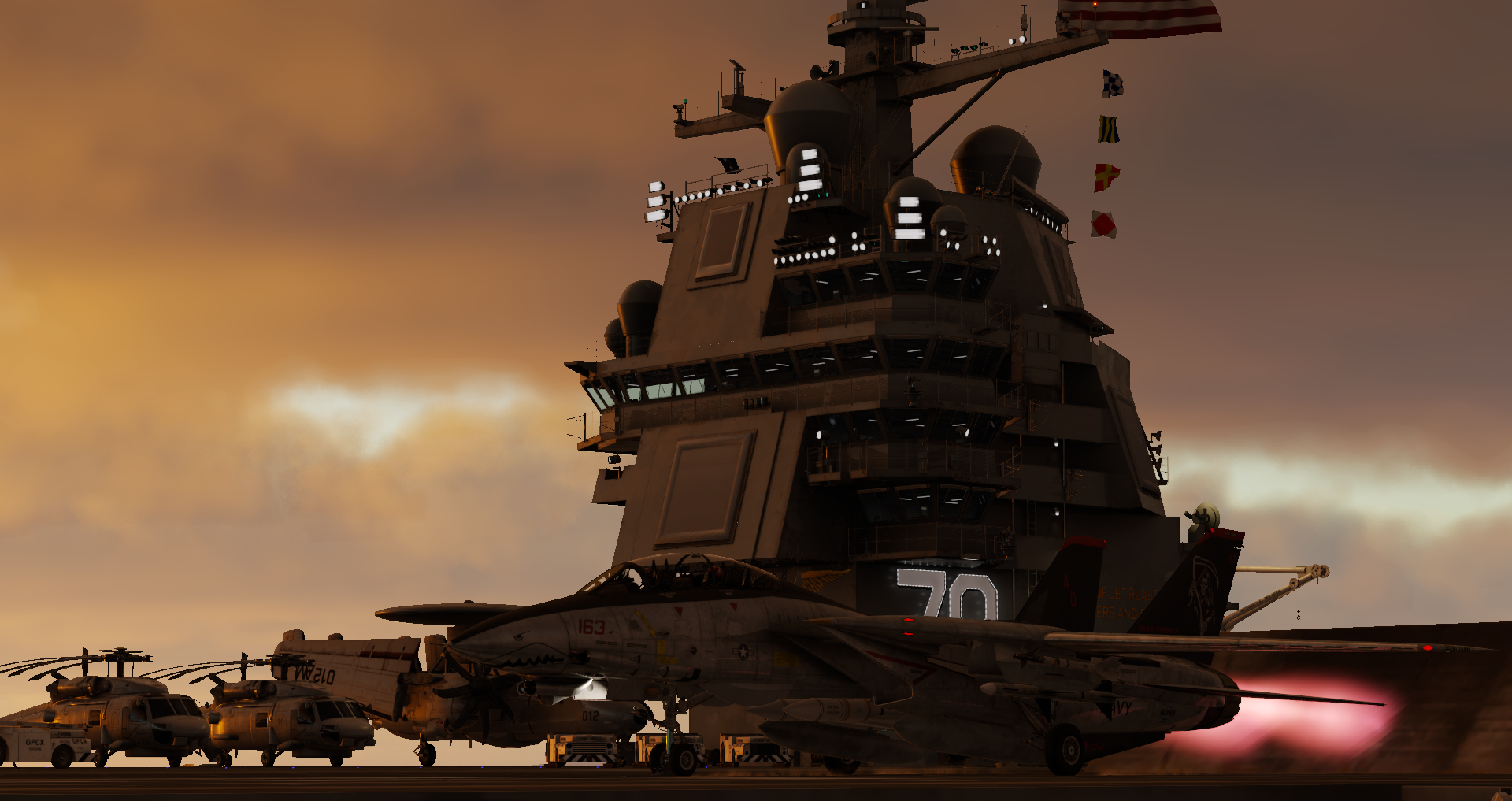
F-14D - 2023-08-25 16.21.37
F-14D - 2023-08-24 21.02.28
F-14 Cockpit in Flight
Cirrus SR22 - 2023-08-28 21.07.46
Cessna_CitationX - 2023-08-28 20.50.55
F-14D - 2023-08-30 23.34.43
Cessna_CitationX - 2023-08-28 20.50.29
Cessna_CitationX - 2023-08-28 20.48.05
Cessna_172SP - 2023-08-31 13.16.37
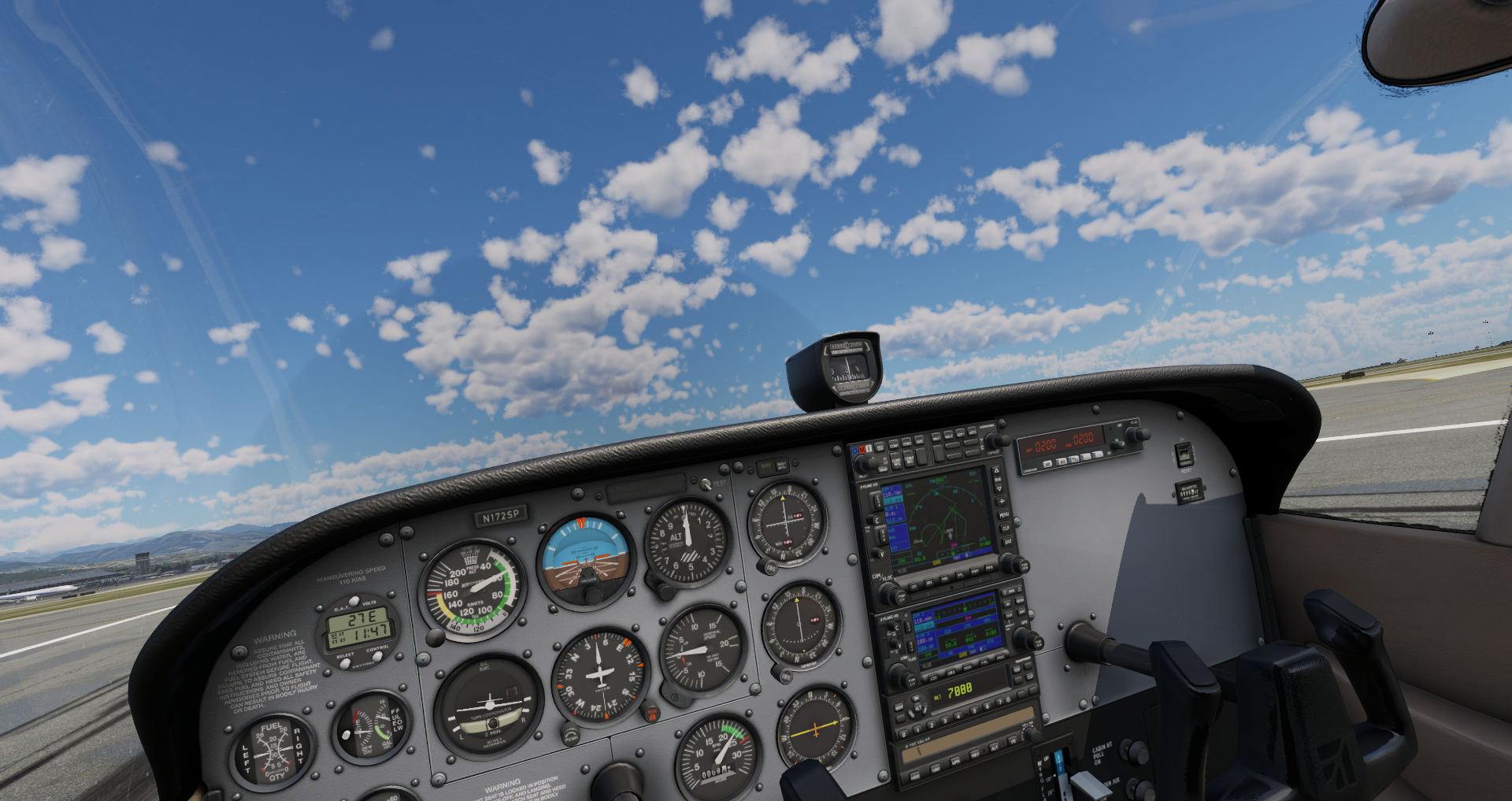
Cessna_172SP - 2023-08-31 13.16.18
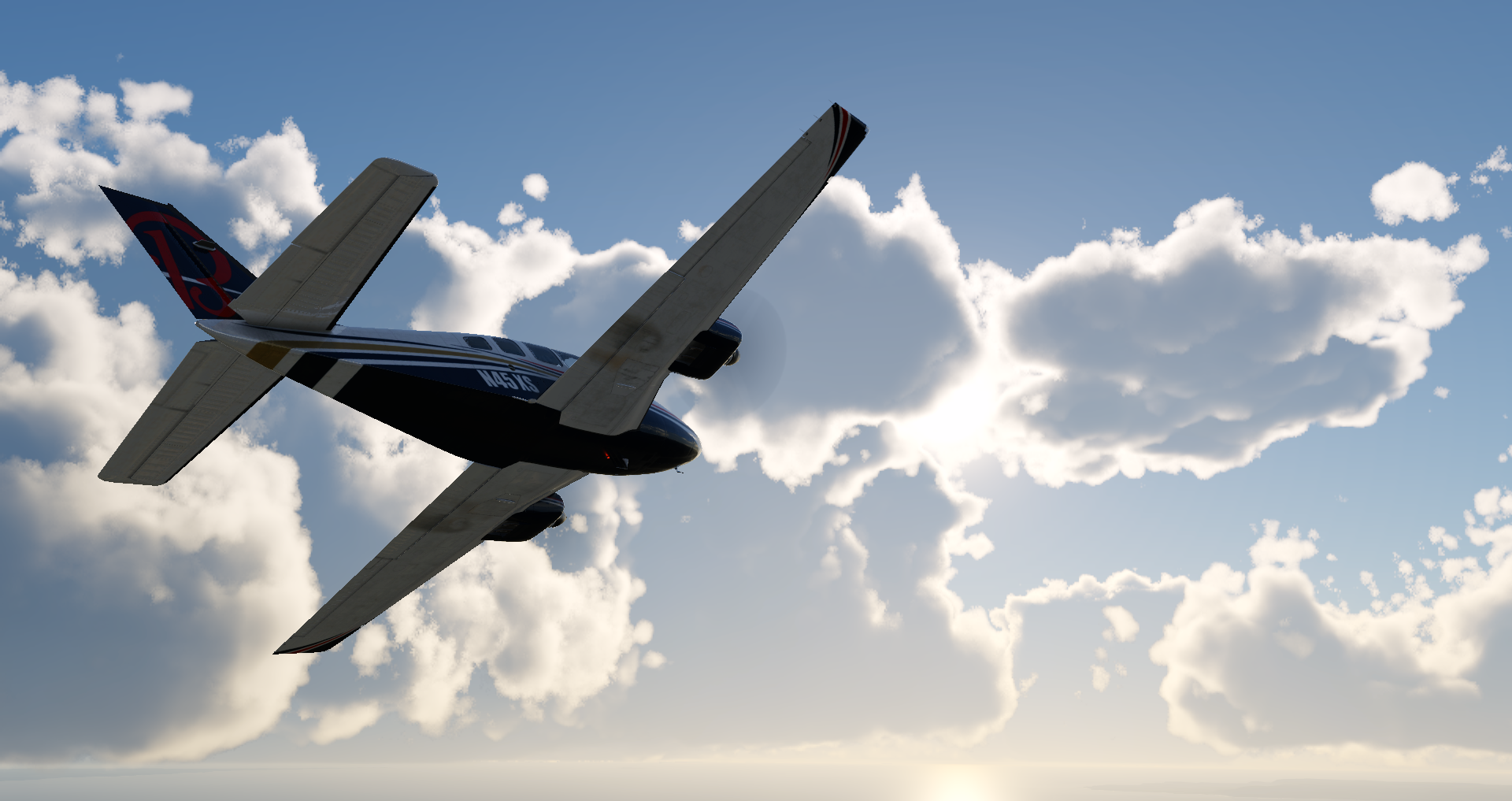
Baron_58 - 2023-08-25 16.08.03
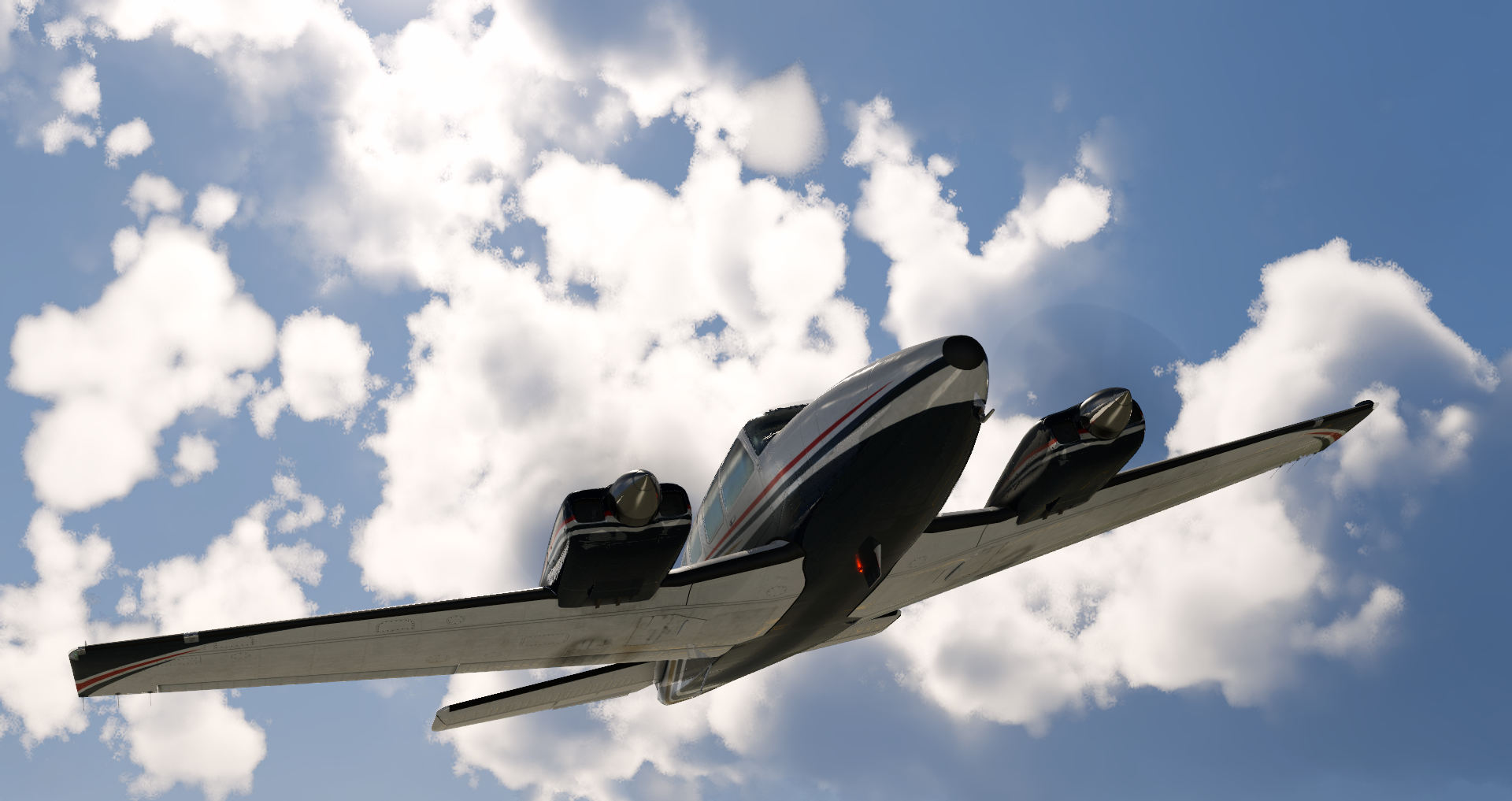
Baron_58 - 2023-08-25 15.55.38
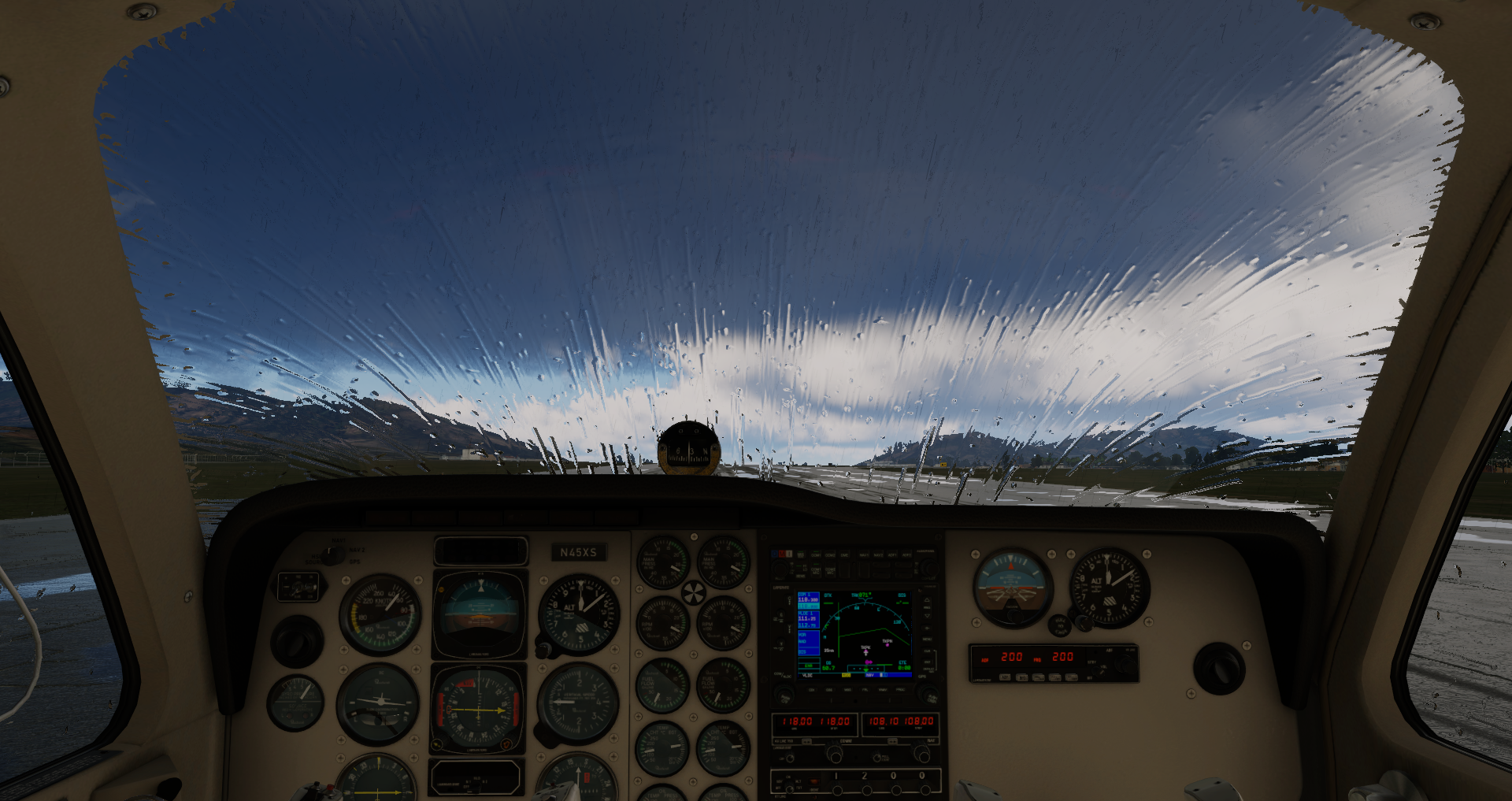
Baron_58 - 2023-08-25 15.25.43
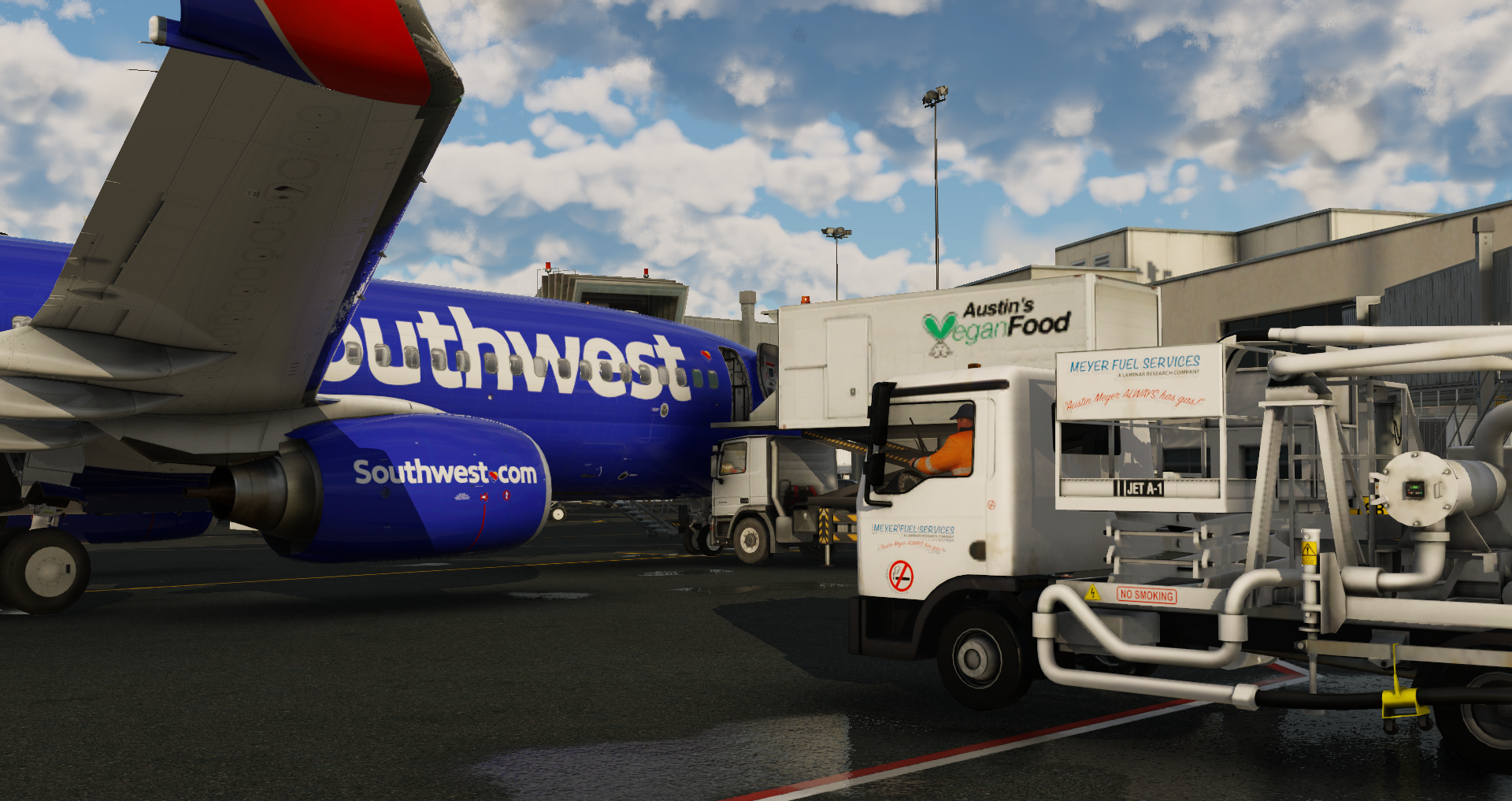
b738 - 2023-09-01 14.30.26
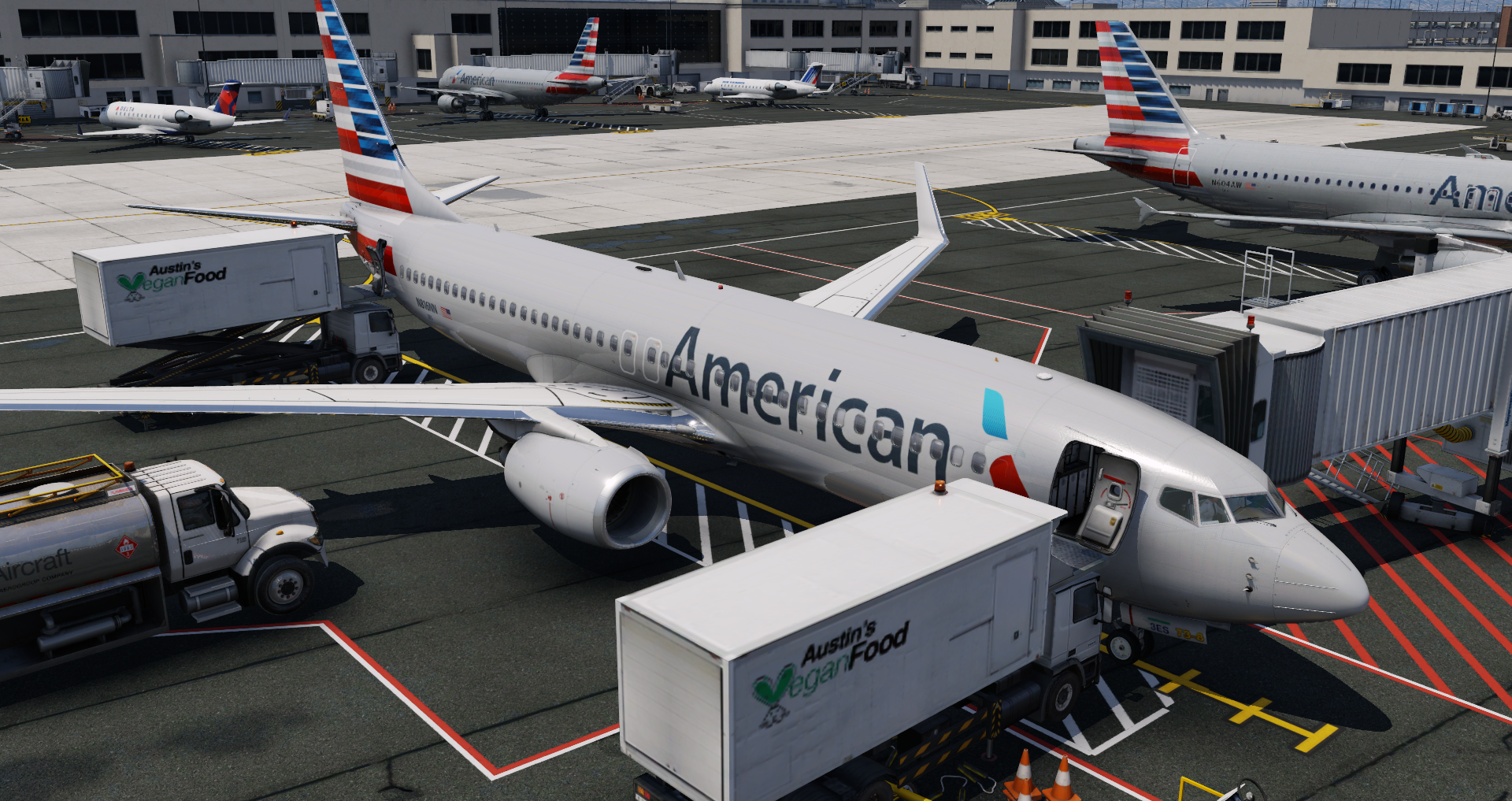
b738 - 2023-09-01 14.22.54
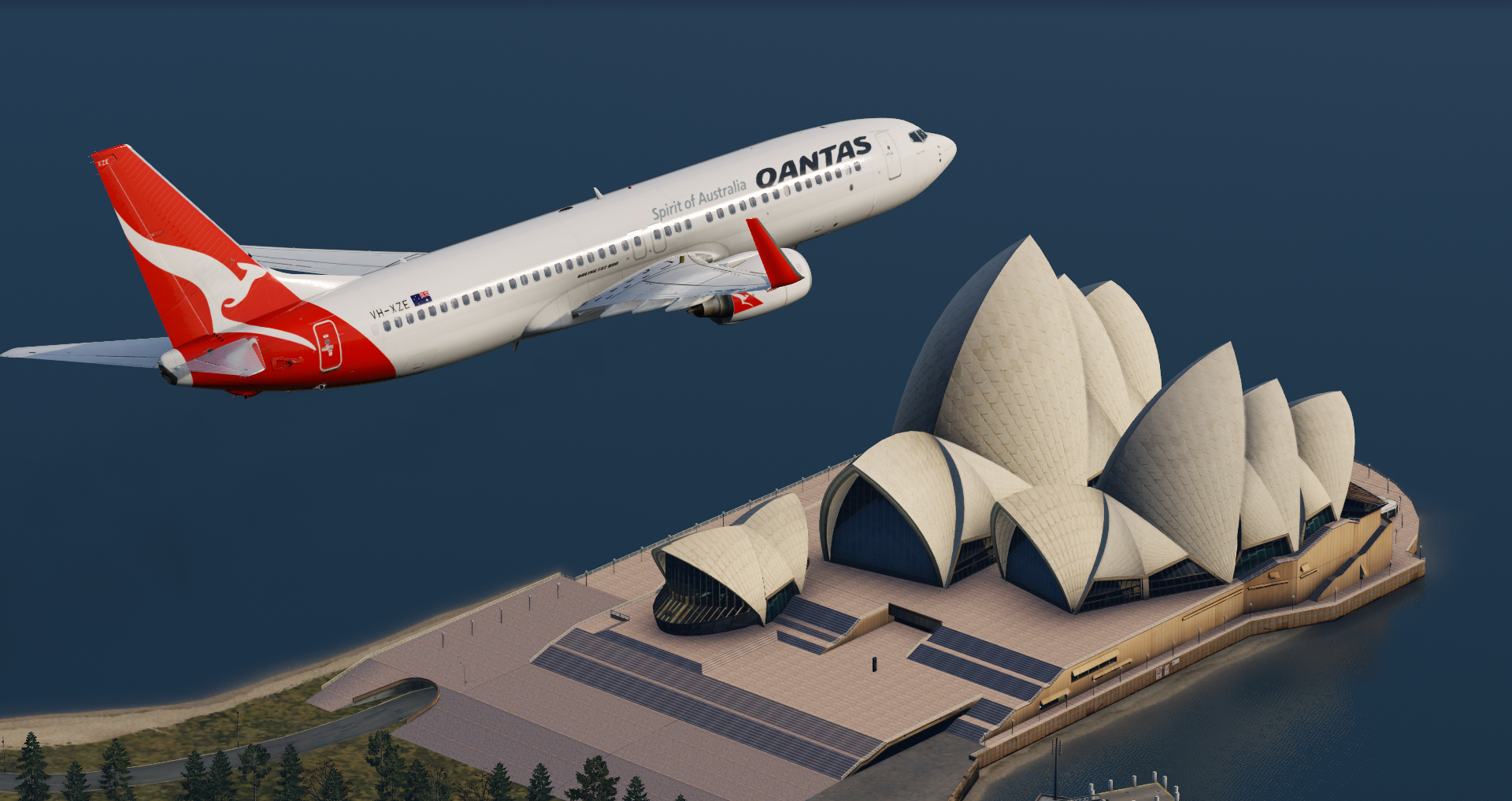
b738 - 2023-08-25 15.05.48
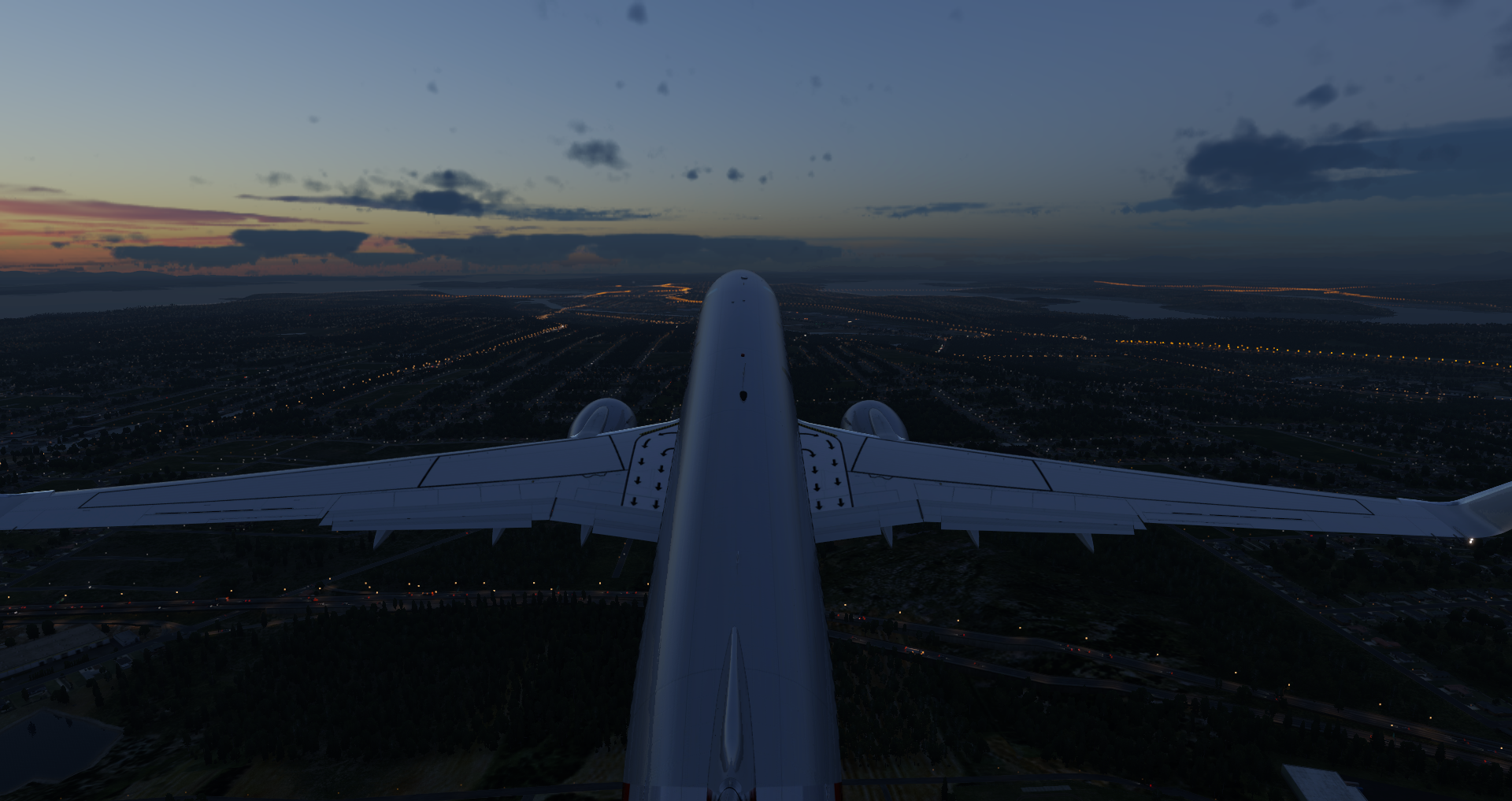
b738 - 2023-08-25 14.31.11
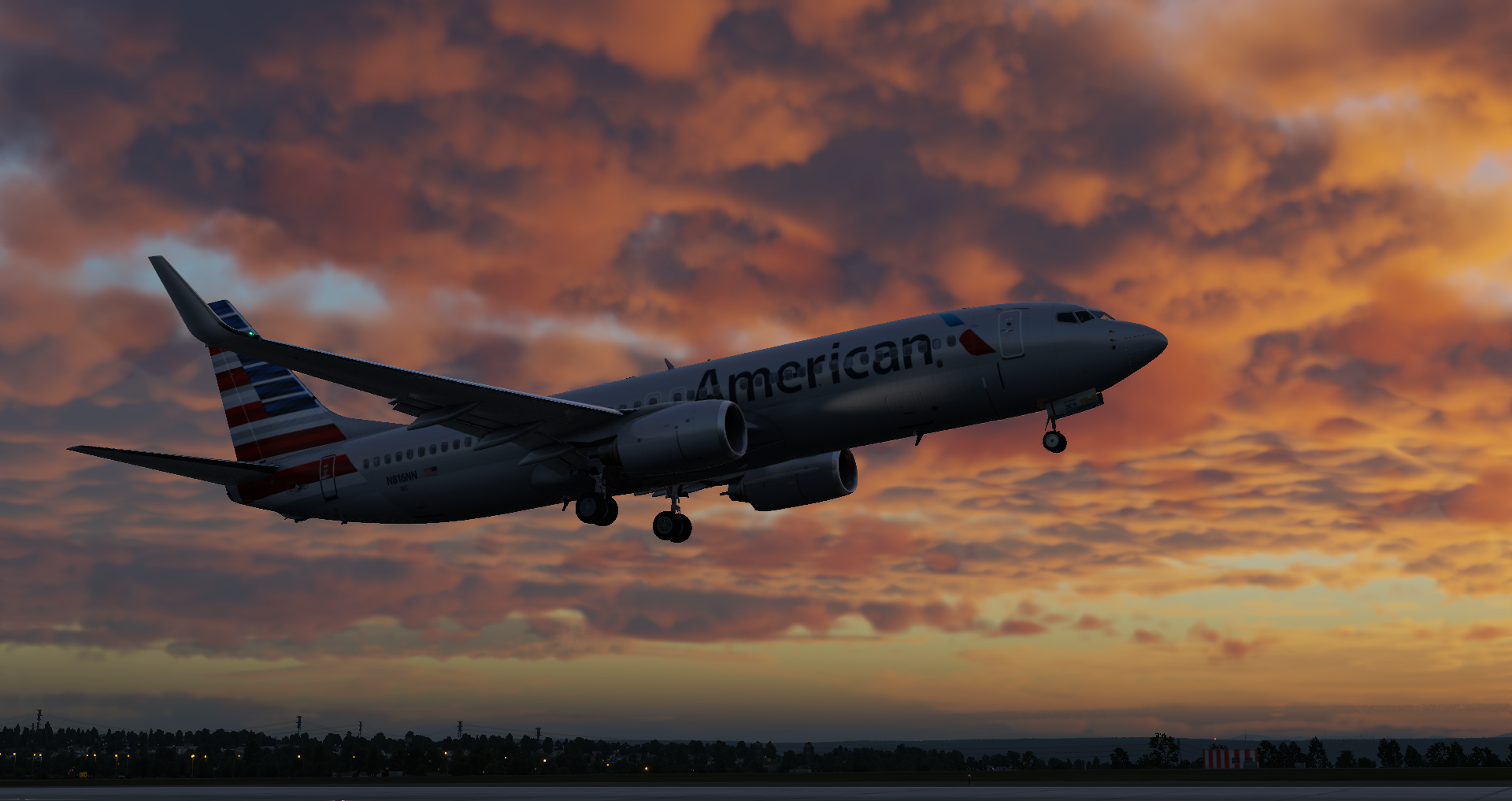
Boeing 737 landing in X-Plane Flight Simulator

ASK21 - 2023-08-31 13.03.53
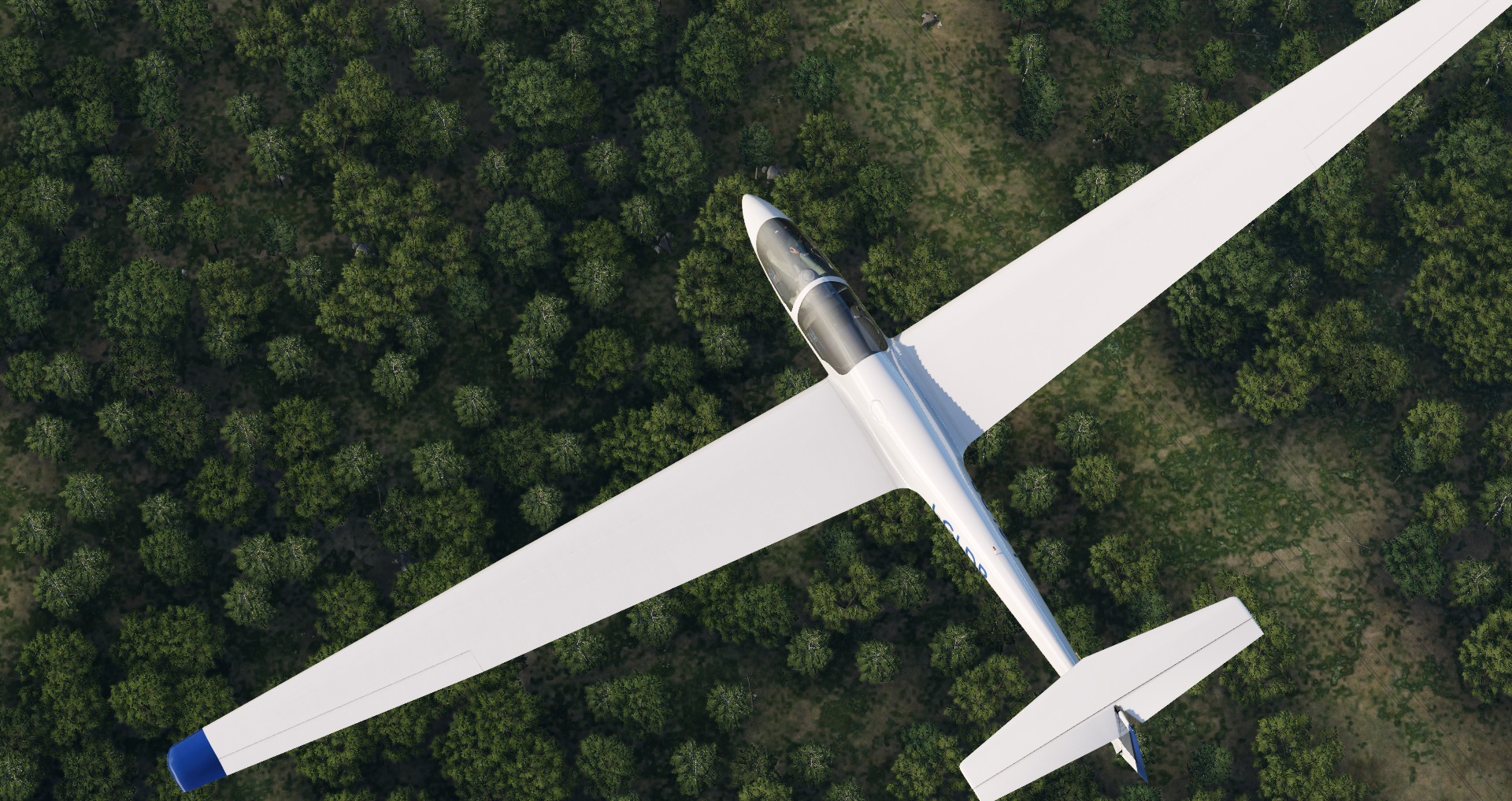
ASK21 - 2023-08-31 12.54.05
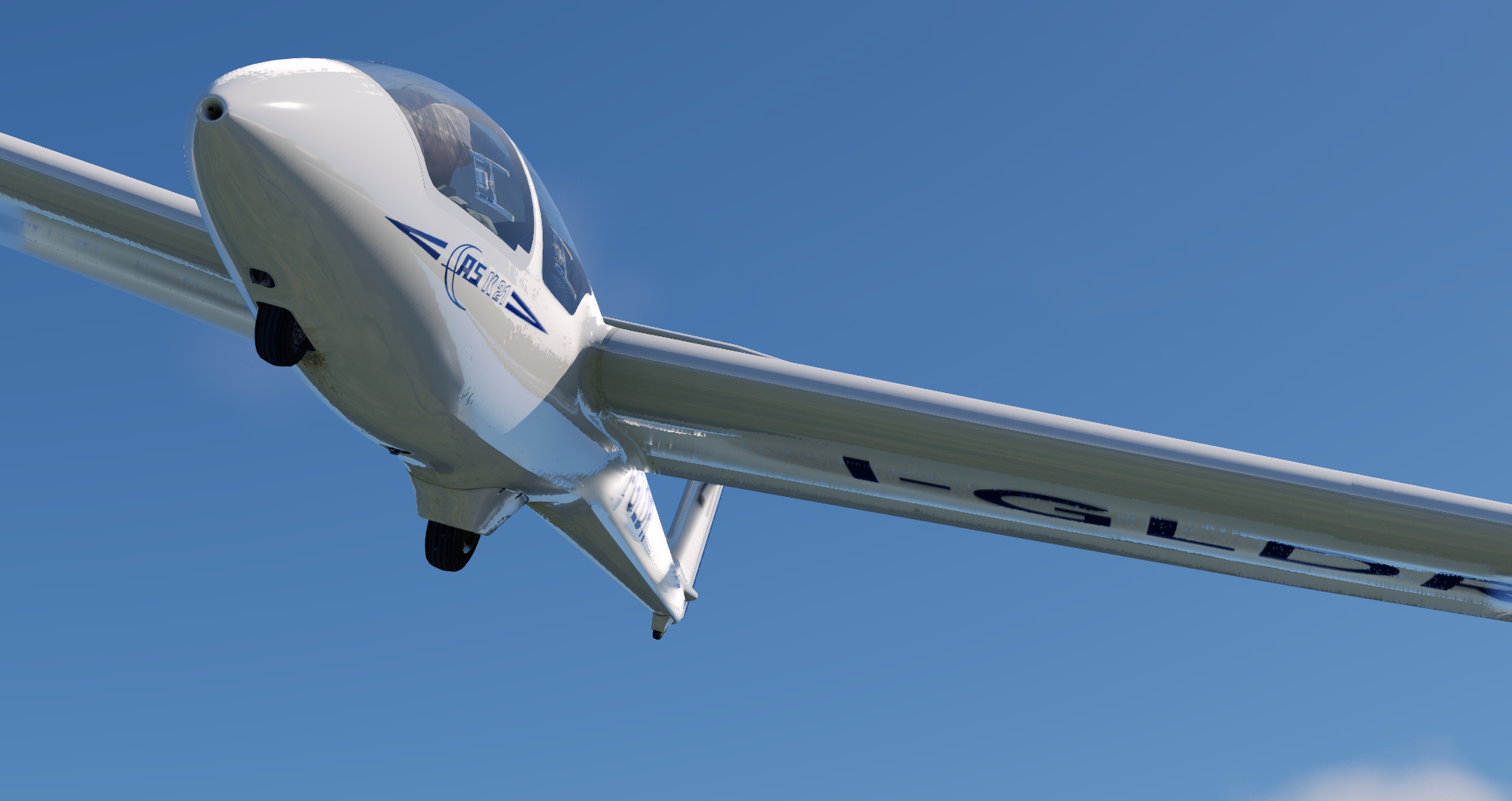
ASK21 - 2023-08-31 12.50.25
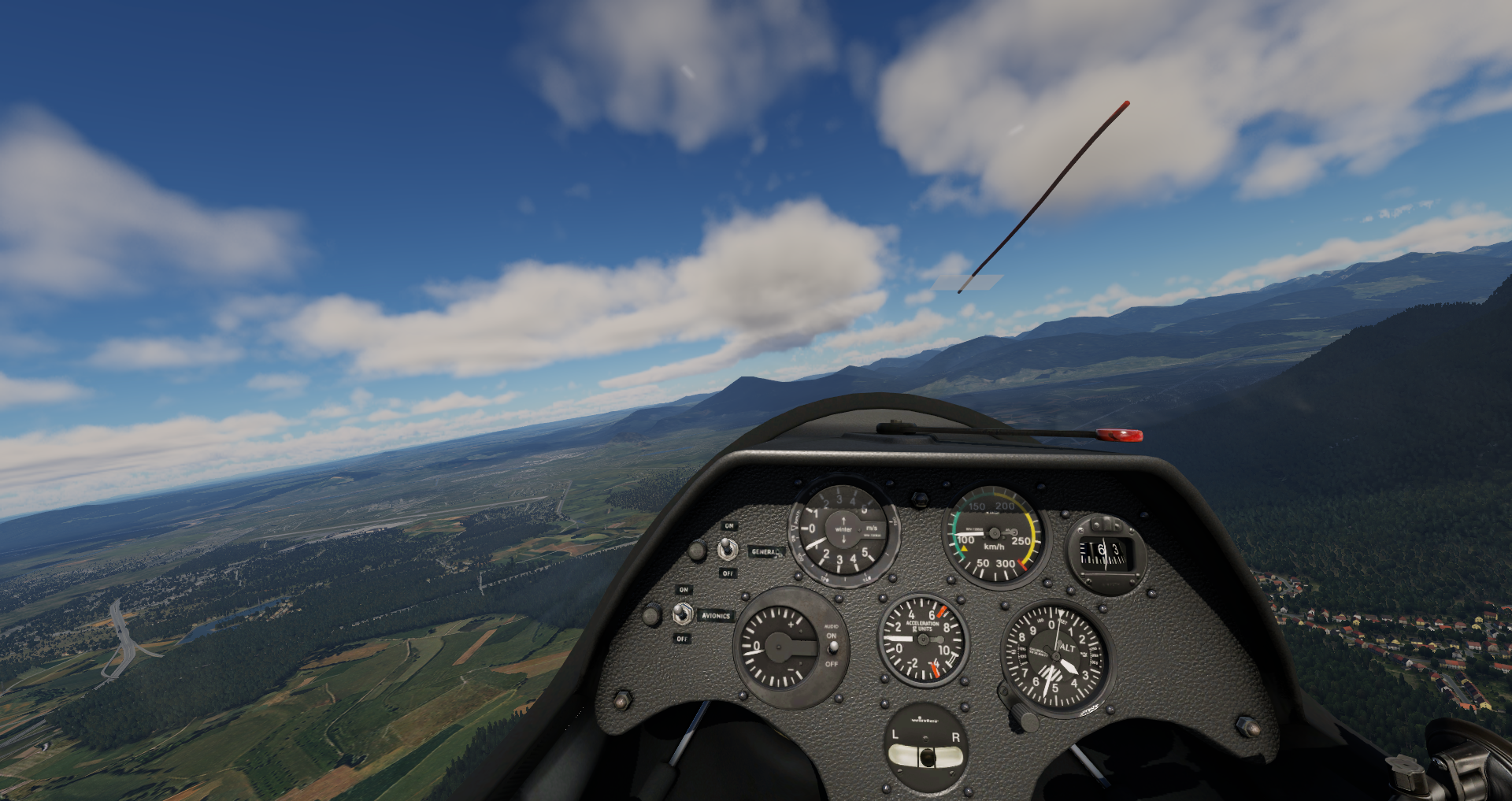
ASK21 - 2023-08-31 12.47.49
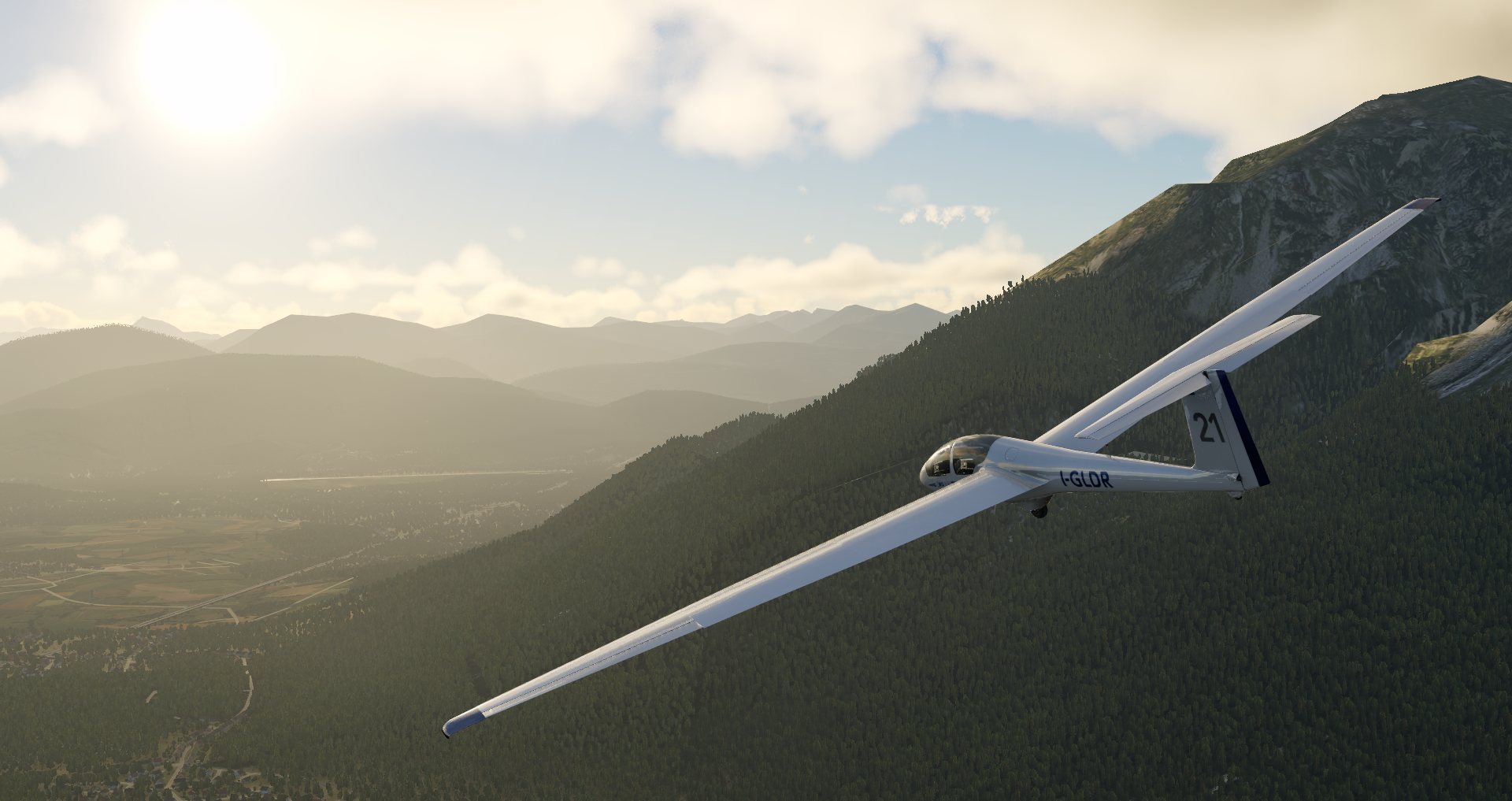
ASK21 - 2023-08-31 12.44.59
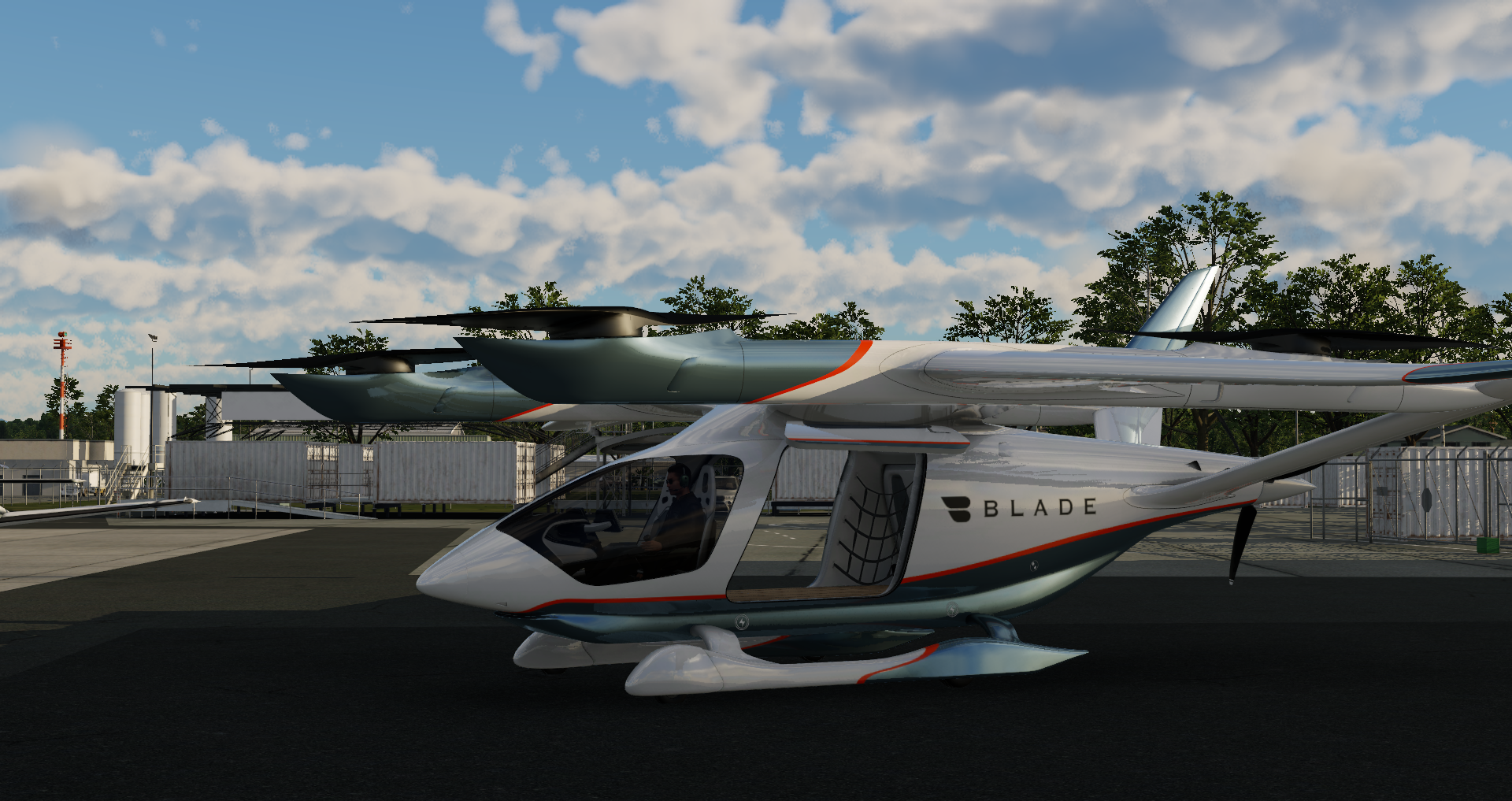
ALIA-250 - 2023-09-01 14.46.02
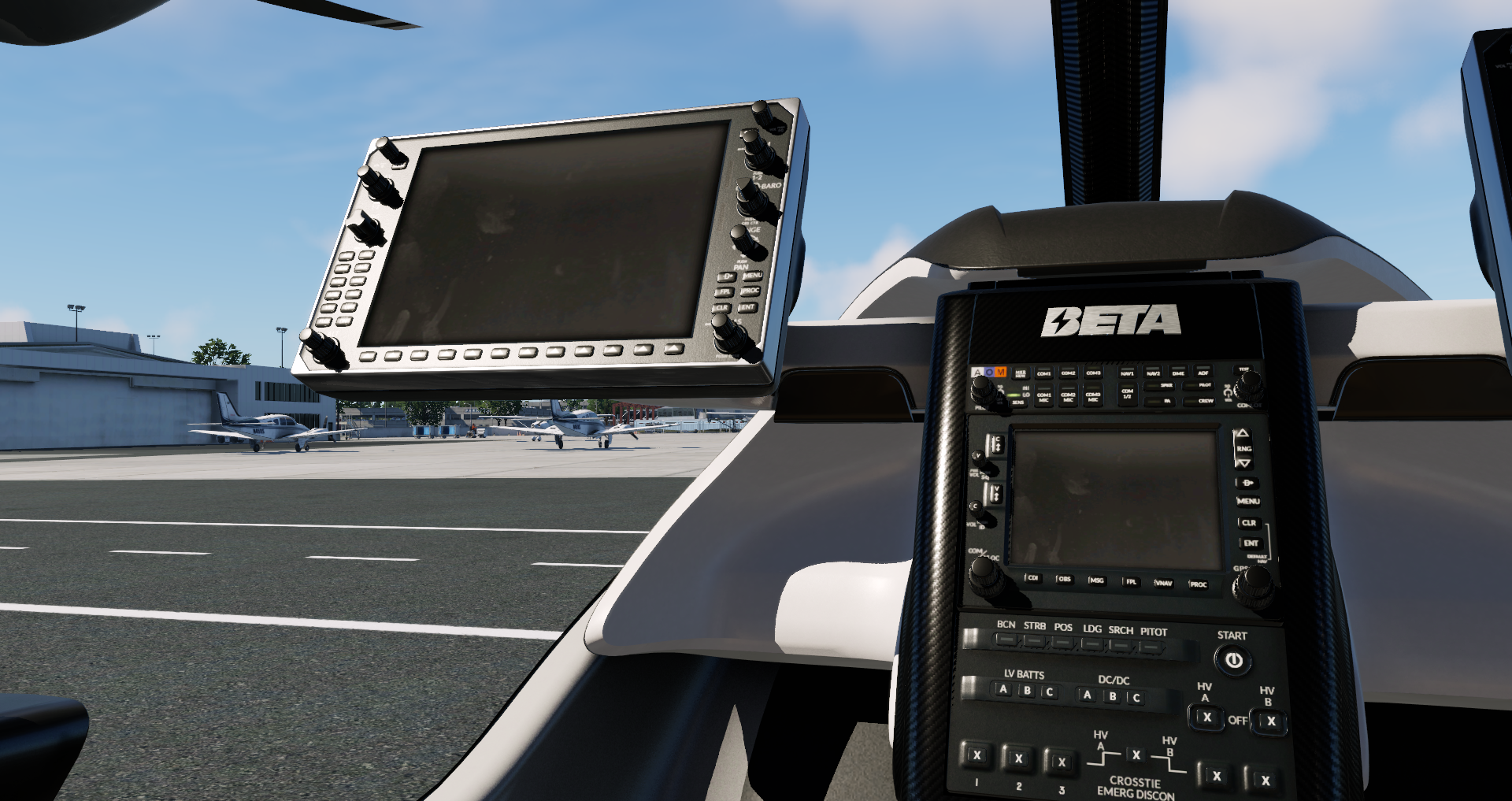
ALIA-250 - 2023-09-01 14.40.39
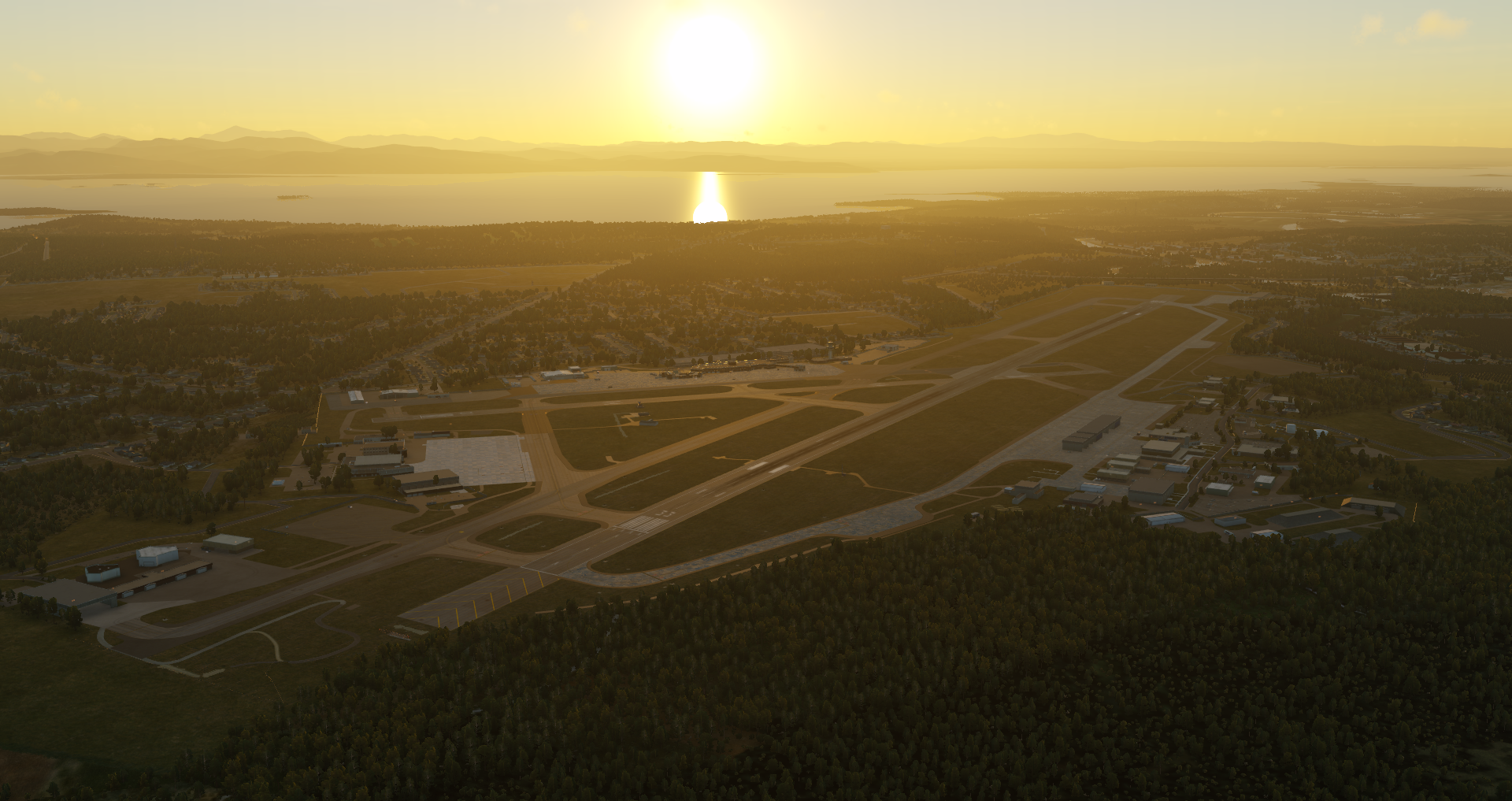
ALIA-250 - 2023-08-25 11.16.45
Baron_58 - 2023-08-25 16.01.00
ALIA-250 - 2023-08-25 11.15.06
ALIA-250 - 2023-08-25 11.13.42
A330 - 2023-09-01 14.53.33

A330 - 2023-08-30 23.21.43
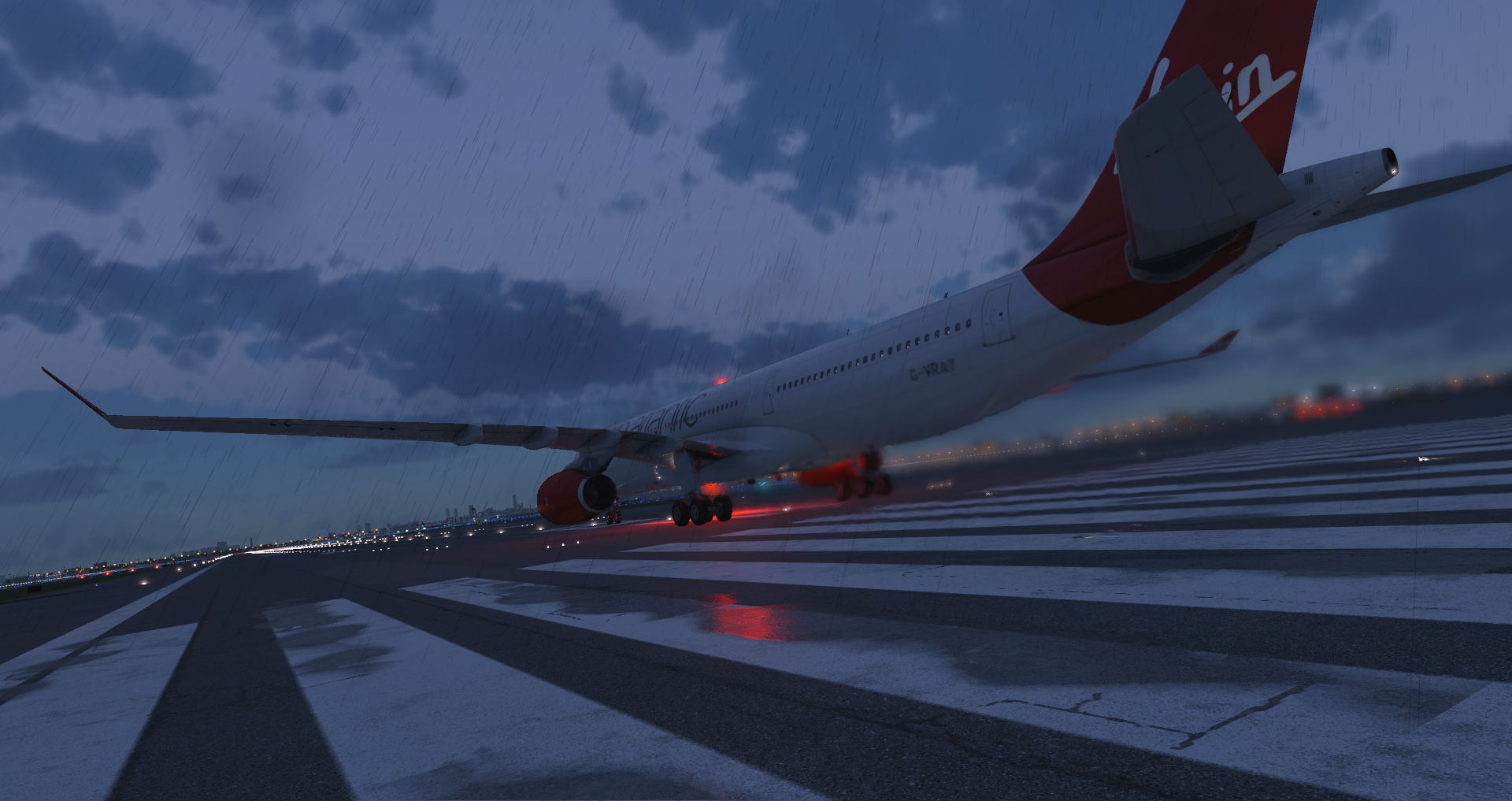
A330 - 2023-08-30 23.07.24
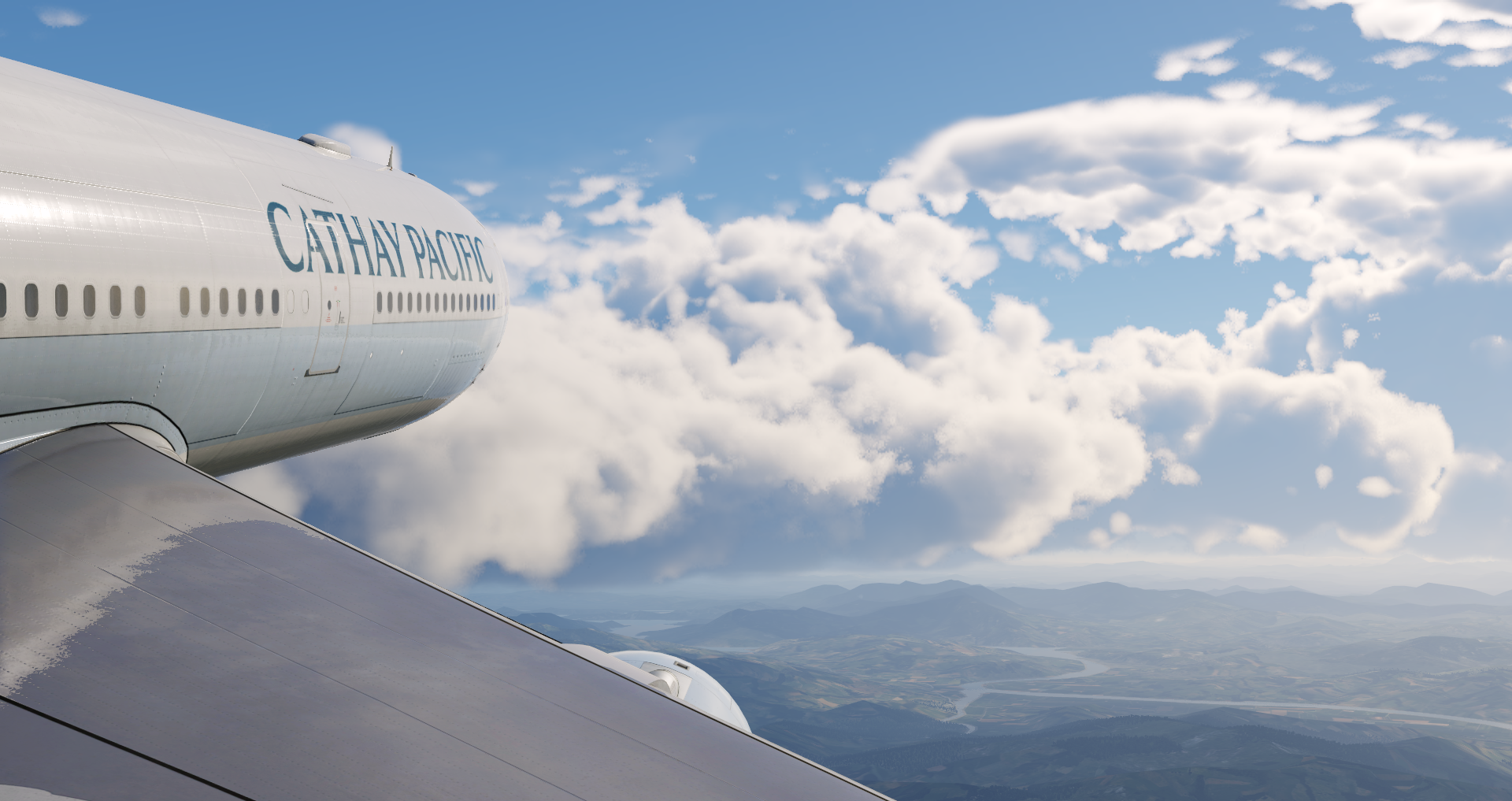
A330 - 2023-08-25 17.19.27
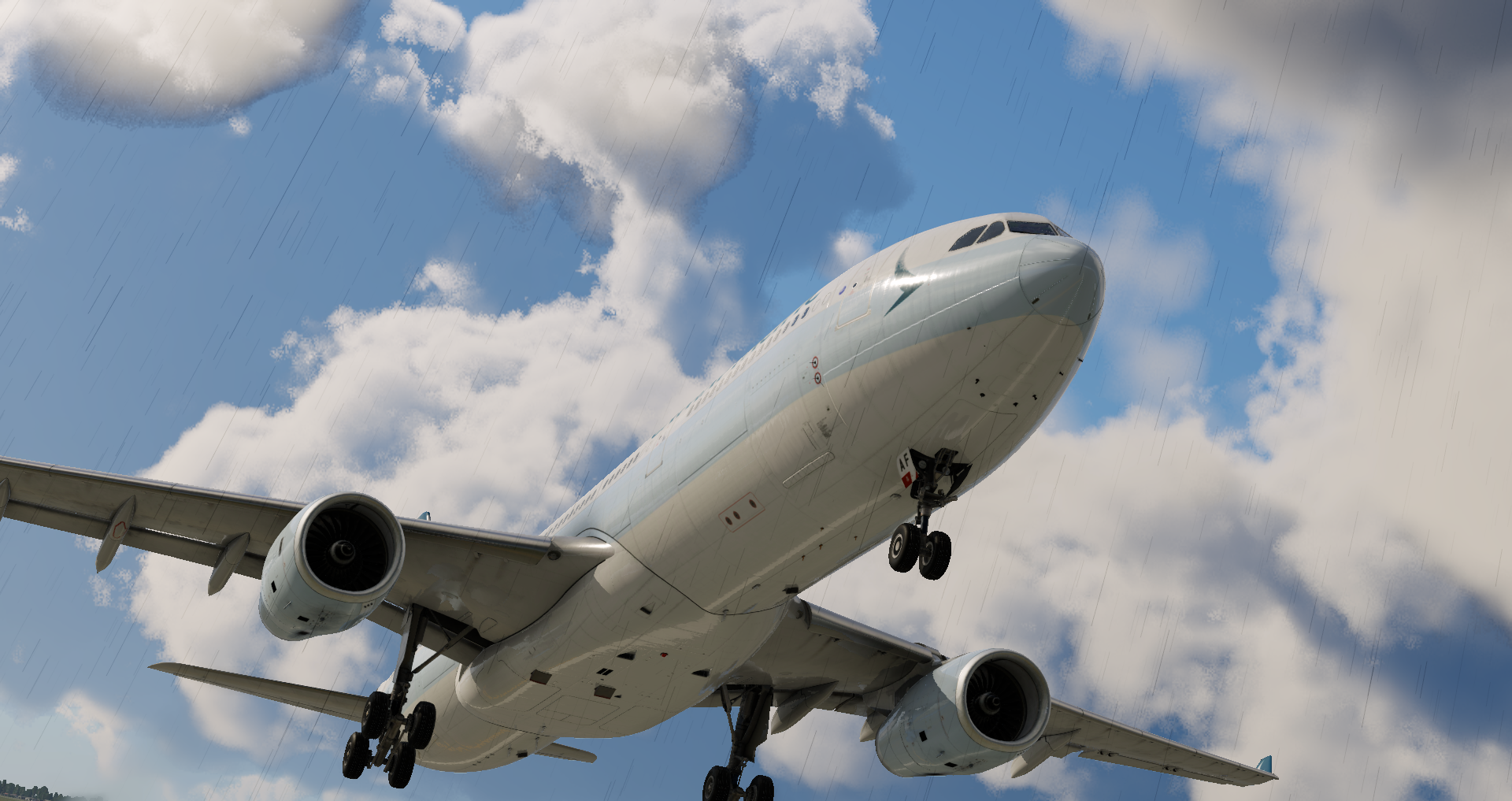
A330 - 2023-08-25 17.13.11
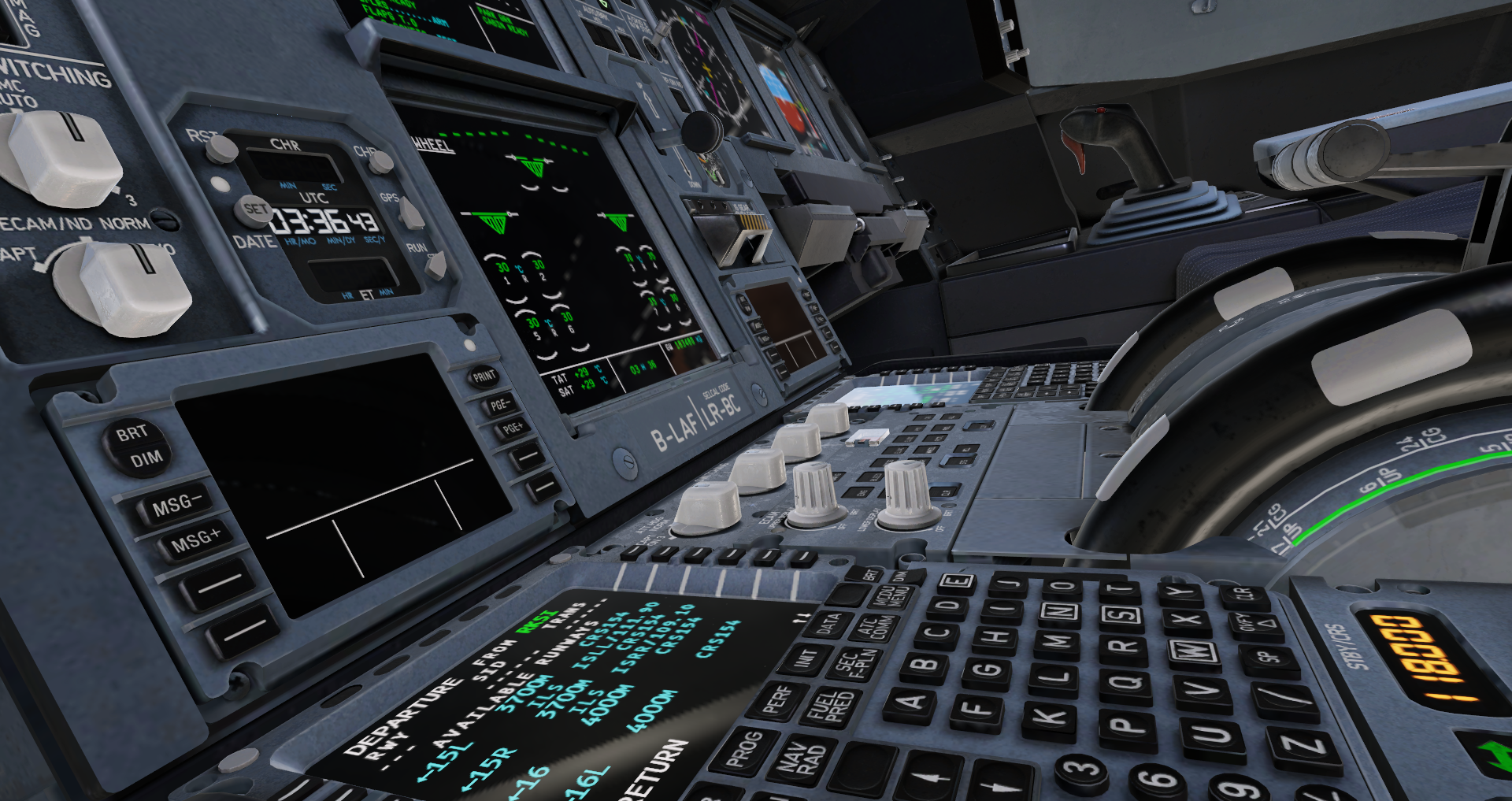
A330 - 2023-08-25 17.07.46
A330 - 2023-08-24 19.41.14
A330 - 2023-08-24 19.29.17
A330 - 2023-08-24 19.25.50
A330 - 2023-08-24 19.10.50
A330 - 2023-08-24 19.09.09
A1
Baron B58 over snowy scenery in X-Plane 12 Flight Simulator
Lancair Evolution cockpit
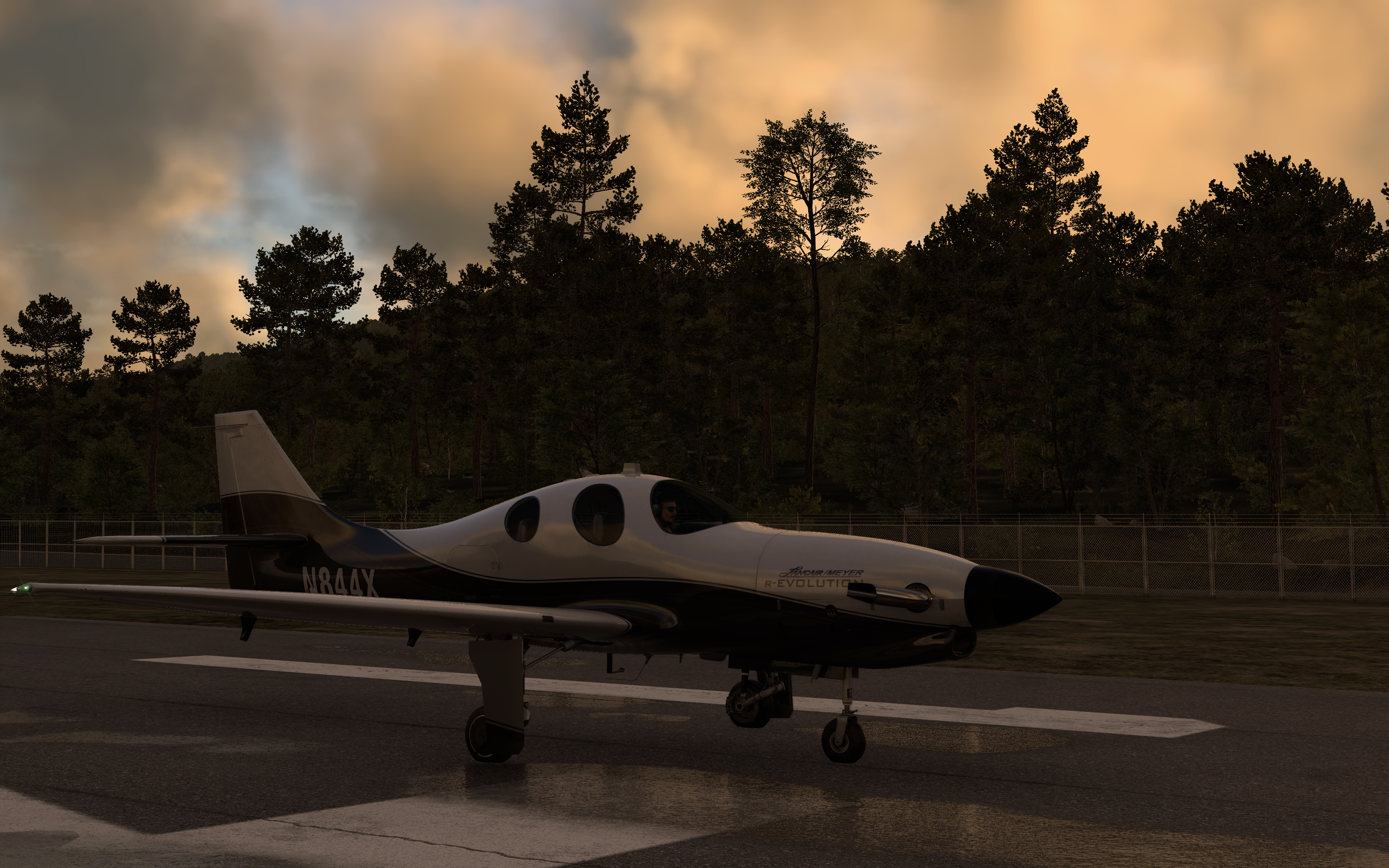
Evolution exterior at sunset
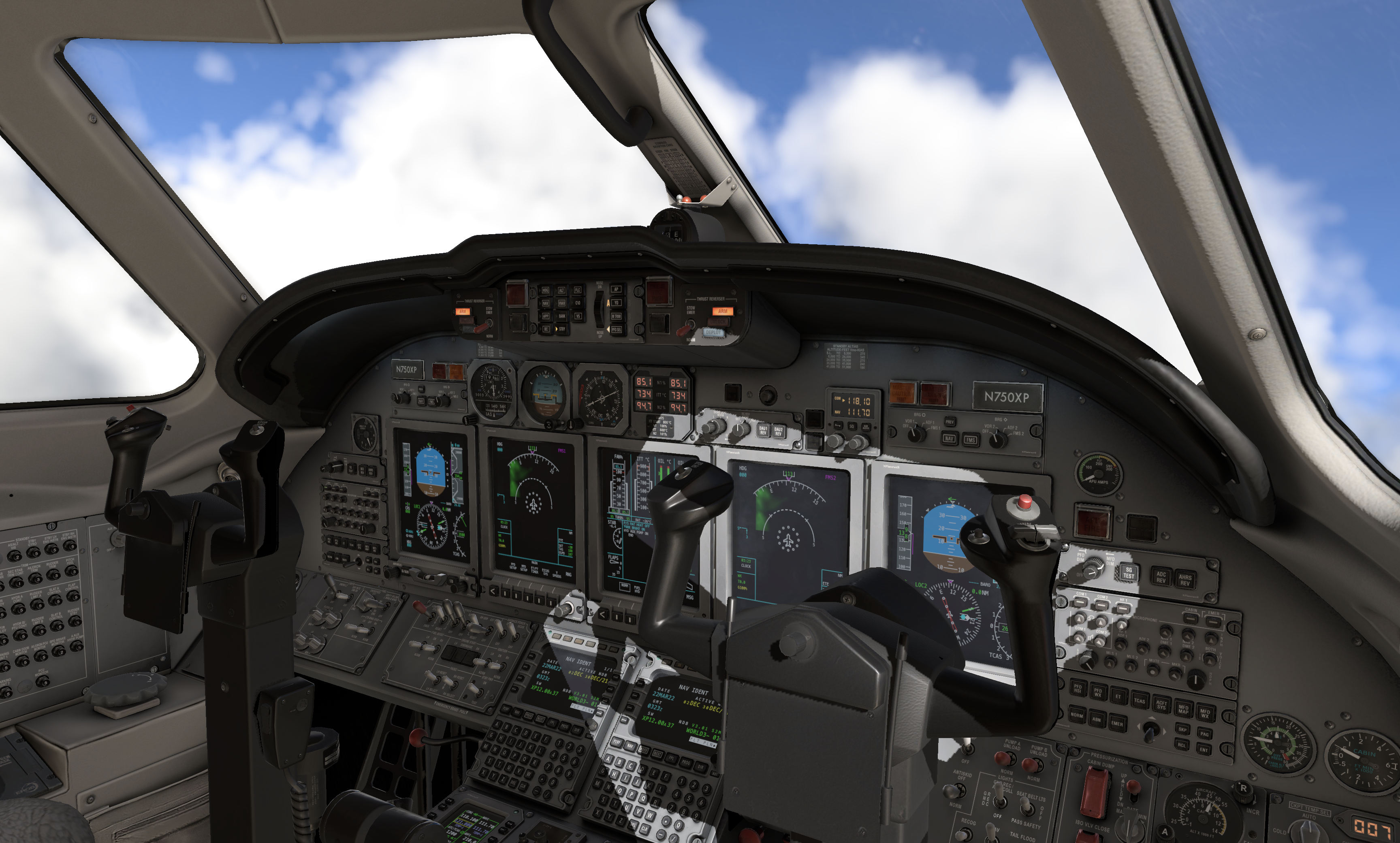
Citation X cockpit
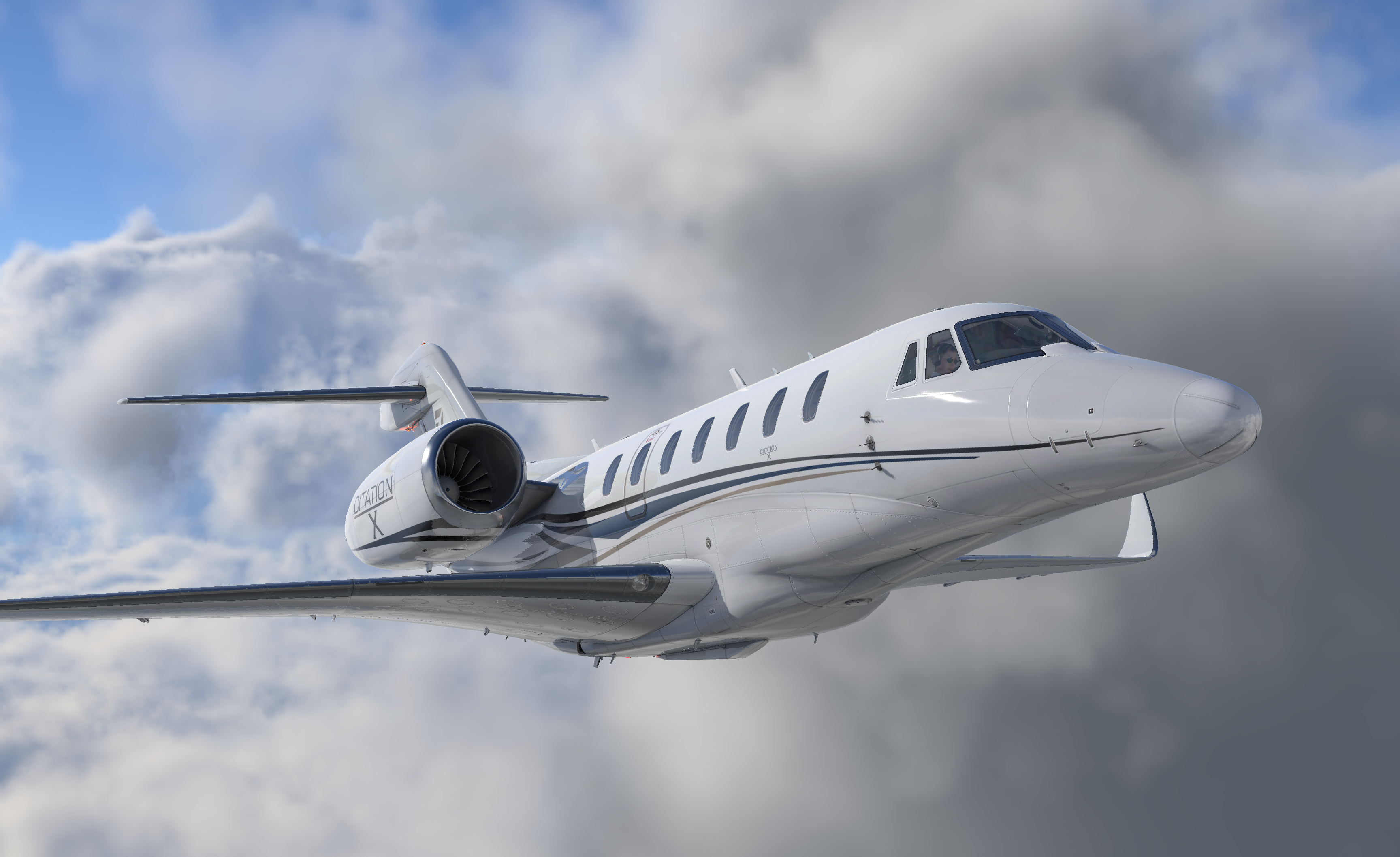
Citation X exterior in clouds
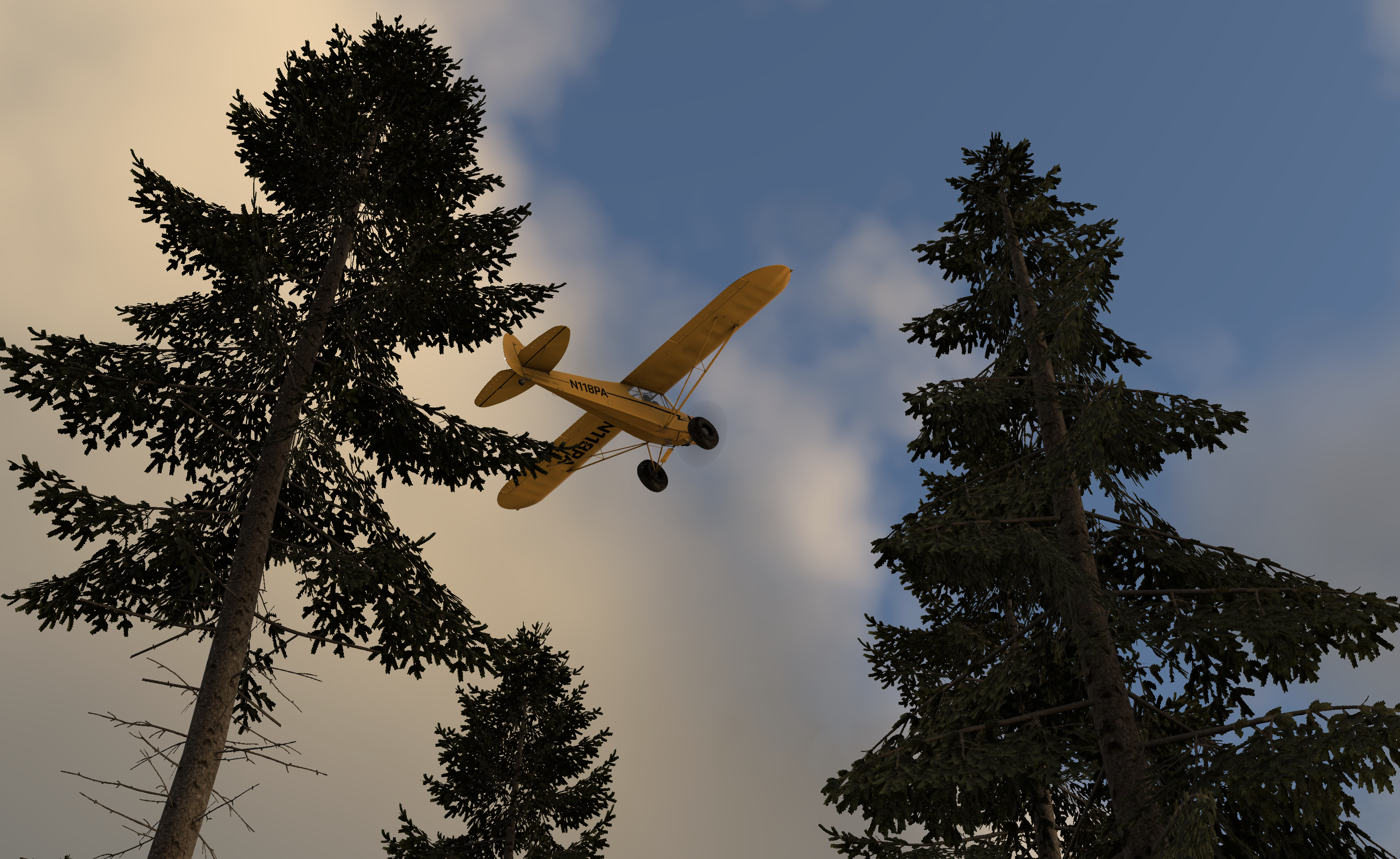
PA-18 above 3d pine trees
News
Latest X-Plane News
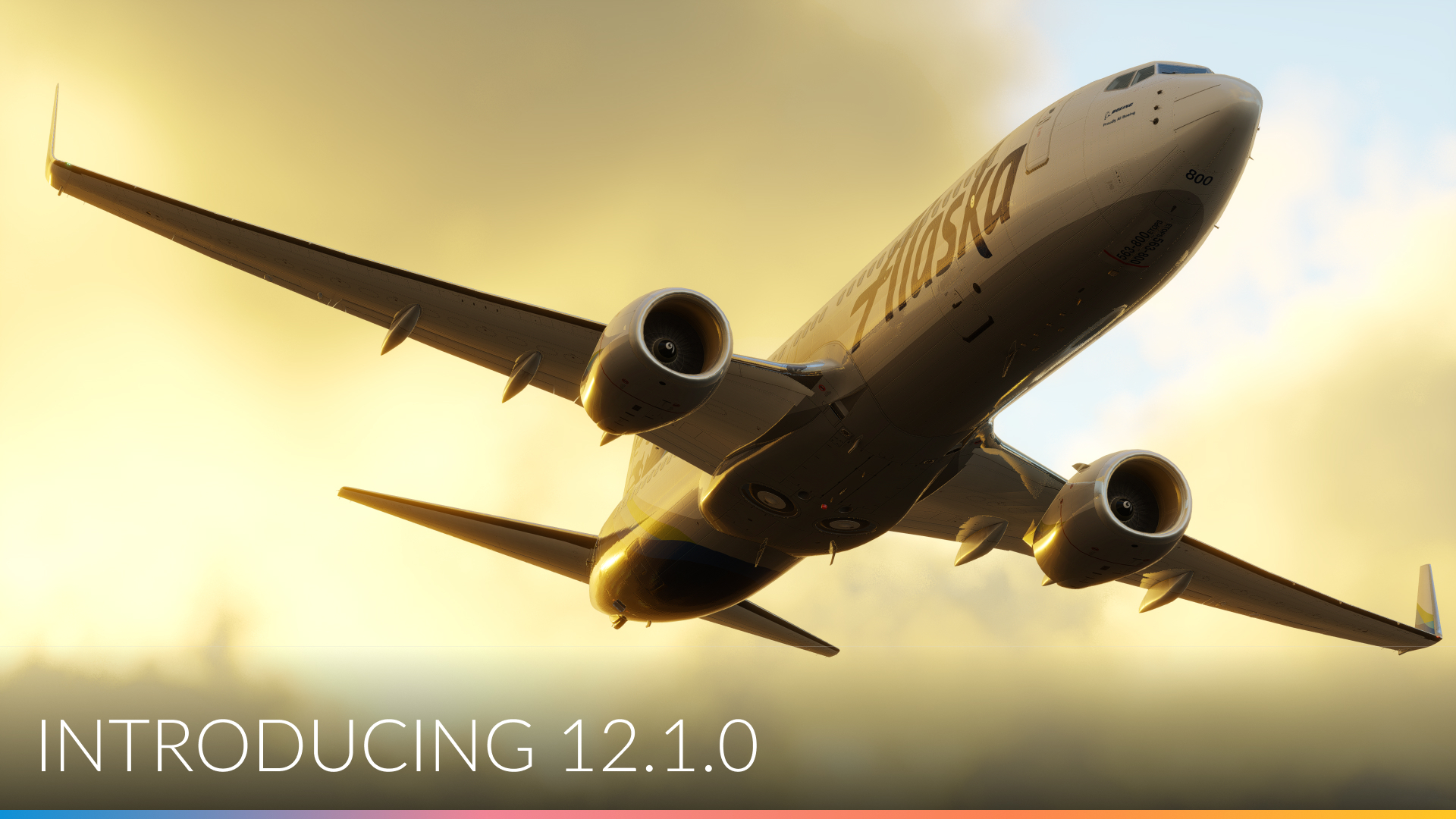
February 23, 2024
What’s new in X-Plane 12.1.0 – oh boy…
X-Plane 12.1.0 is packed with new features and improvements. Let’s get a rundown! As most of you know, the X-Plane […]
Read post
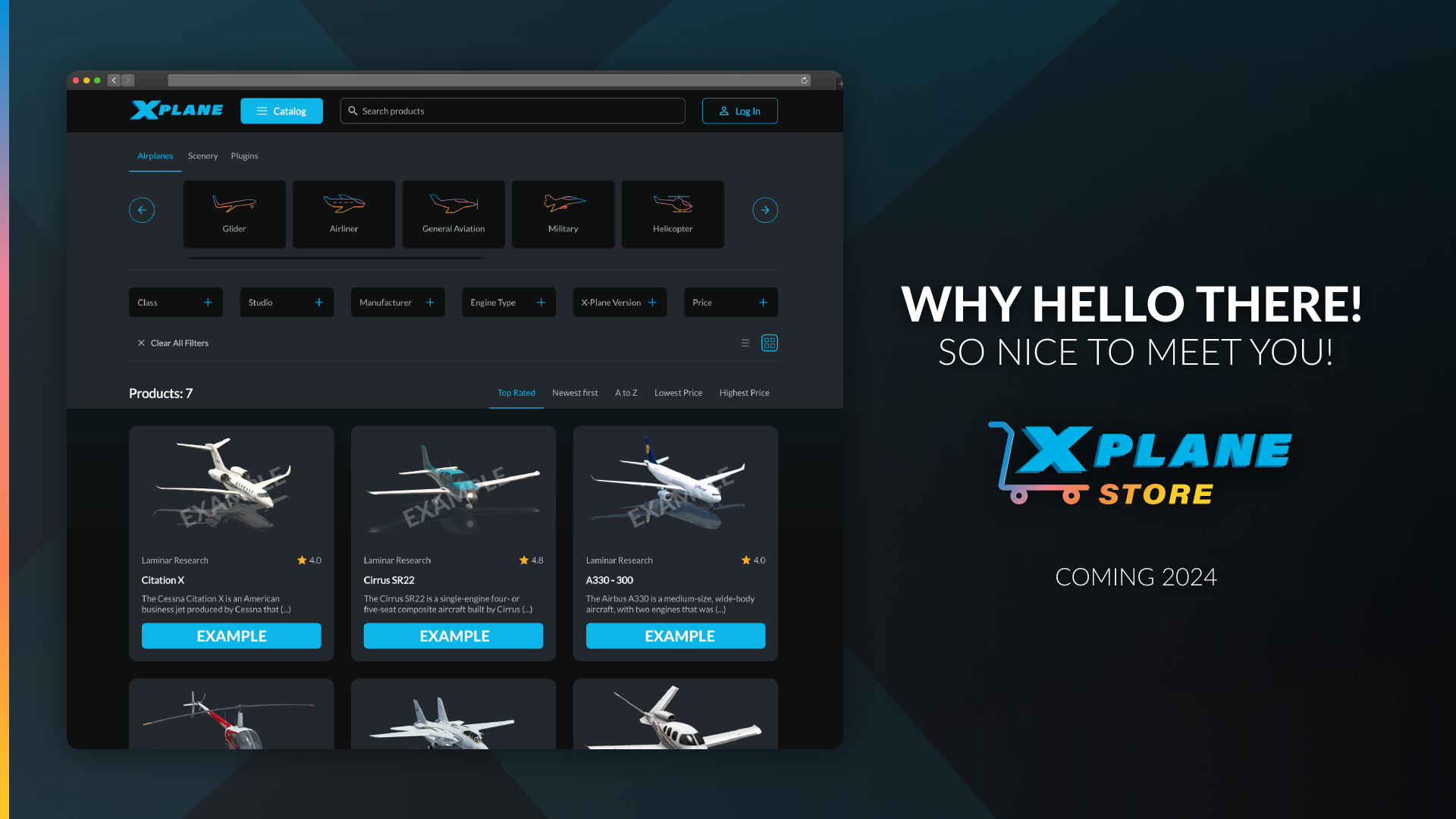
February 7, 2024
Introducing: The X-Plane Store
Introducing: The X-Plane Store! We’re taking the X-Plane add-on experience to the next level by creating a marketplace where developers […]
Read post
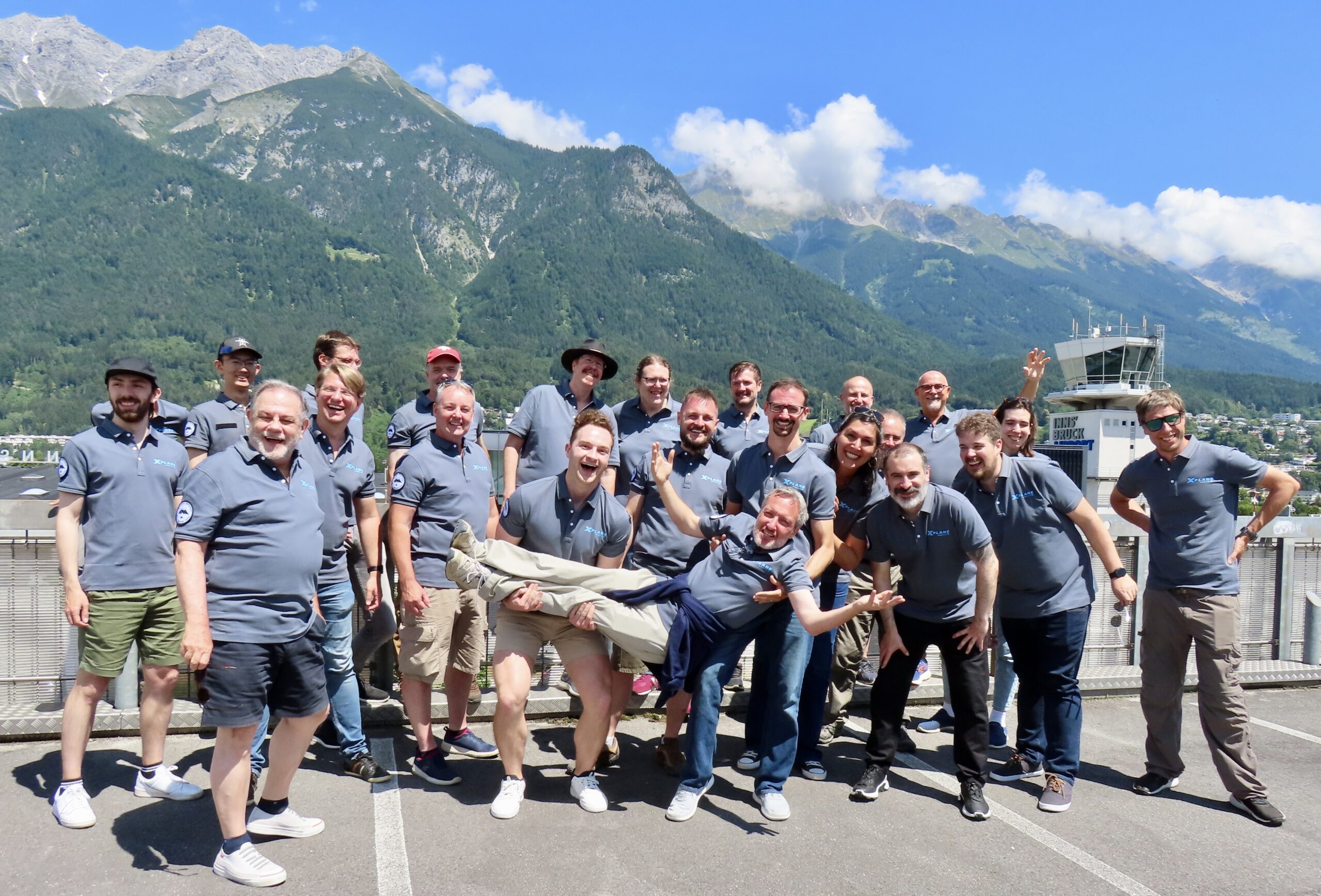
October 3, 2023
Coming in X-Plane 12.0.8 and beyond – Roadmap Update
Hey X-Plane Community and Greetings from the Team! Thomson here. Now that X-Plane 12.07 is shipping for all, I wanted […]
Read post
Flight Simulator Requirements & More
Frequently Asked Questions
Minimum Requirements
- Operating System: Windows 10 or 11, macOS 10.15 or later, or Linux 64-bit distribution
- Processor: Intel Core i3, i5, i7, or i9 CPU with 4 or more cores, or AMD Ryzen 3, 5, 7 or 9
- RAM: 8 GB
- Graphics Card: Vulkan 1.3-capable video card from NVIDIA or AMD with at least 2 GB VRAM
- Storage: 25 GB available space
- Internet Connection: Required for initial software activation and online features
Can I use X-Plane with a joystick or flight controller?
Yes, X-Plane supports a wide range of hardware peripherals, including joysticks, yokes, pedals, and flight controllers. It provides compatibility with popular brands and models in the market.
How can I get support or assistance?
Read our user manual or watch our video tutorials to get started! Our support team is on call to assist if you run into any issues. Visit the X-Plane support page for more info.
